Whisper AI Explained: How Speech Recognition Turns Audio into Text
What Is Whisper AI? An Overview
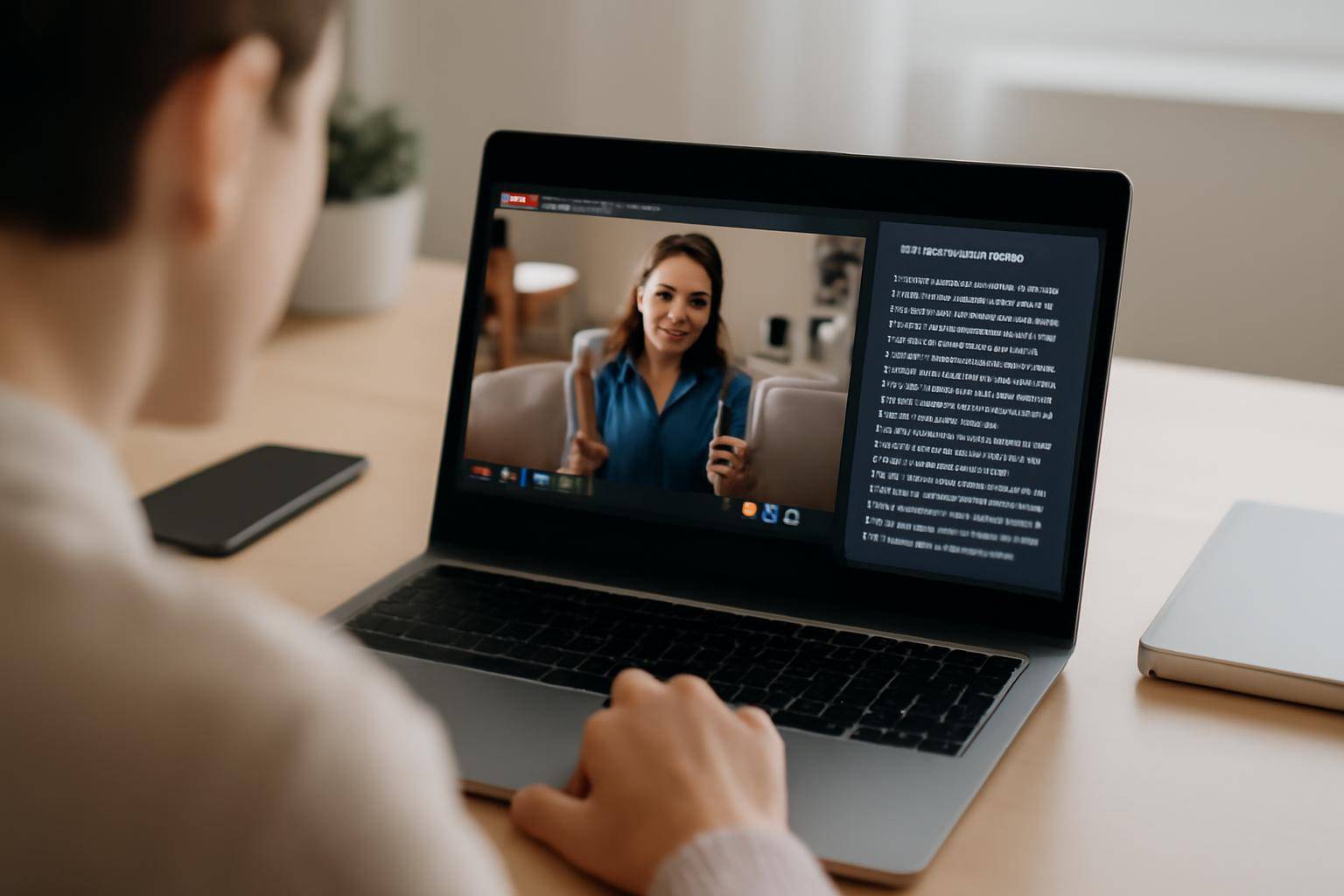
"Whisper AI explained" is a common search for anyone curious about the technology powering modern speech recognition and audio-to-text conversion. Whisper AI is an open-source automatic speech recognition (ASR) model developed by OpenAI. It’s designed to transcribe spoken language from audio or video into written text with impressive accuracy, supporting dozens of languages and various audio qualities.
Whisper AI uses deep learning to process sound waves, recognize words, and output readable text transcripts. This capability forms the backbone of many tools, including AIVideoSummary’s AI video transcription service, which automates note-taking, content creation, and makes video content searchable or accessible to wider audiences.
In this article, you’ll learn how Whisper AI works, its applications, practical tips for maximizing accuracy, and how it compares to alternatives. Whether you’re a developer, educator, content creator, or just researching AI transcription, you’ll find actionable insights and clear explanations below.
How Does Whisper AI Work?
The Technology Behind Whisper AI
Whisper AI is built using neural networks — specifically, a transformer-based architecture similar to those used for language models like GPT. It’s trained on hundreds of thousands of hours of multilingual and multitask supervised data collected from the web. This massive training set enables Whisper to handle diverse accents, noisy backgrounds, and a wide range of topics.
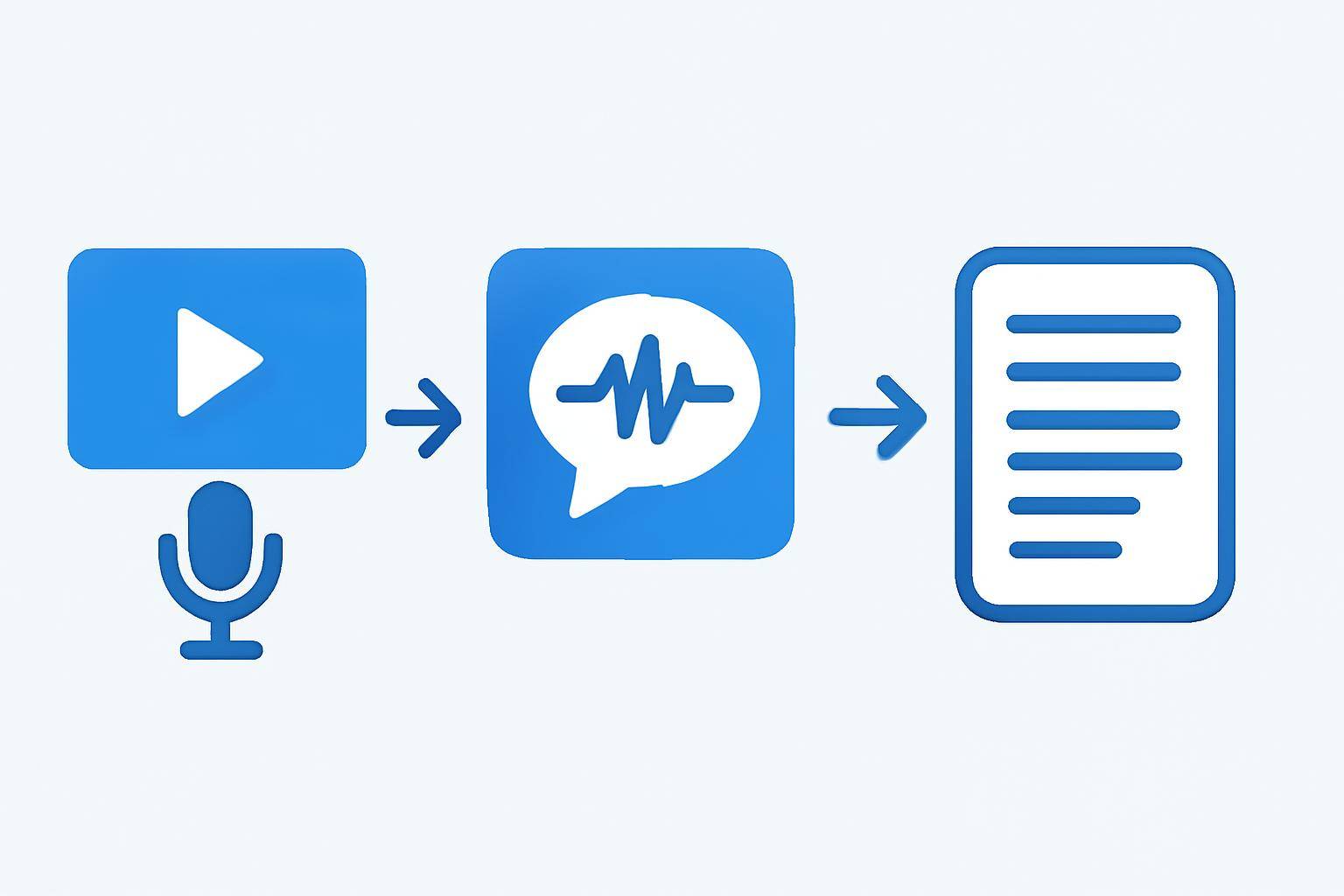
- Input: Audio (MP3, WAV, or video file)
- Process: Audio is split into small frames, features are extracted, and the model predicts text for each segment
- Output: Text transcription, optionally with timestamps and speaker labels
Step-by-Step: Audio to Text with Whisper AI
Here's a simplified breakdown of the Whisper AI speech recognition process:
- Audio Input: The model receives audio data (from video, a podcast, or a live recording).
- Preprocessing: Audio is divided into manageable chunks and filtered for noise.
- Feature Extraction: Acoustic features (like MFCCs) are extracted to help the model "understand" the sound.
- Model Inference: The neural network processes these features, learning patterns for words, phrases, and context.
- Decoding: Predicted text is generated, optionally with timestamps and language identification.
- Post-Processing: The transcript is refined for punctuation, casing, and formatting.
Why Is Whisper AI Considered Advanced?
- Multilingual: Supports dozens of languages, dialects, and code-switching.
- Robust to Noise: Performs well with background noise and non-standard accents.
- Flexible: Can create transcripts, subtitles, or even translate audio to another language.
- Open Source: Developers can customize and integrate it into various workflows.
Real-World Applications of Whisper AI
Whisper AI’s powerful speech-to-text capabilities are being used across industries:
- Video Transcription: Making video content searchable and accessible (AIVideoSummary)
- Education: Automated lecture notes and captioning (Ultimate Student Guide: AI Transcription & Notes)
- Legal & Medical: Transcribing interviews, hearings, or medical dictations (Legal Transcription, Medical Transcription)
- Podcasting: Creating show notes and searchable archives
- Accessibility: Generating subtitles for people who are deaf or hard of hearing (AI Subtitle Accuracy)
Example: Transcribing Video Lectures for Study
A university records its lectures and uploads them to a video platform. Using Whisper AI through AIVideoSummary, the institution can:
- Upload video files or paste URLs for instant transcription
- Receive accurate, timestamped transcripts
- Export subtitles compatible with popular video players
- Provide accessible learning materials for all students
Whisper AI vs Other Speech Recognition Tools
How does Whisper AI compare to other popular ASR solutions?
| Feature | Whisper AI | Google Speech-to-Text | AWS Transcribe | Azure Speech | |------------------------|-----------------|----------------------|--------------------|--------------------| | Open Source | Yes | No | No | No | | Languages Supported | 90+ | 125+ | 31 | 100+ | | Customizable | High | Medium | Medium | High | | Cost | Free (self-host)| Paid | Paid | Paid | | Offline Capability | Yes | No | No | No | | Real-Time Option | Limited | Yes | Yes | Yes | | Accuracy (General) | High | High | High | High | | Community Support | Strong | Moderate | Moderate | Moderate |
Key Takeaways:
- Whisper AI stands out for its open-source flexibility and no-cost usage (if self-hosted)
- Commercial ASR APIs offer more real-time features, but may lack customization
- For maximum control and privacy, Whisper AI is a strong choice
For a deeper dive into using AI for video transcription, see How to Transcribe Video to Text Using AI.
Practical Tips for Accurate AI Transcription
AI transcription is powerful, but results depend on input quality and setup. Here’s how to get the best performance with Whisper AI:
- Use High-Quality Audio: Minimize background noise, echo, and overlapping voices.
- Choose the Right Model Size: Larger Whisper models (like 'large-v2') are more accurate but require more resources.
- Preprocess Audio: Remove silence and normalize volume before transcription.
- Check for Specialized Vocabulary: For technical or industry-specific content, review and edit the transcript for rare terms.
- Human Review: Always proofread important transcripts, especially for legal, medical, or official use.
Example Workflow: From Video to Editable Text
- Upload your video or paste its URL into AIVideoSummary’s process tool
- The system uses Whisper AI to extract audio and transcribe it
- Download the transcript or subtitle file (SRT, VTT, TXT)
- Edit and correct any errors for final use
Want to experience this process? Try AIVideoSummary — upload a video or paste a link and get an instant transcript.
Use Cases: Who Benefits from Whisper AI?
Content Creators & YouTubers
- Generate searchable video transcripts
- Create accurate subtitles for global audiences
- Summarize long-form video content (Summarize YouTube Video with AI)
Educators & Students
- Automated lecture notes
- Study aids and keyword search for recorded classes (Ultimate Student Guide: AI Transcription & Notes)
Legal & Medical Professionals
- Accurate transcriptions of interviews, depositions, or dictations (Legal Transcription, Medical Transcription)
- Time-stamped records for compliance and review
Business & Customer Support
- Meeting notes and call summaries
- Training videos with searchable transcripts
For more on specialized transcription, see AIVideoSummary’s education transcription or AI transcription accuracy guides.
Common Limitations and Challenges
No AI transcription system is perfect. Here are some Whisper AI limitations to be aware of:
- Accuracy drops in low-quality or noisy audio
- Struggles with overlapping speakers or crosstalk
- Rare words, jargon, and names may be misspelled
- Limited real-time streaming capability (primarily batch processing)
- Requires significant computing power for large models
For highly polished transcripts, human review and editing are recommended. Learn how to refine AI-generated subtitles in our guide to Perfect Subtitles & Accurate Timestamps.
Getting Started: Using Whisper AI with AIVideoSummary
AIVideoSummary leverages Whisper AI’s engine to offer fast, accurate, and secure video transcription:
- Simple upload or paste video URL
- Automatic language detection
- Download transcripts and subtitles in multiple formats
- No installation or coding required
- Affordable plans for individuals and teams (Pricing)
Whether you need transcripts for a single video or automated workflows for hundreds of hours of content, AIVideoSummary streamlines the process. Try it now — upload your first video and see Whisper AI in action.
Conclusion: The Future of Speech Recognition
Whisper AI has set a new standard for open-source speech recognition, combining flexibility, accuracy, and language coverage. As the technology evolves, expect even more robust transcription, translation, and accessibility features.
If you’re ready to make your video content searchable, accessible, and easier to repurpose, AIVideoSummary offers a practical, user-friendly solution powered by Whisper AI.
---