How to Convert MP3 to Text Automatically Using AI

Why Convert MP3 to Text?
Converting MP3 audio files to text unlocks a range of practical benefits. Whether you need searchable meeting notes, accessible content for those with hearing impairments, or simply want to repurpose audio material into written documents, transcription is essential. AI tools now make it possible to convert MP3 to text quickly and with impressive accuracy, saving hours over manual methods.
If your goal is to transcribe interviews, podcasts, lectures, or even voice memos, AI-powered transcription services like AIVideoSummary provide a fast, automated solution. In just a few steps, you can upload your MP3 file and receive a text transcript, ready for editing, captioning, or summarization. This guide will walk you through how to convert MP3 to text automatically using AI, compare top tools, and highlight best practices for optimal results.
---
How AI Converts MP3 to Text: The Basics
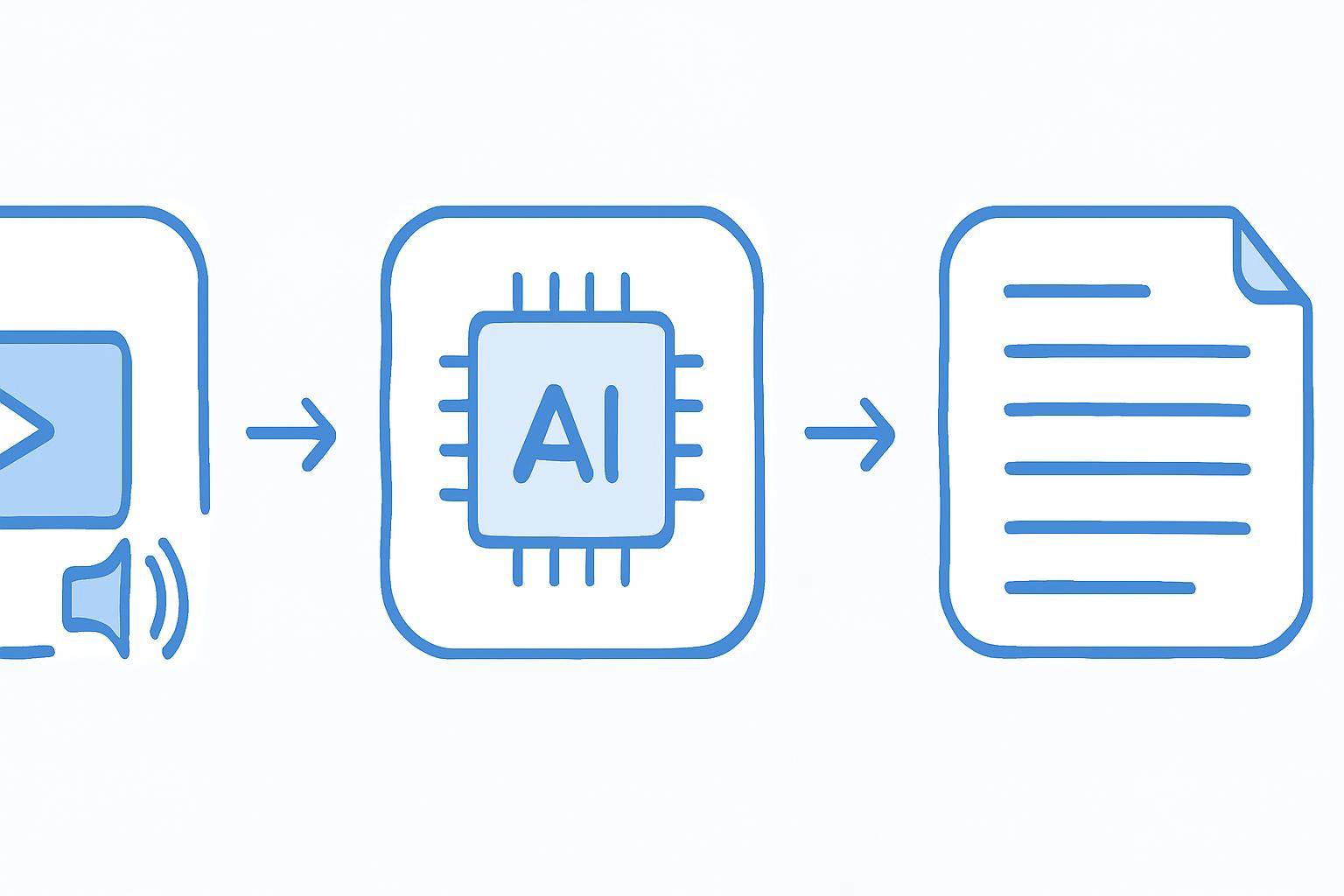
AI transcription relies on advanced speech recognition models trained on vast datasets. These models analyze the audio waveform of your MP3 file, identify spoken words, and transcribe them into text. Unlike older, rule-based systems, modern AI can handle a variety of accents, background noises, and speaking speeds.
Most AI transcription services, including AIVideoSummary, support:
- Multiple file formats (MP3, WAV, MP4, etc.)
- Speaker identification (distinguishing between multiple voices)
- Automatic punctuation and formatting
While accuracy is high, no AI transcription system is perfect. Factors like audio quality, overlapping speech, and strong accents can impact results. For more on accuracy, see AI Transcription Accuracy.
Step-by-Step: Convert MP3 to Text with AI
1. Choose an AI Transcription Tool
Select a tool that supports MP3 files and offers features suited to your needs. AIVideoSummary is optimized for both video and audio transcription, but there are other options as well. (See the comparison table below.)
2. Prepare Your MP3 File
- Ensure your MP3 is clear and free of excessive background noise.
- Edit out long silences or unrelated segments if possible.
- Rename your file for easy organization.
3. Upload or Paste URL
Most AI tools let you:
- Upload your MP3 file directly
- Paste a URL (for example, if your audio is hosted online)
AIVideoSummary supports both options, making it easy to get started.
4. Select Language and Preferences
Choose the spoken language and any additional options, such as:
- Speaker separation
- Timestamp insertion
- Output format (plain text, SRT, etc.)
5. Start Transcription and Review Results
- Let the AI process your file (this usually takes a few minutes)
- Review the resulting text for accuracy
- Make quick edits to correct any misheard phrases or names
6. Export and Use Your Transcript
Export your transcript as a text file, subtitle file (SRT, VTT), or integrate it directly into your workflow for note-taking, blog writing, or video captioning.
#### Quick Process Recap
- Choose your tool
- Upload or paste MP3 URL
- Set language and options
- Start transcription
- Review and edit
- Export and use
For a video-focused guide, check out our related article: How to Transcribe Video to Text Using AI
---
Comparing Top AI MP3 to Text Tools
Not all AI transcription services are created equal. Here’s a comparison of popular solutions, including AIVideoSummary:
| Feature | AIVideoSummary | Otter.ai | Rev AI | Sonix.ai | |------------------------|:--------------:|:--------:|:------:|:--------:| | MP3 Support | ✅ | ✅ | ✅ | ✅ | | Multi-Speaker Support | ✅ | ✅ | ✅ | ✅ | | Language Options | 30+ | 10+ | 30+ | 35+ | | Subtitle Export (SRT) | ✅ | ✅ | ✅ | ✅ | | AI Summaries | ✅ | ❌ | ❌ | ✅ | | In-Browser Editing | ✅ | ✅ | ✅ | ✅ | | Free Tier Available | ✅ | ✅ | ❌ | ✅ | | Price per Hour | From $ | From $ | From $ | From $ |
_For detailed pricing and feature information, visit AIVideoSummary Pricing._
Why Choose AIVideoSummary?
- Fast, accurate AI-powered transcription
- Supports both video and MP3 audio files
- Built-in subtitle and summary generation
- Flexible export options
- Specialized services for legal, medical, and education transcription
---
Practical Example: Transcribing a Podcast Episode
Imagine you’ve recorded a 45-minute podcast as an MP3. You want to publish a transcript for SEO and accessibility. Here’s how you’d use AI to convert MP3 to text:
- Upload your MP3 to AIVideoSummary.
- Select English and enable speaker identification.
- Start transcription. Within minutes, you receive the full transcript.
- Edit for clarity: Fix any minor errors (e.g., proper names, technical terms).
- Export as a text document for your blog and as SRT subtitles for YouTube.
This process can be adapted for interviews, webinars, lectures, and video content. To see how AI-generated summaries help with content repurposing, read Summarize YouTube Video with AI.
Tips for Best Results
- Use the clearest source audio possible: Minimize background noise, echo, and overlapping speech.
- Proofread the output: While AI is highly accurate, manual review catches errors.
- Leverage AI summaries: Quickly create blog posts or meeting notes from lengthy transcripts. See rewrite blog post with AI.
- Add timestamps/subtitles: For accessibility and navigation, generate subtitles with accurate timing. See Perfect Subtitles & Accurate Timestamps.
---
Limitations and Common Challenges
While AI transcription delivers significant time savings, it’s important to be aware of potential issues:
- Accuracy drops with poor audio: Heavy accents, crosstalk, or low-quality recordings may yield more errors.
- Technical jargon: Specialized terms may require manual correction.
- Privacy concerns: Be cautious when uploading sensitive or confidential material. Use services with strong data security policies.
- Language support: Not all languages or dialects are equally supported. Always check before uploading.
For more details on accuracy and troubleshooting, see AI Transcription Accuracy.
---
Advanced Features: Beyond Basic Transcription
The best AI tools, including AIVideoSummary, offer more than just transcription:
- Automatic subtitle generation for videos and podcasts
- AI-generated summaries to condense long content
- Speaker labeling for multi-person audio
- Editable transcripts with in-browser correction
- Integration with workflows for legal, medical, education, and media industries
Explore more on AIVideoSummary’s features and services tailored to specific use cases.
---
Frequently Asked Questions
How accurate is AI transcription for MP3 files?
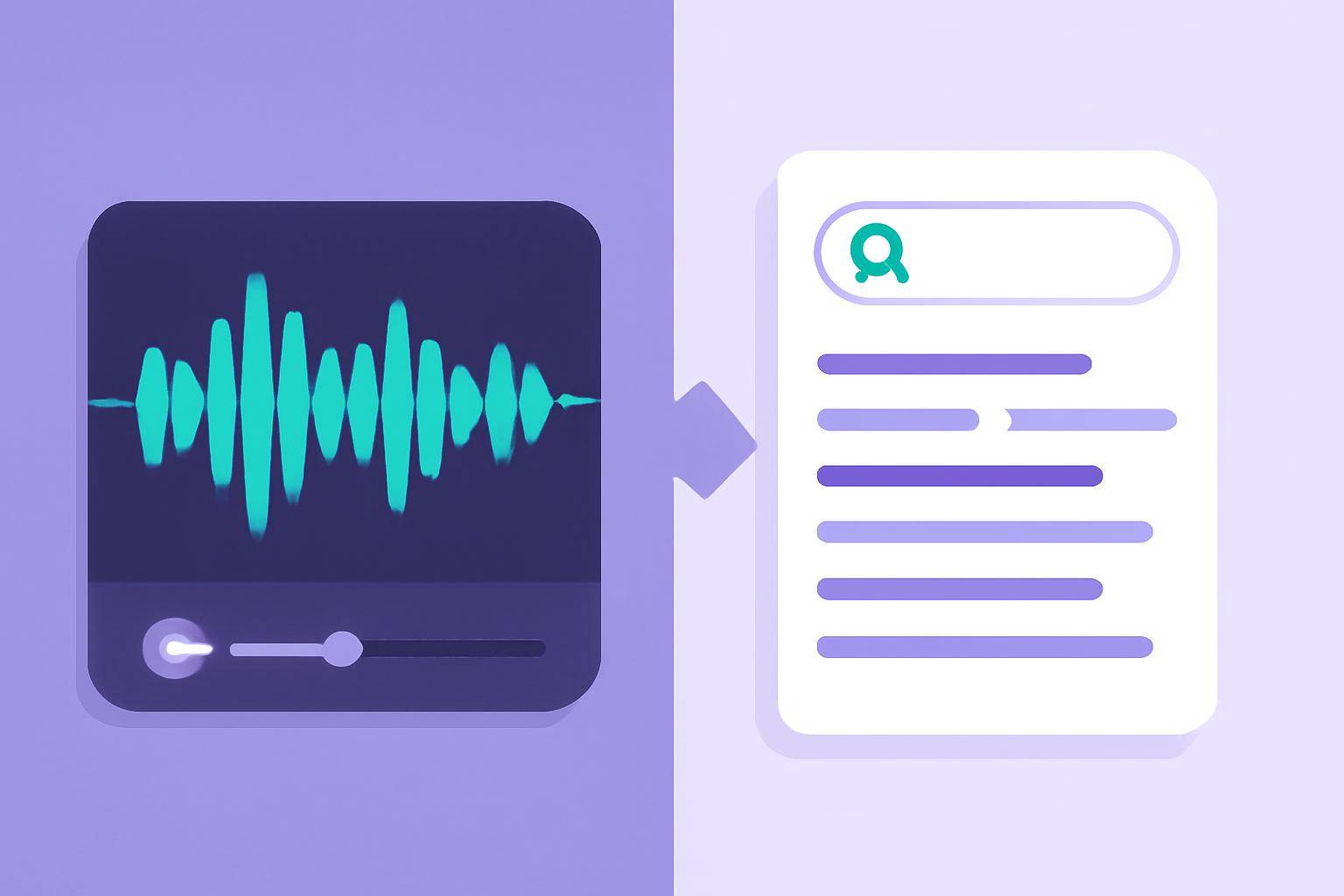
Accuracy depends on audio quality, language, and speaker clarity. With clean recordings, modern AI services like AIVideoSummary can achieve high accuracy, but manual review is recommended for important transcripts. Learn more about what affects results in our AI Transcription Accuracy guide.
Can I transcribe MP3 files in languages other than English?
Yes, most leading AI transcription tools support dozens of languages. Always check language options before uploading your file.
How long does it take to convert MP3 to text with AI?
Transcription speed depends on file length and processing load, but most tools return results in real time or within a few minutes for standard-length audio.
Are there free options for converting MP3 to text?
Many AI transcription providers, including AIVideoSummary, offer free trials or tiers. These may have limitations on audio length or advanced features.
Is my data secure when using AI transcription services?
Reputable providers use encryption and strong privacy practices. For sensitive material, review the service’s privacy policy and consider options tailored for legal or medical use, like legal transcription or medical transcription.
Can AI-generated transcripts be used for subtitles or captions?
Absolutely. You can export text as SRT or VTT subtitle files, making your audio or video content accessible and searchable. Learn more about subtitle accuracy here.
What if the AI makes mistakes in the transcript?
All AI transcription systems can make errors, especially with unclear audio or uncommon words. Always proofread your transcript and use built-in editing features before publishing.
---
Get Started: Convert MP3 to Text Instantly
Automated transcription removes the tedium from turning audio into actionable text. Try AIVideoSummary now — upload your MP3, paste a link, or explore the platform’s features for video, audio, and subtitle solutions.
For more in-depth tutorials and use cases, explore:
- Ultimate Student Guide to AI Transcription & Notes
- Summarize YouTube Video with AI
- Transcribe Video to Text Using AI
Ready to experience the benefits of searchable, accessible, and shareable transcripts? Start by uploading your MP3 or pasting your audio link on AIVideoSummary.