Video to Text: How AI Converts Speech into Accurate Written Content
What Does “Video to Text” Mean—and Why Is It Valuable?
"Video to text" describes the process of converting spoken words in video content into written text. This transformation powers a range of features: searchable transcripts, accurate subtitles, accessible content, and concise video summaries. Whether you're a content creator, educator, business professional, or legal expert, extracting text from videos saves time, boosts productivity, and opens new possibilities for repurposing and sharing information.
With advancements in artificial intelligence (AI), turning video speech into accurate text is faster and more accessible than ever. AI-powered tools like AIVideoSummary automate the transcription process, generate subtitles, and even create concise summaries, helping you get more value out of every video.
Who Benefits from Video to Text Conversion?
- Content creators: Easily repurpose videos as blog posts, newsletters, or social media content.
- Educators and students: Review lectures, generate notes, and improve accessibility.
- Businesses: Make meetings, webinars, and training videos searchable and accessible.
- Legal and medical professionals: Obtain accurate records and documentation for compliance.
How AI Converts Video to Text: The Core Process
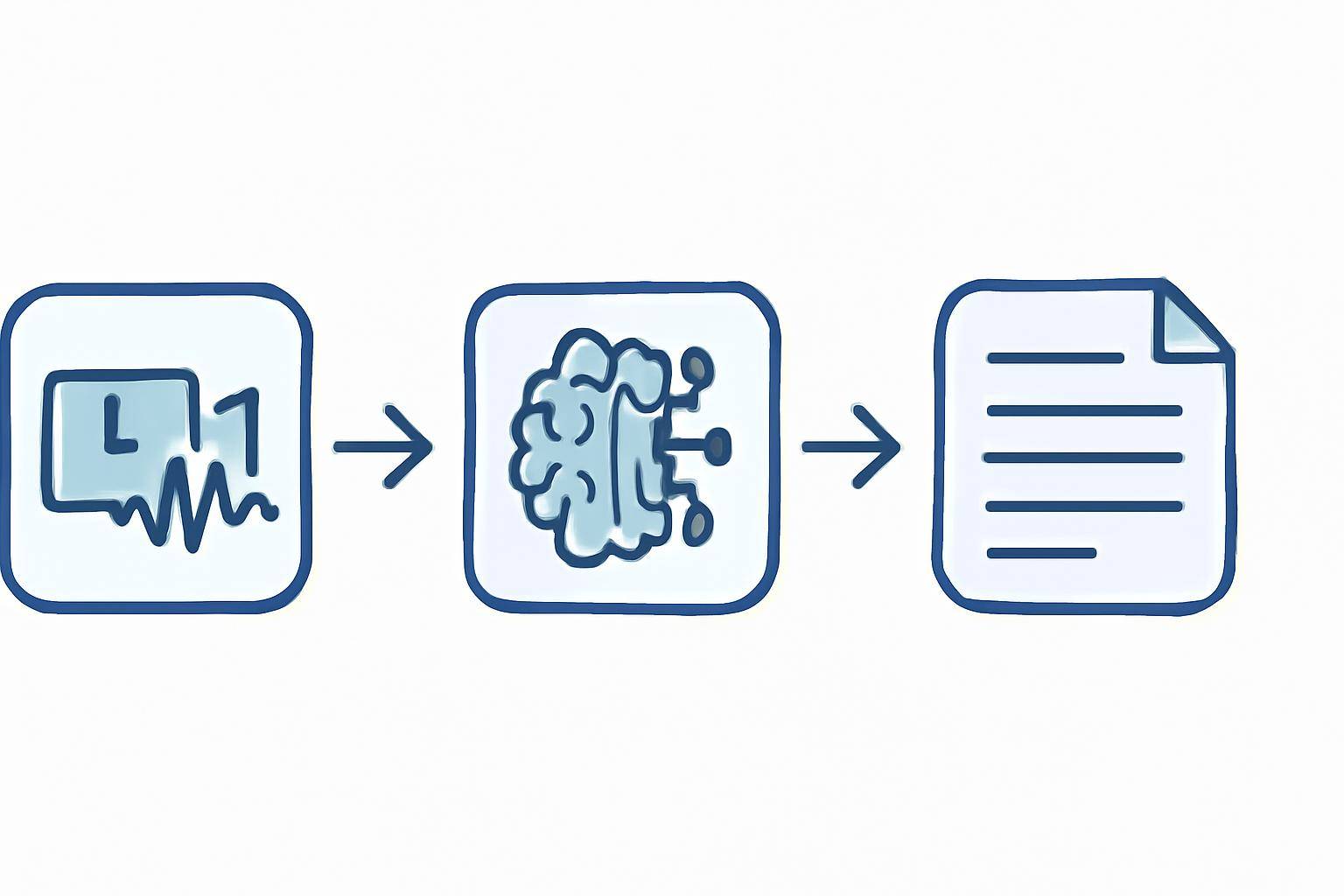
AI video to text transformation relies on advanced machine learning models, especially automatic speech recognition (ASR) systems. Here's a breakdown of the workflow:
1. Audio Extraction
First, the AI tool separates audio from the uploaded video file or URL. This is a crucial step, as high-quality audio leads to better transcription accuracy.2. Speech Recognition (ASR)
AI models analyze the audio, recognizing spoken words, phrases, and sentence boundaries. This involves complex algorithms that account for accents, background noise, and varying speech rates.3. Text Output Generation
The recognized speech is converted into written text, usually with punctuation and speaker identification. Some tools also align the text with timestamps for subtitle generation.4. Post-Processing: Punctuation, Formatting, and Summarization
Modern AI transcription services add punctuation, format paragraphs, and can even summarize the content to provide concise overviews.#### The Step-by-Step Video to Text Journey
- Upload your video or paste a public video URL.
- AI extracts and processes audio.
- Speech is recognized and transcribed into text.
- Text is formatted, punctuated, and optionally summarized or subtitled.
- You receive downloadable transcripts, subtitles, or summaries.
Try it now: Upload your video or paste a URL with AIVideoSummary.
Example: Converting a YouTube Lecture to Text
- Paste the YouTube link into AIVideoSummary.
- Choose the output format: full transcript, subtitles, or summary.
- Receive your downloadable text file in moments—ready for notes or sharing.
Practical Use Cases for Video to Text Conversion
1. Creating Accurate Subtitles and Captions
Subtitles improve content accessibility for hearing-impaired audiences and non-native speakers. AI-generated subtitles are fast and affordable, though some manual corrections may be needed for names, jargon, or heavy accents. For more on subtitle accuracy, see AI Subtitle Accuracy.2. Making Video Content Searchable
Transcripts allow you to search, highlight, and reference specific moments in long videos. This is invaluable for:- Students reviewing lectures
- Legal teams analyzing depositions (see Legal Transcription Services)
- Businesses archiving meetings
3. Summarizing Video Content
AI can provide concise summaries of long videos, saving viewers time and helping them grasp key points quickly. This feature is especially helpful for research, educational content, or busy professionals. Learn more in Summarize YouTube Video with AI.4. Repurposing Content
Turn webinars, podcasts, and interviews into blog posts, newsletters, FAQs, or training materials with minimal manual effort. AI tools often integrate with content rewriting features, like Rewrite Blog Post, to further streamline the workflow.5. Enhancing Accessibility & Compliance
Providing transcripts and captions is essential for ADA compliance and broadening your audience. It’s also a requirement for many educational and government institutions. Explore Education Transcription Services for more details.Comparing AI Video to Text Tools: What to Look For
| Feature | AI Video to Text Tools | Manual Transcription | |----------------------|--------------------------|------------------------| | Speed | Minutes to process | Hours (real-time) | | Cost | Low/affordable | High (per minute/hour) | | Accuracy | 80–95% (varies by audio) | 98–99% (with experts) | | Speaker ID | Often available | Yes | | Multiple Languages| Supported by many | Requires native expert | | Editing Required | Sometimes | Rarely | | Summarization | Often included | Manual only |
For a detailed breakdown of AI vs. human transcription, see AI Transcription Accuracy.
Factors Affecting AI Video to Text Accuracy
While AI transcription is fast and cost-effective, it’s not flawless. Several factors impact the output quality:
- Audio quality: Background noise, echoes, and low volume can reduce accuracy.
- Speaker accents and dialects: Strong accents or regional dialects may challenge AI models.
- Overlapping speech: Multiple people talking at once can confuse speech recognition.
- Technical jargon: Industry-specific terms may be misinterpreted.
It's a good idea to review and edit AI-generated transcripts, especially for important or public-facing content. For high-stakes areas like legal or medical transcription, consider specialized solutions (Legal, Medical).
How to Get the Best Results from AI Video to Text Tools
- Use high-quality audio recordings.
- Limit background noise and ensure speakers use clear diction.
- Upload videos in supported formats (MP4, MOV, etc.).
- Choose a tool with editing features.
- Review and correct transcripts for names, technical terms, or nuanced dialogue.
Read our Ultimate Student Guide to AI Transcription and Notes for tips on preparing video and audio for the best transcription results.
Integrating AI Video to Text Into Your Workflow
AIVideoSummary’s platform allows users to:
- Upload video files or paste public video URLs (Try it here)
- Generate transcripts, subtitles, or summaries automatically
- Edit and download results in multiple formats (TXT, SRT, VTT, DOCX, etc.)
- Access features for legal, medical, and educational use cases (See all features)
- Review flexible pricing plans for occasional or bulk use
Limitations and Ethical Considerations
AI video transcription tools are powerful, but not infallible:
- Not yet 100% accurate—manual review is recommended
- May struggle with poor audio, rapid speech, or strong accents
- Privacy: Always ensure you have proper rights and consent before uploading sensitive videos
- AI may not always handle nuanced language, sarcasm, or emotion correctly
For critical applications, consider pairing AI tools with human review or using specialized services.
Real-World Example: From Lecture Video to Searchable Notes
Imagine a 90-minute university lecture on biology:
- Upload the video to AIVideoSummary
- Receive an instant transcript, complete with speaker labels and timestamps
- Generate a bullet-point summary of key topics
- Export notes for studying or sharing with classmates
For step-by-step guidance, see Transcribe Video to Text Using AI.
Video to Text for Subtitles: How Accurate Are They?
AI-generated subtitles are typically 80–95% accurate, depending on audio clarity and speaker accents. While this is suitable for most use cases, manual corrections improve accessibility and professionalism. For tips on perfect subtitles and timestamps, see Perfect Subtitles with Accurate Timestamps.
Conclusion: Unlocking Value from Your Video Content
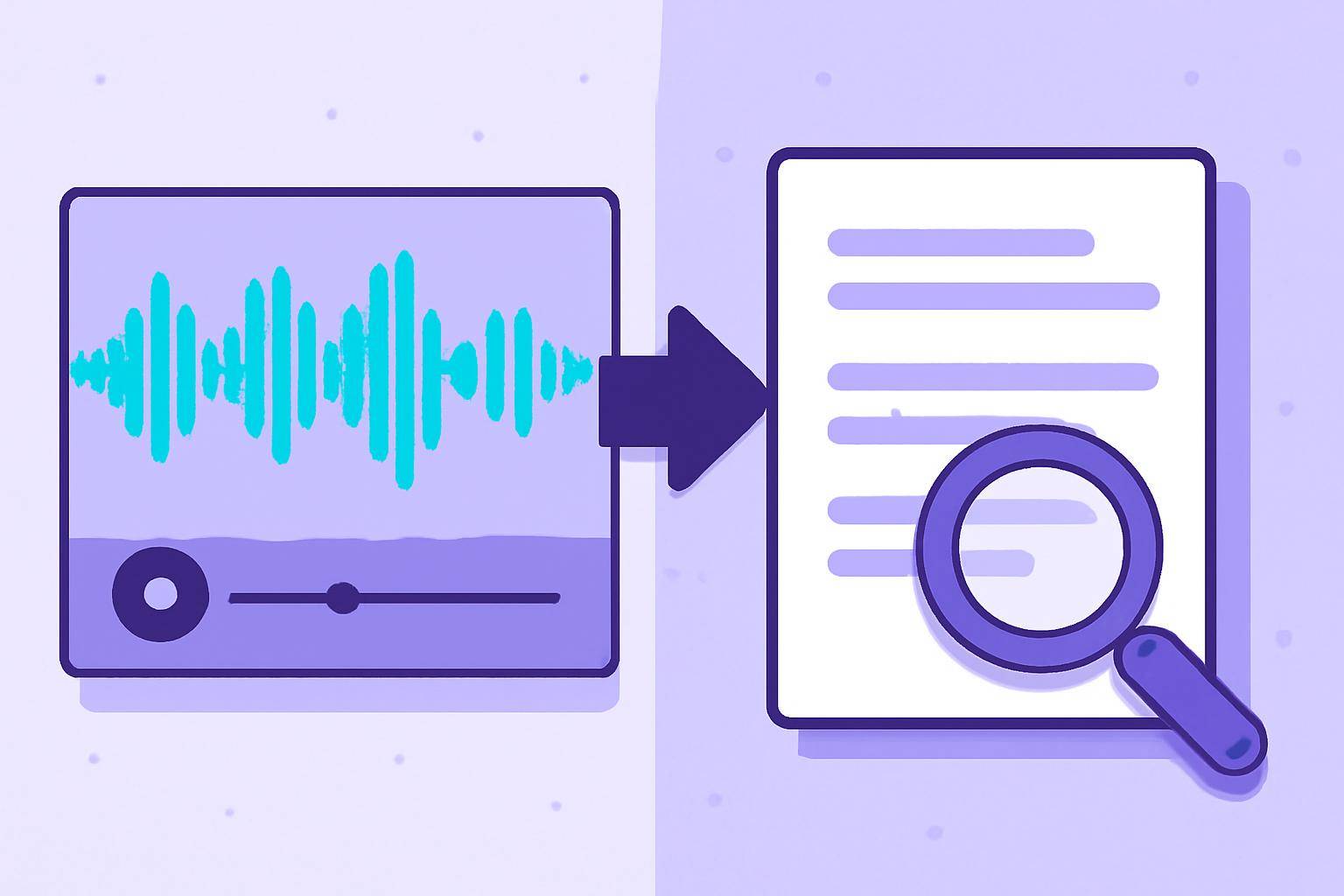
Converting video to text empowers creators, educators, and professionals to make content more accessible, searchable, and shareable. AI-driven solutions like AIVideoSummary streamline this process with speed, affordability, and growing accuracy. While some editing is still advised, the benefits—ranging from subtitles to summaries—are transformative.
Ready to try it? Upload a video or paste a URL to get started.