How Businesses Can Turn Video Meetings into Searchable Documents

Why Businesses Need Searchable Video Meeting Documents
Video meetings are a staple of business communication, but the valuable insights and decisions shared often remain trapped within those recordings. Extracting meaning and making video content accessible requires more than just storage—it demands searchable, structured documentation.
The solution? AI-powered video meeting transcription for business. By converting spoken content into accurate text, companies can quickly search, reference, and share information from video meetings. This benefits:
- Fast retrieval of action items, decisions, and discussions
- Improved compliance and documentation
- Easier onboarding and knowledge sharing
- Enhanced team productivity
Answering the core business need: With the right AI tools, you can turn every video call into a searchable resource—no more scrubbing through hours of footage to find a single decision or quote. Services like AIVideoSummary allow you to upload or link to a video meeting and receive a complete, indexed transcript—often with subtitles and summaries—within minutes.
How AI Video Meeting Transcription Works
Step-by-Step: From Video to Searchable Document
The process of transforming a video meeting into a searchable document is straightforward, thanks to recent advances in AI transcription technology.
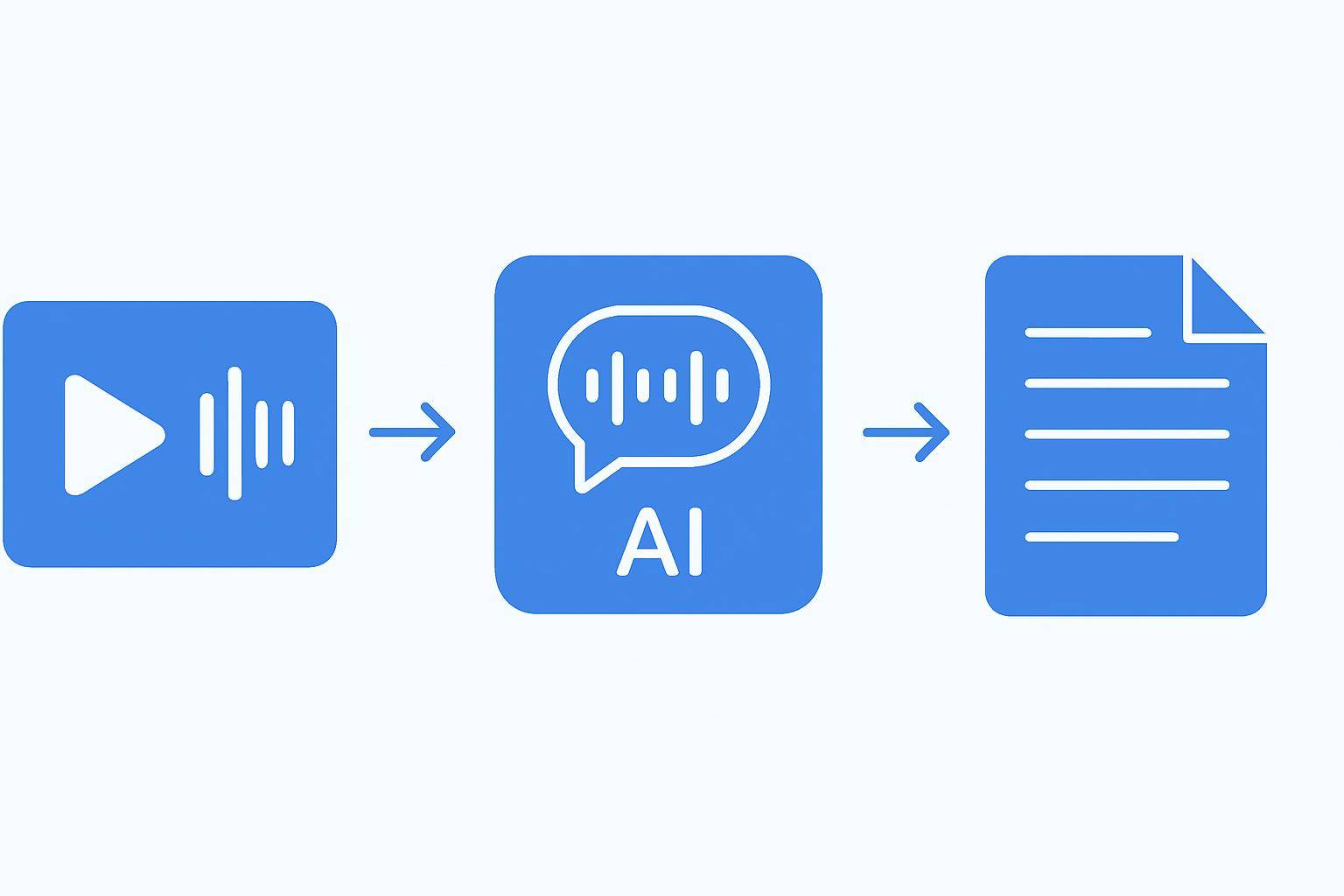
Here’s how it works:
- Upload or Paste Video URL
- AI Analyzes Audio and Identifies Speakers
- Transcription and Subtitle Generation
- Automated Summarization and Keyword Extraction
- Export and Search
Tip: For a detailed tutorial, see Transcribe Video to Text Using AI.
Table: Manual vs. AI-Powered Video Meeting Transcription
| Feature | Manual Transcription | AI Video Transcription (e.g., AIVideoSummary) | |-------------------------------|------------------------------|-----------------------------------------------| | Time to Complete | Several hours per hour video | Minutes for hour-long video | | Cost per Video | High (requires personnel) | Low, predictable pricing | | Searchability | Requires formatting | Built-in, instant search | | Speaker Identification | Manual, error-prone | Automatic, with diarization | | Subtitle Generation | Separate process | Included | | Summarization | Manual, slow | Automated, fast | | Language Support | Limited | Broad, supports multiple languages | | Accuracy | High (with careful review) | High, but may need light editing |
For a breakdown of AI transcription accuracy, see AI Transcription Accuracy.
Key Benefits of Searchable Video Meeting Transcripts
Transforming video meetings into searchable documents unlocks substantial value for businesses. Here’s how:
- Find Information Instantly: Search transcripts by keyword or topic to locate decisions, action items, or questions.
- Share and Collaborate: Distribute meeting notes and summaries across teams—no more missed updates.
- Compliance and Recordkeeping: Maintain detailed, time-stamped records for audits and regulatory purposes.
- Accessibility: Provide subtitles and transcripts for employees with hearing differences or those in noisy environments.
- Training and Onboarding: Create a library of past meetings for easy onboarding and knowledge transfer.
For specialized needs, such as legal or medical meeting transcripts, AIVideoSummary offers dedicated services.
Practical Examples: How Businesses Use AI Video Meeting Transcription
Example 1: Project Management
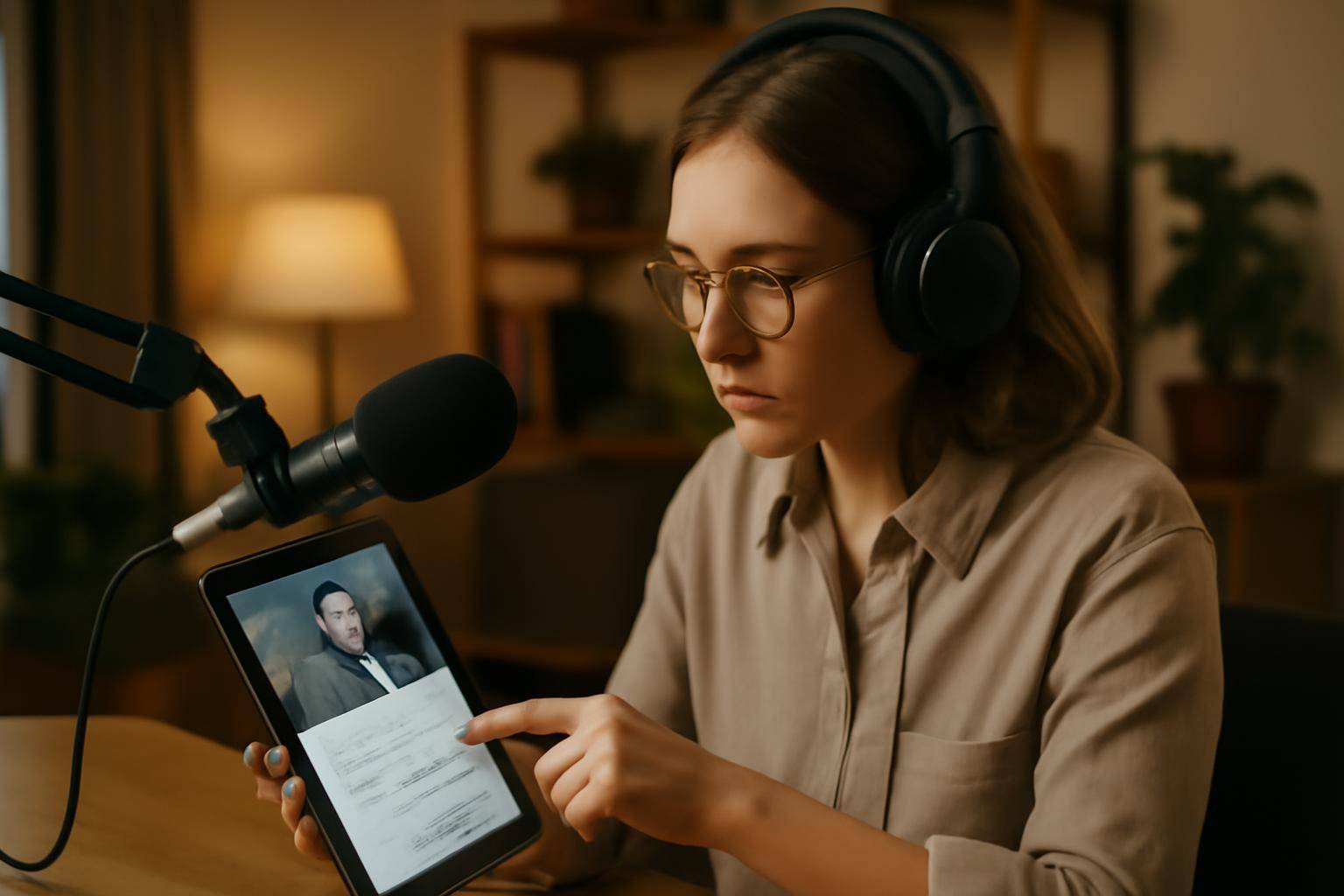
A project manager records weekly team meetings. Using AIVideoSummary, the video is transcribed, and action items are highlighted. The manager shares a link to the searchable transcript, enabling team members to find their responsibilities without watching the entire meeting.
Example 2: Sales and Customer Calls
Sales teams record client calls for quality assurance and training. Transcripts make it easy to review commitments, objections, and opportunities, and to share key insights with colleagues.
Example 3: HR and Compliance Meetings
HR records policy rollout meetings. Transcripts serve as an official record, supporting compliance and reducing the risk of misunderstandings.
Example 4: Training and Knowledge Sharing
A company records onboarding webinars. AI-generated transcripts and summaries are added to the internal knowledge base, making information accessible to new hires and remote employees.
For more industry-specific use cases, explore:
Best Practices for Video Meeting Transcription in Business
1. Choose the Right Tool
Select a platform that supports your video formats, offers speaker identification, and provides export options (e.g., TXT, DOCX, SRT). AIVideoSummary’s features are designed for business needs.
2. Ensure Clear Audio
Accurate AI transcription relies on good audio quality. Use headsets, minimize background noise, and ask participants to speak clearly.
3. Edit and Review Transcripts
AI is highly accurate but not infallible. Always review transcripts for misheard terms, names, or acronyms.
4. Secure Sensitive Information
Choose services that offer privacy controls and data encryption. Only authorized team members should access sensitive transcripts.
5. Integrate with Your Workflow
Automate the upload or linking of meeting recordings. Export transcripts to your team’s document management system, CRM, or knowledge base.
How to Get Started: Turning Your Video Meetings into Searchable Documents
Here’s a simple workflow to adopt in your business:
- Record your meetings using video conferencing tools (Zoom, Teams, Meet, etc.).
- Upload the video or paste the URL into AIVideoSummary.
- Wait for AI to process the file—usually just a few minutes.
- Review, edit, and export your searchable transcript, subtitles, or summary.
- Share or archive the documents as needed for compliance, collaboration, or reference.
Try it now: Upload your first meeting video or paste a video URL—see how quickly you can search your next meeting!
Tips to Maximize the Value of Video Meeting Transcripts
- Use keyword tags and timestamps for quick navigation.
- Assign follow-up tasks directly from the transcript.
- Add AI-generated summaries to meeting invites or project management tools.
- Publish select transcripts as internal knowledge base articles.
- Use subtitle files to make internal videos accessible to all employees (see Perfect Subtitles with Accurate Timestamps).
For more ways to leverage AI-generated content, read Rewrite Blog Posts with AI.
AI Limitations and What to Expect
While AI transcription is fast and cost-effective, it is not flawless. Factors affecting accuracy:
- Heavy accents or dialects
- Overlapping speech
- Technical jargon or uncommon names
- Poor audio quality
Most platforms, including AIVideoSummary, allow easy editing. For critical legal or medical meetings, review carefully or use specialized transcription services.
For more on accuracy, see AI Subtitle Accuracy.
Frequently Asked Questions: Video Meeting Transcription for Business
What video formats are supported for transcription?
Most AI transcription tools accept common formats such as MP4, MOV, M4A, and direct URLs to cloud recordings (Zoom, Teams, YouTube). Check the AIVideoSummary features page for a full list.Can AI transcription identify different speakers in a meeting?
Yes, advanced AI can detect and separate speakers, assigning labels or anonymized tags. Some manual editing may be needed for perfect accuracy, especially in larger meetings.How secure are my meeting transcripts?
Reputable services encrypt your files and restrict access. Look for platforms that comply with GDPR or other relevant standards, and always verify their privacy policy.What languages are supported?
Many AI transcription tools support dozens of languages and can handle multilingual meetings. For detailed options, consult the provider’s feature documentation.How long does transcription take?
AI can process most video meetings in under half the meeting’s duration. For example, a 60-minute meeting may be transcribed in 10–20 minutes, depending on file size and server load.Can I edit the transcript after processing?
Yes. Most platforms provide an online editor or allow you to download the transcript for further editing and formatting.What should I do if the AI makes a mistake?
Simply correct the error in the transcript editor. For best results, maintain a clear audio environment and review the final document before sharing.Conclusion: Make Every Meeting Searchable and Actionable
Transforming your business’s video meetings into searchable documents boosts productivity, compliance, and knowledge sharing. AI-driven solutions like AIVideoSummary make this process fast, accurate, and accessible—empowering your team to focus on results, not note-taking.
Ready to try? Upload a meeting video or paste a URL and see how searchable your next meeting can be.