Video Transcription Accuracy: What Affects the Quality of AI Transcripts?

What Is Video Transcription Accuracy?
Video transcription accuracy refers to how precisely spoken words in video content are converted into written text by an automated system—especially those powered by AI. High accuracy means the transcript closely matches what was actually said, with minimal errors or omissions. For creators, educators, legal professionals, and businesses, reliable transcripts empower searchability, accessibility, and content repurposing.
But what affects how accurate your AI-generated transcript will be? Several factors come into play—including audio clarity, speaker accents, background noise, and even the specific AI model you use. Understanding these variables is essential for anyone relying on AI-based transcription services to get the best results.
Whether you're summarizing lectures, generating subtitles, or making content searchable, knowing what impacts transcript accuracy can help you optimize your workflow and choose the right tools. This article explores these factors in depth, compares AI vs. human transcription, and offers practical steps to improve your results.
---
Why Video Transcription Accuracy Matters
Accurate video transcripts are crucial for:
- Accessibility: Viewers with hearing impairments rely on precise captions and transcripts.
- Searchability: Accurate text makes video content discoverable via search engines and internal tools.
- Content Repurposing: Clean transcripts enable easy creation of blogs, summaries, or social posts.
- Legal & Compliance: Certain industries require transcripts to meet strict accuracy standards.
Transcription errors—such as misheard words or missed context—can confuse viewers, derail search, or even cause compliance issues. That's why understanding video transcription accuracy is much more than a technical concern; it's about maximizing the value and reach of your video content.
The AI Video Transcription Process: Step by Step
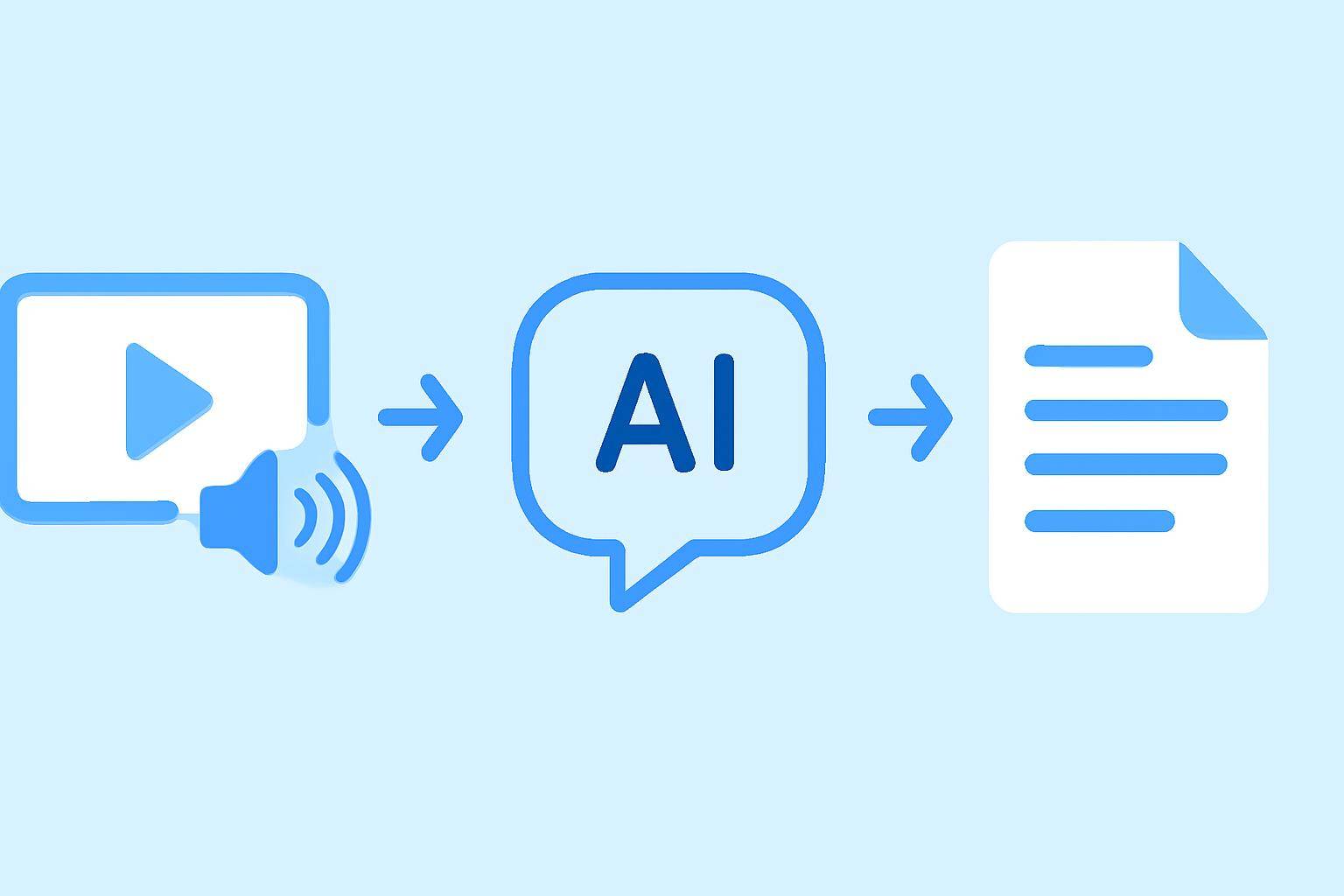
AI transcription tools typically follow a standardized process:
- Video Input: The user uploads a video file or provides a video URL (see AIVideoSummary’s quick process).
- Audio Extraction: The tool separates audio from video.
- Speech Recognition: AI models analyze the audio, converting speech into text using neural networks.
- Post-Processing: The system may apply grammar checks, punctuation, and formatting.
- Timestamping & Syncing: For subtitles, the tool aligns transcript text with video timing.
- Export: Transcripts are exported as text, SRT, or other formats for further use.
Each of these steps can introduce potential points of error—especially if the input quality is compromised.
Key Factors Affecting Video Transcription Accuracy
1. Audio Quality
Clear audio is the single biggest determinant of transcription accuracy. Factors that degrade audio quality include:
- Background chatter or ambient noise
- Low-quality microphones
- Echo or reverberation
- Overlapping speech
- Music or sound effects
Tip: For best results, use external microphones and minimize background noise before uploading to an AI transcription service.
2. Speaker Characteristics
AI models may struggle with:
- Strong accents or dialects unfamiliar to the model
- Rapid speech or mumbling
- Multiple speakers talking simultaneously
- Unusual vocabulary or jargon
Advanced AI can adapt to some variation, but accuracy drops with less common speech patterns or when several people talk at once. Legal and medical transcription often require specialized models for this reason.
3. Language and Vocabulary
Transcription accuracy is highest for widely spoken languages with abundant training data (like English, Spanish, or Mandarin). Accuracy drops for less common languages, regional dialects, or highly technical vocabulary. Some AI systems allow you to upload custom glossaries to improve recognition.
4. Background Noise and Overlapping Audio
Environmental sounds—like traffic, crowd noise, or music—can confuse AI models. Overlapping speakers also make it difficult for the system to discern individual words. Clean recordings boost accuracy significantly.
5. Audio File Format and Compression
Highly compressed files or low bitrates can reduce clarity. AI models perform best with uncompressed or high-bitrate audio. If possible, upload original files rather than streams or heavily compressed versions.
6. AI Model and Platform Choice
Not all AI transcription engines are equal. Some focus on speed, others on accuracy, and some offer better support for multiple languages or domain-specific jargon. AIVideoSummary leverages advanced AI models to balance speed and transcript quality.
7. Post-Processing and Human Review
AI-generated transcripts can include errors—especially with names, acronyms, or fast speech. Post-processing (automated or manual) can catch and correct many mistakes. For mission-critical use cases, a human reviewer is still recommended.
AI vs. Human Transcription: A Practical Comparison
| Factor | AI Transcription | Human Transcription | |-------------------------|----------------------------------|------------------------------| | Speed | Minutes per hour of video | Several hours per hour video | | Cost | Low (per minute pricing) | High (hourly or per word) | | Accuracy (ideal) | 85–98% in clear conditions | 95–99% | | Handling Accents | May struggle with strong accents | Adapts to context | | Technical Terms | May need glossary support | Contextually aware | | Multiple Speakers | Can confuse speakers | Can identify and separate | | Scalability | Unlimited, instant | Limited by human resources |
For most everyday needs—like lecture notes, meeting summaries, or YouTube video summaries—AI transcription is fast, affordable, and "good enough." For legal, medical, or research contexts where every word matters, consider supplementing AI transcripts with expert human review.
Common Types of Transcription Errors
Understanding typical errors can help you identify and correct them:
- Substitutions: "there" vs. "their"
- Omissions: Missing words, especially in noisy sections
- Insertions: Adding words not present in the audio
- Misidentified Speakers: Confusing who said what
- Punctuation/Formatting Errors: Affecting readability
AI transcription rarely achieves 100% accuracy, but you can minimize errors by optimizing your input and workflow.
Practical Steps to Improve Video Transcription Accuracy
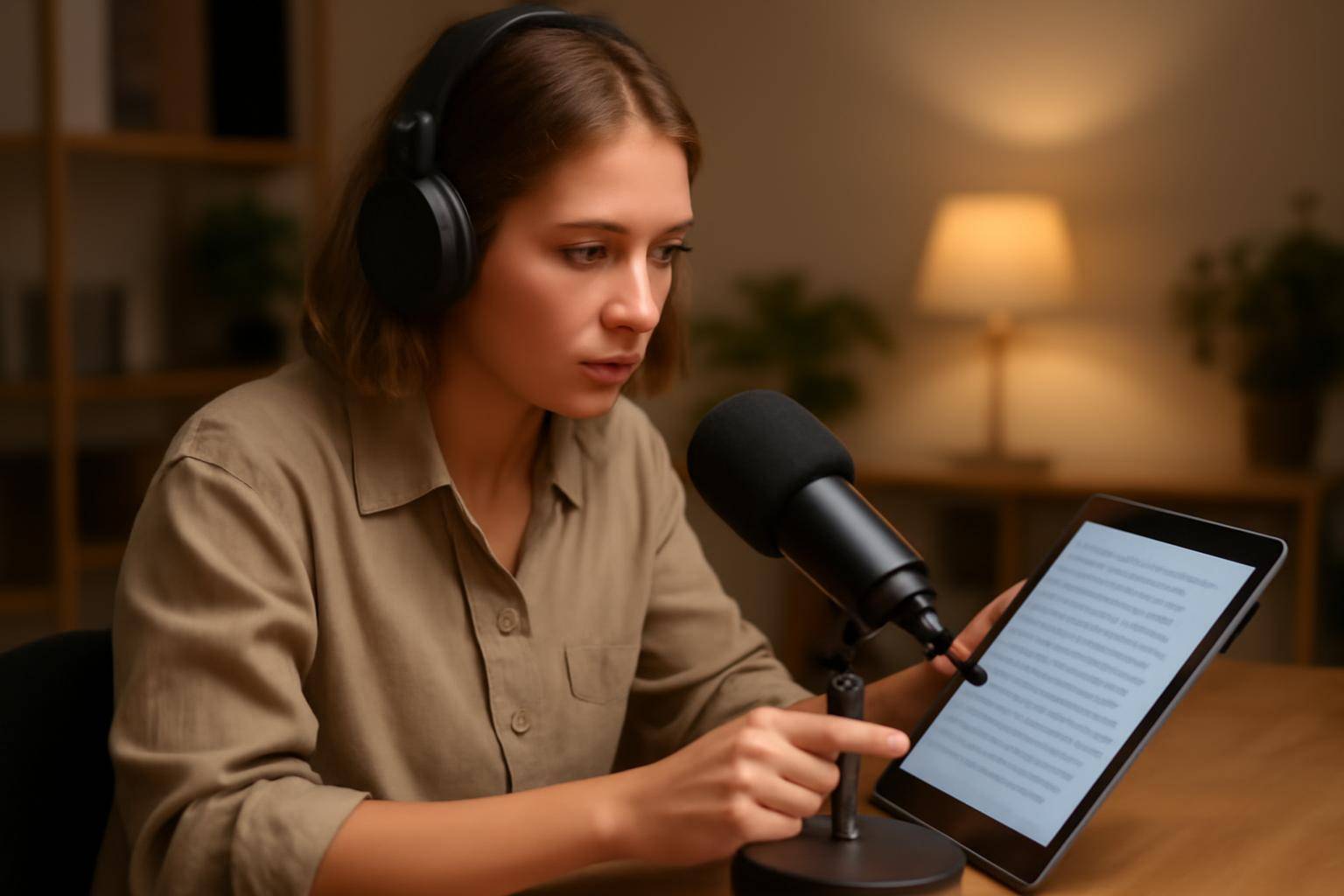
Follow these steps to maximize AI transcript quality:
- Record in a quiet environment with minimal background noise.
- Use external microphones for clearer audio capture.
- Speak clearly and avoid talking over others in multi-speaker recordings.
- Upload high-bitrate audio or video files—avoid compressed streams if possible.
- Choose the right AI tool for your use case. AIVideoSummary offers specialized transcription for legal, medical, and education domains.
- Review and edit the transcript for critical projects. Use built-in editors or download for manual review.
Example: Transcribing a Lecture Video
Suppose you have a 60-minute university lecture you want transcribed for class notes:
- Step 1: Upload the video or paste the YouTube link into AIVideoSummary.
- Step 2: The tool separates audio and applies advanced AI for speech-to-text.
- Step 3: Download the transcript, review for any errors (especially technical terms or names), and share with classmates.
For more on using AI transcription for study and note-taking, see our ultimate student guide.
How Subtitle Accuracy Relates to Transcription Quality
Subtitle generation relies directly on transcript accuracy. Inaccurate transcripts lead to poor subtitles, missed context, or misaligned captions. For tips on creating high-quality subtitles and using accurate timestamps, check out our detailed guide on perfect subtitles and accurate timestamps, and compare subtitle accuracy here.
AI Video Summary: Fast, Accurate Transcription (With a Few Clicks)
AIVideoSummary streamlines the transcription process:
- Upload a video or paste a URL—no signup needed for basic features.
- Advanced AI models process speech, handle multiple speakers, and support dozens of languages.
- Download transcripts, subtitles, or even AI-generated video summaries instantly.
If you want to test your own videos, try AIVideoSummary right now—just upload a file or paste a link and see the results for yourself.
Limitations of AI Transcription
While modern AI transcription is fast and affordable, it's not infallible:
- Struggles with heavy accents, overlapping speech, or noisy environments
- May misinterpret technical terms, acronyms, or names
- Requires human review for 100% accuracy, especially in legal or medical contexts
- Some languages or dialects have limited support
For mission-critical tasks, always review and correct AI-generated transcripts or consider a hybrid workflow (AI + human editor).
Conclusion: Optimize for the Best AI Transcript Quality
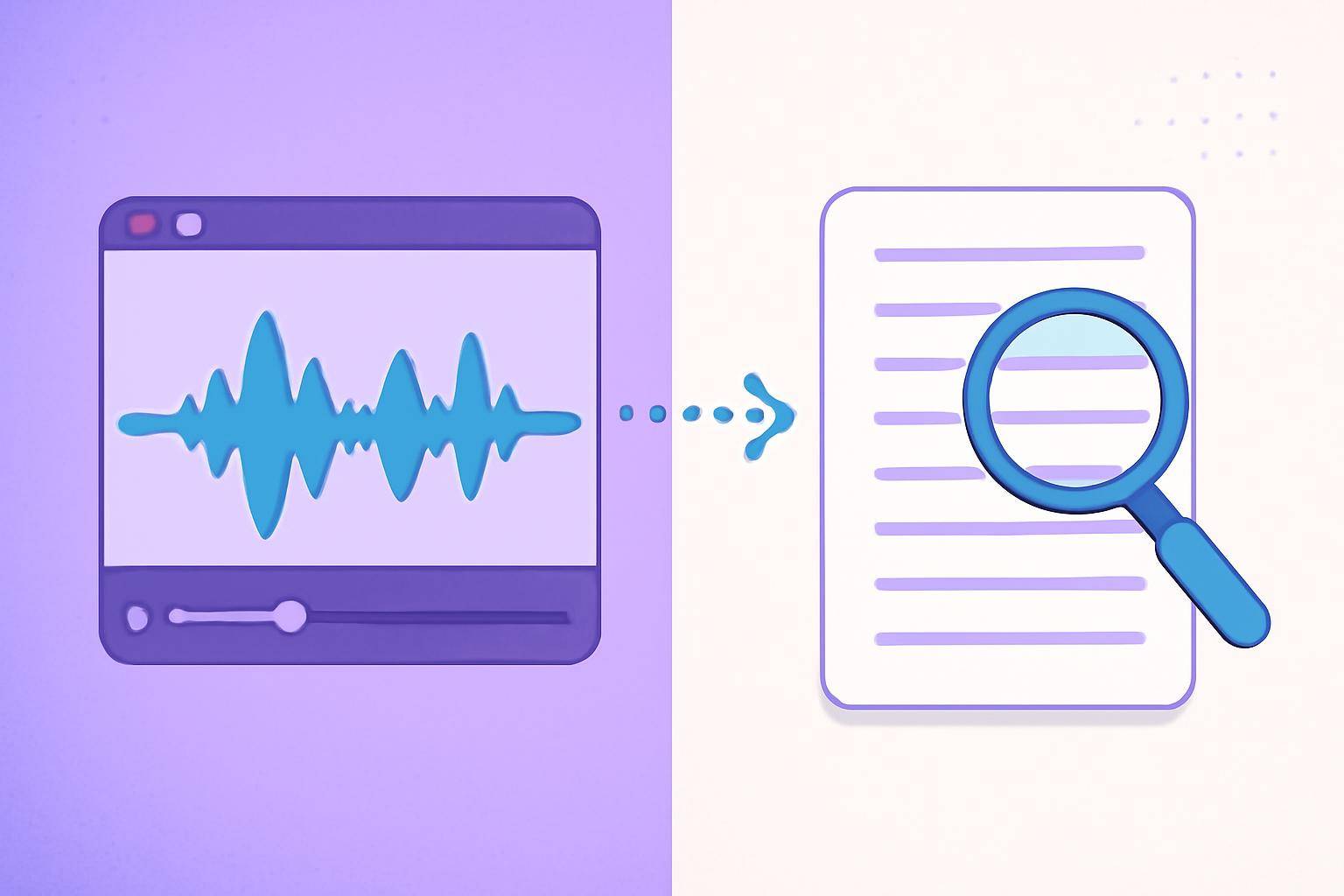
Video transcription accuracy depends on more than the AI model alone. Audio clarity, speaker style, language, and platform choice all matter. By understanding these variables and following best practices, you can boost the reliability of your AI-generated transcripts—and unlock the full value of your video content.
Want to see how your own videos perform? Try AIVideoSummary's AI-powered transcription and experience fast, accurate results with just a few clicks.
---