How to Extract Spoken Text from a Video Without Typing: Step-by-Step Guide
Why Extract Spoken Text from Video?
Manually typing out everything spoken in a video can be exhausting and time-consuming. Whether you’re a student needing lecture notes, a content creator making your work accessible, or a professional archiving meetings, extracting spoken text from video files is a common need. But how do you do it efficiently—without typing every word yourself?
The quickest solution is to use AI-powered video transcription tools like AIVideoSummary, which automatically convert spoken audio into accurate text. These tools can process various video formats, generate subtitles, and even summarize content, saving you hours of manual effort.
If you’re searching for a step-by-step process to extract spoken text from video without typing, this guide covers everything you need: the best methods, practical examples, tool comparisons, and tips for accuracy.
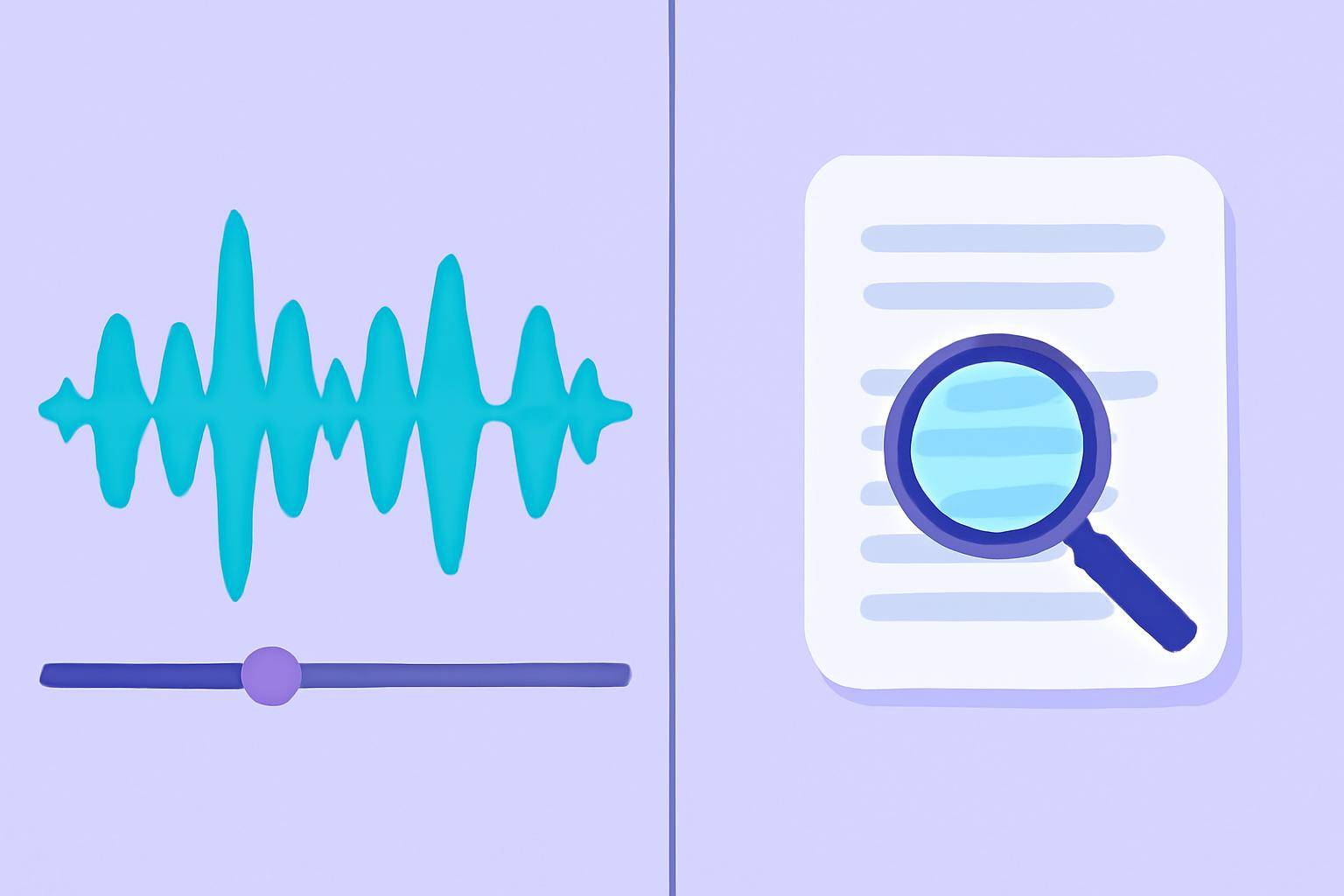
How Does AI Video Transcription Work?
Modern AI transcription leverages advanced speech recognition algorithms. Here’s a simplified workflow:
- Upload or provide a video link (YouTube, MP4, Zoom recording, etc.).
- AI processes the audio track, detecting spoken words, speakers, and timestamps.
- Text output is generated—as a transcript, subtitles (SRT/VTT), or summary.
- Export options let you download or copy the extracted text for editing or sharing.
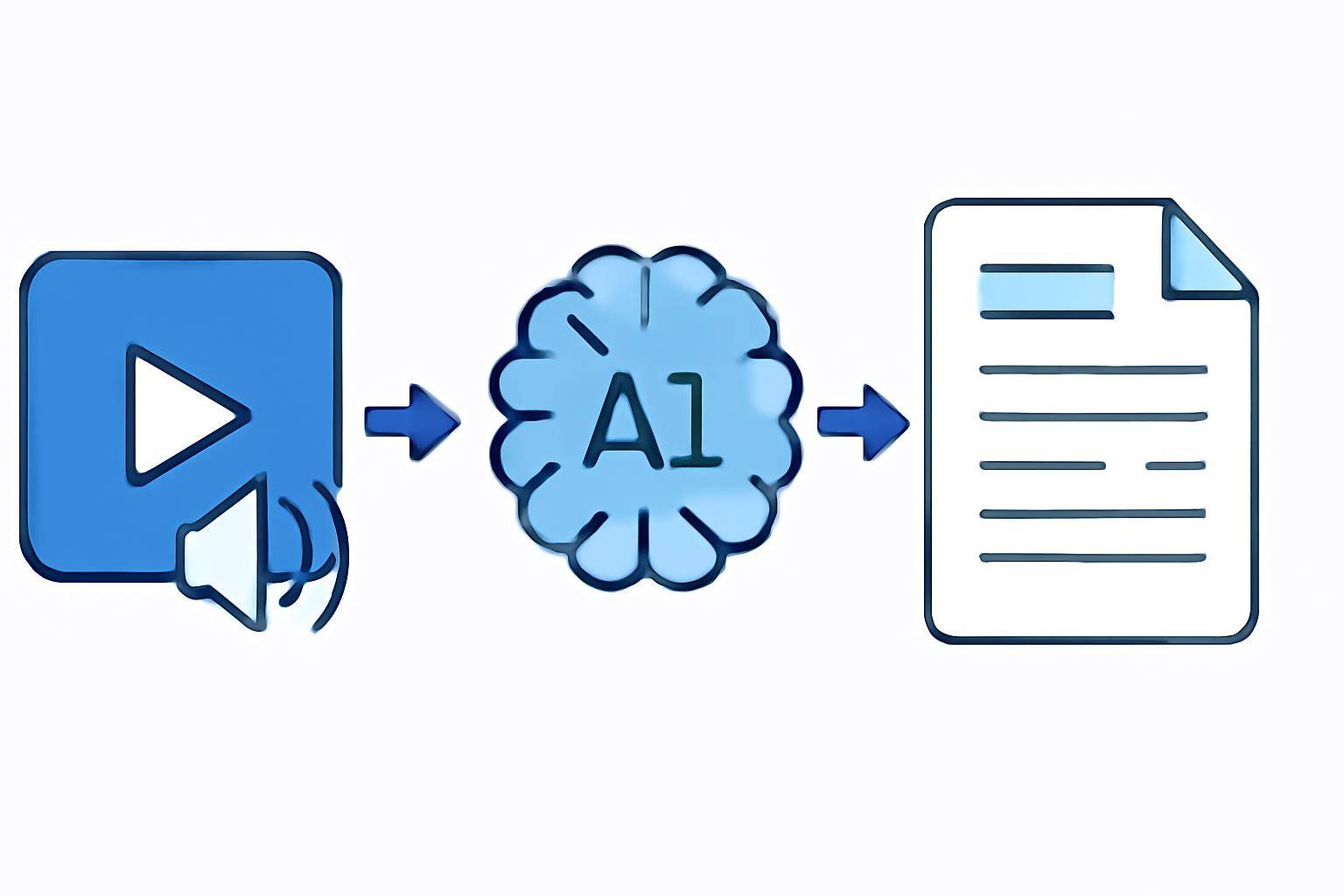
Solutions like AIVideoSummary make this process as simple as pasting a video URL or uploading a file. No more rewinding and pausing to catch every word!
Methods to Extract Spoken Text from Video
There are several approaches, each with pros and cons. Below, we break down the main options.
1. AI-Powered Transcription Tools
- Best for: Fast, automated, and accurate results
- How it works: Upload your video or paste a link; the tool transcribes the speech to text using AI
- Output: Editable transcripts, subtitles, summaries
2. Built-In Video Platform Features
- Best for: Quick transcripts from platforms like YouTube
- How it works: Use auto-captioning features (e.g., YouTube’s auto-generated subtitles)
- Output: Text or subtitle files (accuracy varies)
3. Manual Transcription (Not Recommended)
- Best for: Maximum control, but extremely time-consuming
- How it works: Listen and type everything yourself, or with foot pedals/transcription software
- Output: Custom transcript
4. Professional Human Transcription Services
- Best for: Legal, medical, or complex audio needing near-perfect accuracy
- How it works: Send video files to a service; humans transcribe for a fee (usually per minute)
- Output: Highly accurate transcripts, but slower turnaround
Comparison Table: Methods to Extract Spoken Text from Video
| Method | Speed | Accuracy | Cost | Best Use Cases | |---------------------------------------|-----------------|---------------|--------------|------------------------------------| | AI-Powered Tools (e.g. AIVideoSummary)| Fast (minutes) | High (85-95%) | Low/Medium | General content, notes, subtitles | | Built-In Video Platform Features | Instant | Medium | Free | YouTube, quick reference | | Manual Transcription | Slow (hours) | Varies | Free | Small clips, personal notes | | Professional Human Services | Medium/Slow | Very High | High | Legal, medical, official records |
For a deeper dive into AI technology’s role, see AI Transcription Accuracy and AI Subtitle Accuracy.
Step-by-Step: Extract Spoken Text from Video Using AI
Here’s how you can use AIVideoSummary or a similar tool to extract spoken text without typing:
- Prepare Your Video:
- Upload or Paste Video URL:
- Choose Transcription Options:
- Let AI Analyze & Transcribe:
- Review & Edit Output:
- Export Text or Subtitles:
Tip: For tutorials, see our blog post on transcribing video to text with AI.
Practical Examples: Who Needs to Extract Spoken Text from Video?
Students & Educators
- Convert recorded lectures or webinars into readable notes
- Create study guides or highlight key discussion points
- Ultimate student guide: AI transcription for notes
Content Creators & Marketers
- Generate captions for accessibility and SEO
- Repurpose webinar or podcast content into blog posts
- Summarize YouTube videos for quick previews (see how)
Professionals & Teams
- Transcribe meetings or interviews for documentation
- Archive and search spoken content in company videos
- Legal, medical, and educational fields benefit from specialized transcription
Accessibility Advocates
- Ensure video content is inclusive for hearing-impaired audiences
- Meet compliance for educational, government, or business requirements
Tips for Improving Transcription Accuracy
AI transcription has improved dramatically, but a few factors can impact results:
- Audio Quality: Clearer audio equals better accuracy. Minimize background noise.
- Speaker Clarity: Mumbling or rapid speech can cause errors.
- Accents & Jargon: Unusual accents or technical terms may reduce recognition rates.
- Multiple Speakers: Overlapping speech can be challenging for any system.
For more on what affects AI accuracy, read AI Transcription Accuracy.
Exporting and Using Extracted Text
Once you have your transcript, you can:
- Edit or format for clarity
- Import into note-taking apps or study tools
- Use as video subtitles/captions
- Create searchable video archives
- Summarize long videos to extract main points
Learn more about making perfect subtitles with accurate timestamps.
AI vs. Manual: What Are the Realistic Limitations?
No tool is flawless—AI transcription typically achieves 85-95% accuracy depending on input quality, while even professional humans can miss context or mishear words. Always review and edit transcripts before publishing or relying on them for official use.
- AI excels at speed, cost, and convenience.
- Manual/human services are best for complex or critical content.
Key Features to Look for in an AI Video Transcription Tool
When choosing a solution, consider:
- Supported formats: MP4, MOV, YouTube, etc.
- Editing interface: Easy correction of errors
- Subtitle and summary generation: For accessibility and productivity
- Security and privacy: Especially for sensitive or confidential videos
- Pricing flexibility: Pay-as-you-go or subscription (see pricing)
See a full feature breakdown of AIVideoSummary.
Try Extracting Spoken Text from Your Video Now
Ready to save time? Test out AIVideoSummary—just upload your video or paste a link, and let AI do the heavy lifting. No credit card required for the first file!
Frequently Asked Questions (FAQ)