AI Video Transcription vs. Manual Transcription: Which Is Better?

Understanding the Choice: AI Transcription vs Manual Transcription
When it comes to converting spoken content from video into text, two main options dominate: AI-powered automatic transcription and traditional manual transcription by humans. Both methods have their strengths and weaknesses. If you're asking, "Which is better for my needs?"—the answer depends on your priorities: speed, cost, accuracy, security, and scalability.
AI transcription uses advanced algorithms and machine learning to process and transcribe audio in real time or near-real time. Manual transcription relies on human transcribers listening and typing out the content, often with a higher degree of nuance and context-awareness. For most modern use cases—like generating searchable transcripts, captions, or summaries for online videos—AI transcription provides fast, cost-effective results, while manual transcription remains the gold standard for absolute accuracy or complex, specialized audio.
In this article, we’ll compare AI transcription vs manual transcription across critical factors, highlight practical examples, and help you decide which approach is best for your projects.
---
What Is AI Video Transcription?
AI video transcription automates the process of converting spoken audio from video files into written text using artificial intelligence. This is achieved through speech recognition technology and natural language processing (NLP). AI transcription can process a variety of video formats and languages, generating transcripts, subtitles, and even video summaries with minimal human intervention.
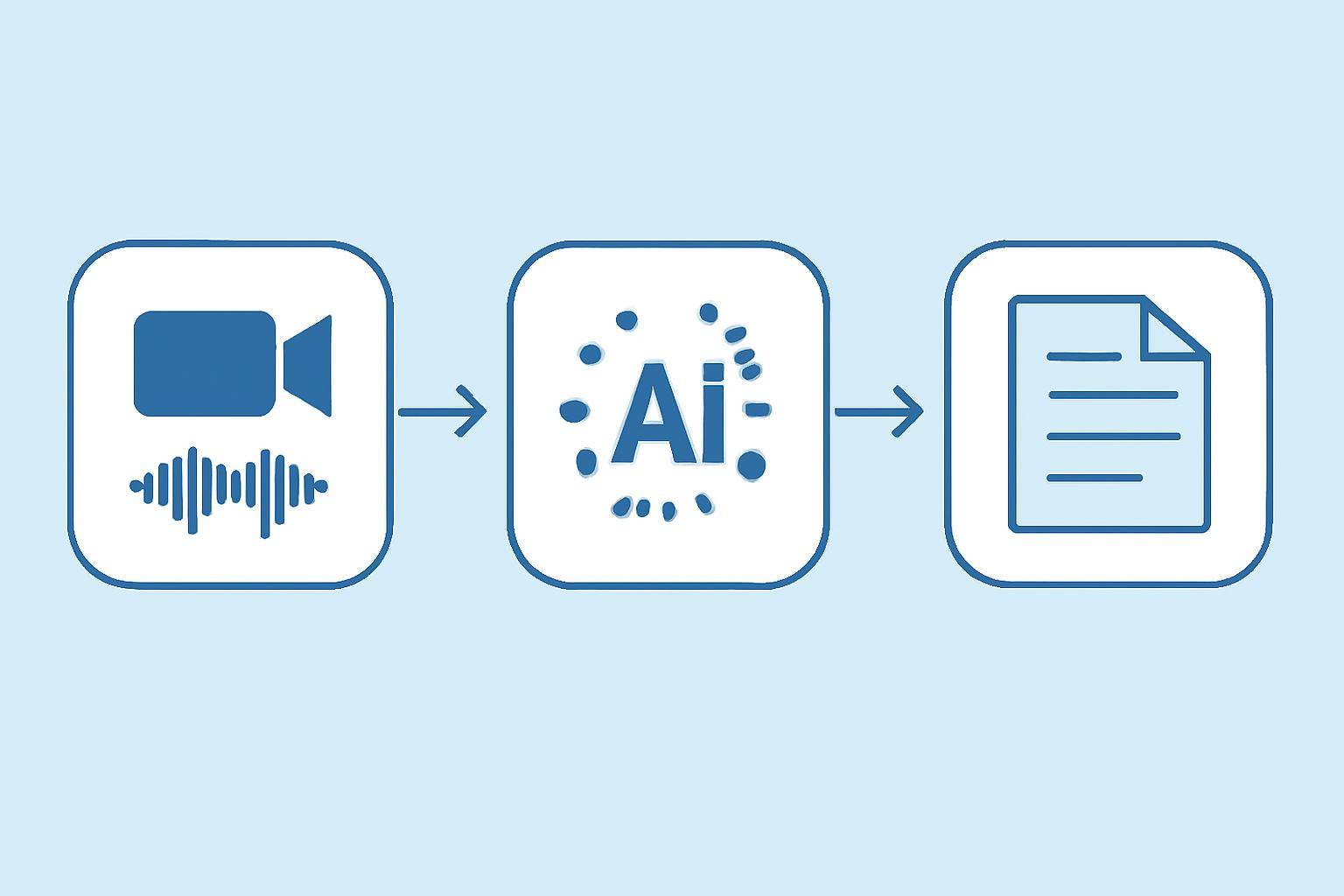
How Does AI Transcription Work?
- Upload or Input Video: The user uploads a video file or pastes a URL. For example, AIVideoSummary allows you to simply paste a YouTube or video link.
- Audio Extraction: The AI extracts the audio track from your video.
- Speech Recognition: Advanced AI models analyze the audio, recognize speech, and convert it to raw text.
- Punctuation & Formatting: The system adds punctuation, speaker labels, and timestamps.
- Output: The final transcript, subtitles, or video summary is generated—often in minutes.
For a detailed walkthrough, check out how to transcribe video to text using AI.
Advantages of AI Video Transcription
- Speed: Transcripts can be generated in minutes, regardless of video length.
- Scalability: Easily process hundreds of hours of video, ideal for content libraries.
- Cost-Effective: Substantially less expensive than manual transcription.
- Convenience: Supports multiple formats, languages, and integrates with other tools.
- Accessibility: Instantly create captions, subtitles, and searchable video text.
Limitations of AI Video Transcription
- Accuracy Varies: Heavily accented speech, background noise, or crosstalk can reduce accuracy.
- Specialized Content: Medical, legal, or technical jargon may be misinterpreted without human review.
- Speaker Attribution: May struggle with identifying overlapping speakers or distinguishing voices.
- Language Nuances: Sarcasm, idioms, or context-dependent meaning can be missed.
For more on accuracy, see AI transcription accuracy explained and perfect subtitles with accurate timestamps.
---
What Is Manual Video Transcription?
Manual transcription involves a human listening to the audio and typing out the spoken words. Experienced transcribers can catch subtle nuances, correct errors, and accurately label speakers and context. This method is often used for:
- Legal proceedings
- Medical dictations
- Academic research
- Content with heavy accents or technical language
- Sensitive or confidential recordings
The Manual Transcription Workflow
- Audio/Video Review: The transcriber listens to the recording, often multiple times.
- Transcription: The content is typed out, including speaker labels, timestamps, and necessary formatting.
- Proofreading: The transcript is reviewed for errors, inconsistencies, and context.
- Delivery: Final transcript is returned to the client, often after several hours of work for each hour of audio.
Pros of Manual Transcription
- Highest Accuracy: Human understanding of context, accents, and industry-specific terminology.
- Context Awareness: Can interpret sarcasm, tone, and intent.
- Quality Assurance: Final result is usually proofread and reviewed.
- Customization: Can follow detailed formatting or confidentiality requirements.
Cons of Manual Transcription
- Time-Consuming: Typically takes 4–6 hours per hour of audio.
- Costly: Rates can range significantly, but manual services are always more expensive than AI.
- Limited Scalability: Processing large volumes of content is impractical.
- Potential for Human Error: Fatigue, distraction, or mishearing can still cause mistakes.
---
AI Transcription vs Manual Transcription: Comparison Table
| Factor | AI Transcription | Manual Transcription | |-------------------------|-----------------------------------|-------------------------------| | Speed | Minutes per hour of video | 4–6 hours per hour of audio | | Cost | Low (often free–$1/hr) | High ($1–$6/minute or more) | | Accuracy | 80–95% (varies by audio quality) | 95%+ (with proofing) | | Scalability | High, batch processing possible | Low, limited by human labor | | Specialized Content | May struggle with jargon | Handles technical language | | Turnaround Time | Instant to a few minutes | Several hours to days | | Speaker Labels | Can struggle with overlaps | Handles complex dialogues | | Confidentiality | Data processed by AI system | Can sign NDAs, human handling | | Languages Supported | Dozens, but may lack precision | Any, if transcriber available | | Customization | Limited, template-based | High, per client request |
---
Practical Examples: When to Use Each Method
When AI Transcription Is Ideal
- Lecture Recordings: Quickly generate notes for students and educators. See our student guide to AI transcription.
- YouTube Content Creators: Auto-generate captions and summaries for SEO and accessibility. Learn more in how to summarize a YouTube video with AI.
- Enterprise Content: Index and search large video libraries for internal knowledge bases.
- Market Research: Speed up the transcription of interviews and focus groups for analysis.
- Podcast Transcripts: Make content searchable and accessible for larger audiences.
Try it yourself: Upload your video or paste a link on AIVideoSummary to get an instant transcript or summary.
When Manual Transcription Is Necessary
- Legal Transcripts: Court proceedings, depositions, and legal evidence require utmost accuracy and confidentiality. Explore legal transcription services.
- Medical Transcripts: Complex medical terminology and privacy standards call for human expertise. See medical transcription solutions.
- Highly Technical or Sensitive Content: When content involves industry-specific jargon, multiple speakers, or sensitive topics.
- Poor Audio Quality: Heavily accented speakers, background noise, or unclear recordings benefit from human context and attention.
---
Cost, Turnaround, and Workflow: What to Expect
Pricing Differences
- AI Transcription: Many platforms offer free trials or low per-hour costs. For example, AIVideoSummary provides affordable pricing for bulk projects (see pricing).
- Manual Transcription: Can cost up to $360 per hour of audio, depending on complexity, turnaround, and formatting requirements.
Turnaround Time
- AI: Minutes, with near-instant delivery for most files.
- Manual: Ranges from overnight to several days, depending on workload and content length.
Workflow Efficiency
AI enables workflows such as:
- Rapidly creating draft transcripts for editing
- Generating subtitles and captions for videos
- Providing searchable text for video SEO and accessibility
Manual transcription is best reserved for final, publication-ready transcripts where every word matters.
---
AI Transcription Quality: Real-World Considerations
AI transcription has improved dramatically but is not perfect. Here are some common scenarios and what you can expect:
- Clean, Clearly Spoken English: AI often achieves 90–95% accuracy.
- Multiple Speakers or Crosstalk: Accuracy may drop, and speaker labels can be mixed up.
- Accents and Dialects: Some AI tools handle accents better than others; light editing may be needed.
- Background Noise: Can cause missed words or misinterpretations.
If absolute accuracy is needed, consider using AI-generated transcripts as a draft, then review and edit for errors. For many use cases, especially where speed and cost are priorities, AI transcription is more than sufficient.
---
Subtitles, Summaries, and Accessibility
AI tools like AIVideoSummary don’t just transcribe—they also generate subtitles, summaries, and searchable text. This is invaluable for making video content accessible to audiences with hearing impairments and for improving video SEO.
Learn more about AI subtitle accuracy and AI-powered video summaries.
Tip: Even if you prefer manual transcription for your final transcript, AI can provide a quick head start, saving you hours of work.
---
Choosing the Right Approach for Your Needs
Consider these questions when deciding between AI transcription vs manual transcription:
- How important is speed? Tight deadlines favor AI.
- What’s your budget? AI is far more affordable.
- Is accuracy mission-critical? Manual transcription is better for legal/medical.
- How much content do you have? AI scales for large libraries.
- Are there privacy requirements? Manual services can offer NDAs and secure handling.
- Does your content use heavy jargon or multiple speakers? Manual may be preferable.
For most general business, educational, or marketing needs, AI transcription offers the best mix of speed, cost, and convenience. For specialized or sensitive projects, manual transcription remains essential.
---
Conclusion: AI and Human Transcription—Best of Both Worlds?
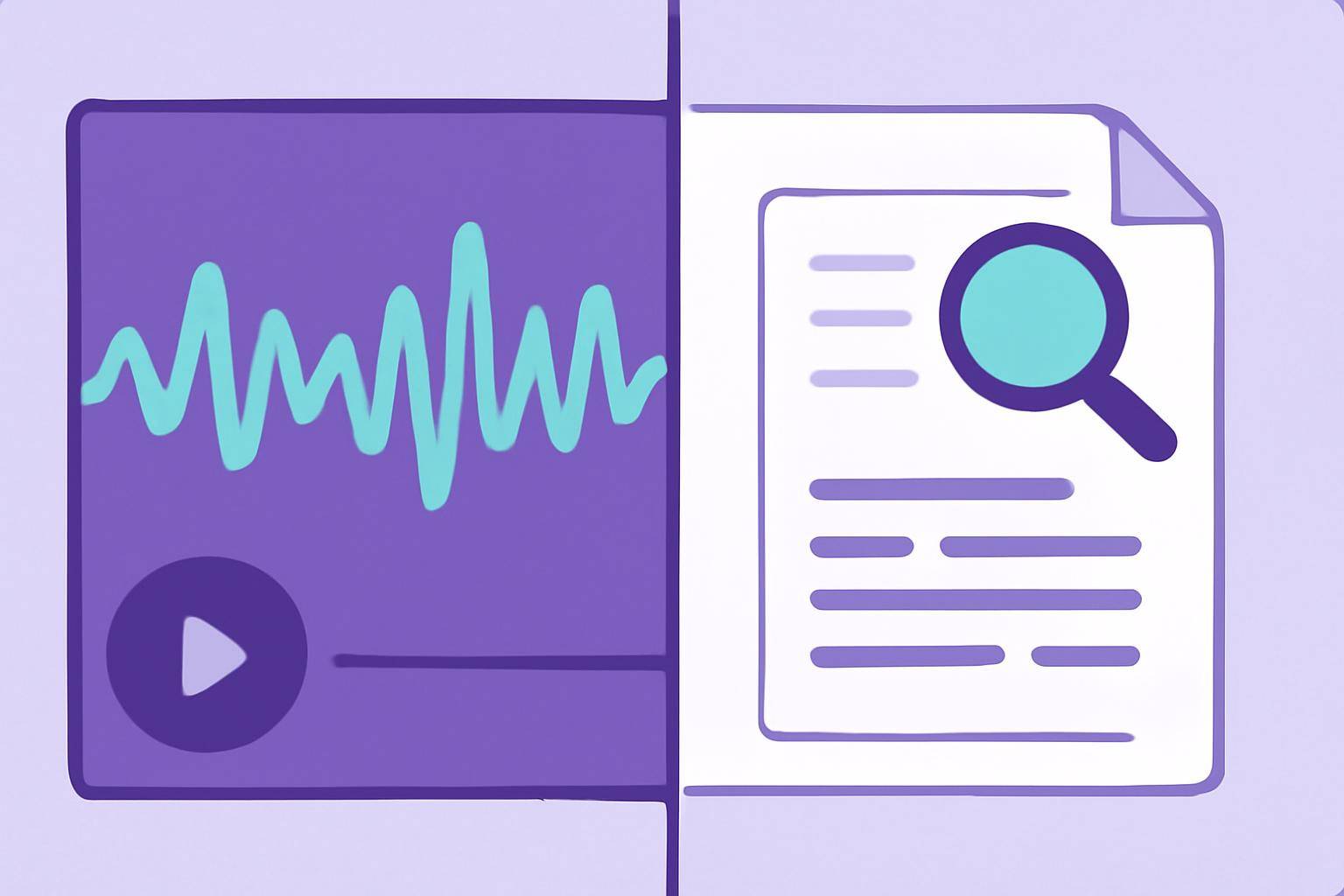
Both AI and manual transcription have their place. AI is transforming accessibility, productivity, and the cost-effectiveness of video transcription. For many, the best workflow is hybrid: use AI to generate fast, affordable drafts, then edit or proofread manually for the highest accuracy.
Ready to experience the benefits? Try AIVideoSummary now—upload your video or paste a URL for instant transcripts, subtitles, or summaries.
For more insights, visit our feature overview and explore AI transcription services.
---