How to Convert YouTube Videos into Searchable Text with AI
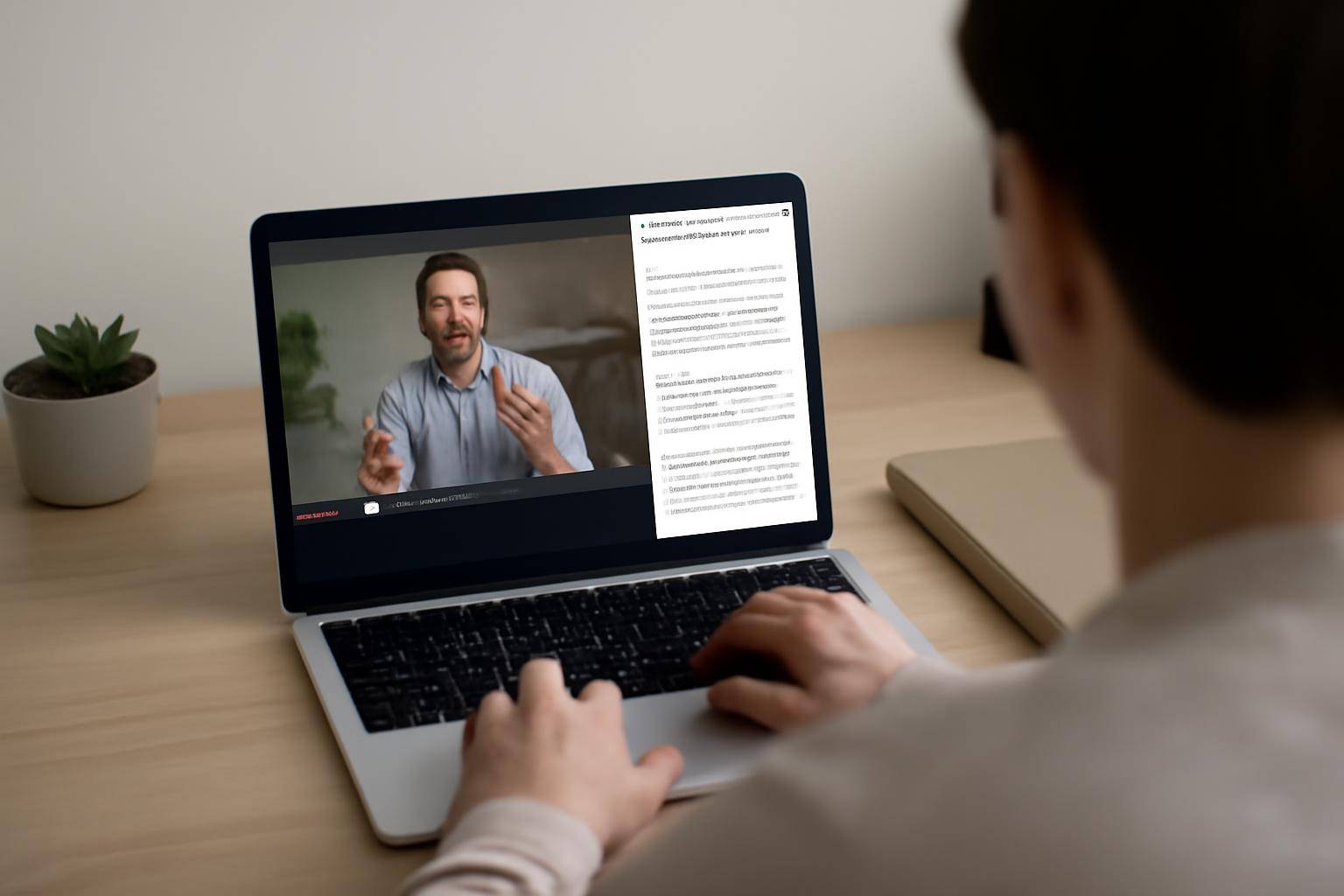
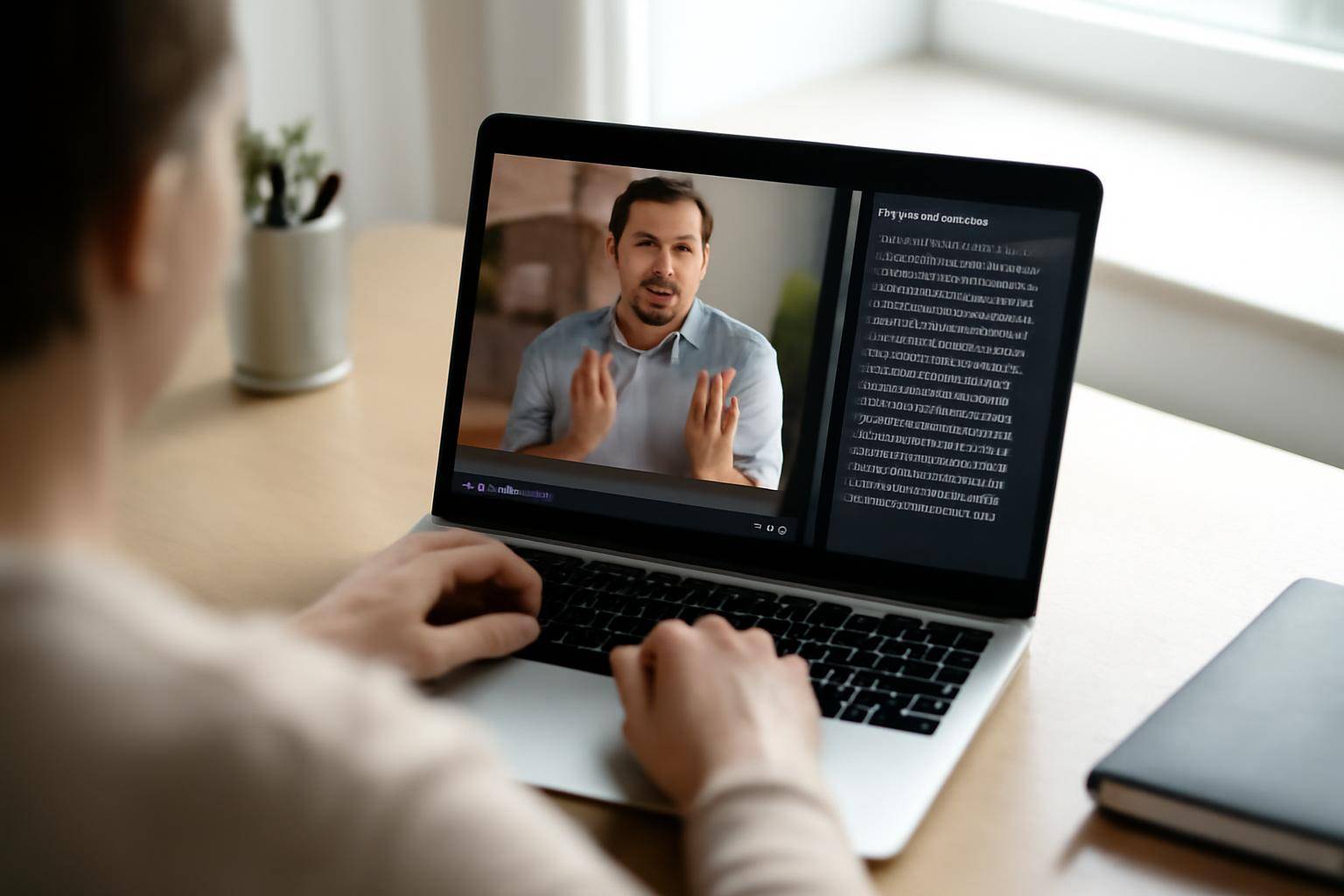
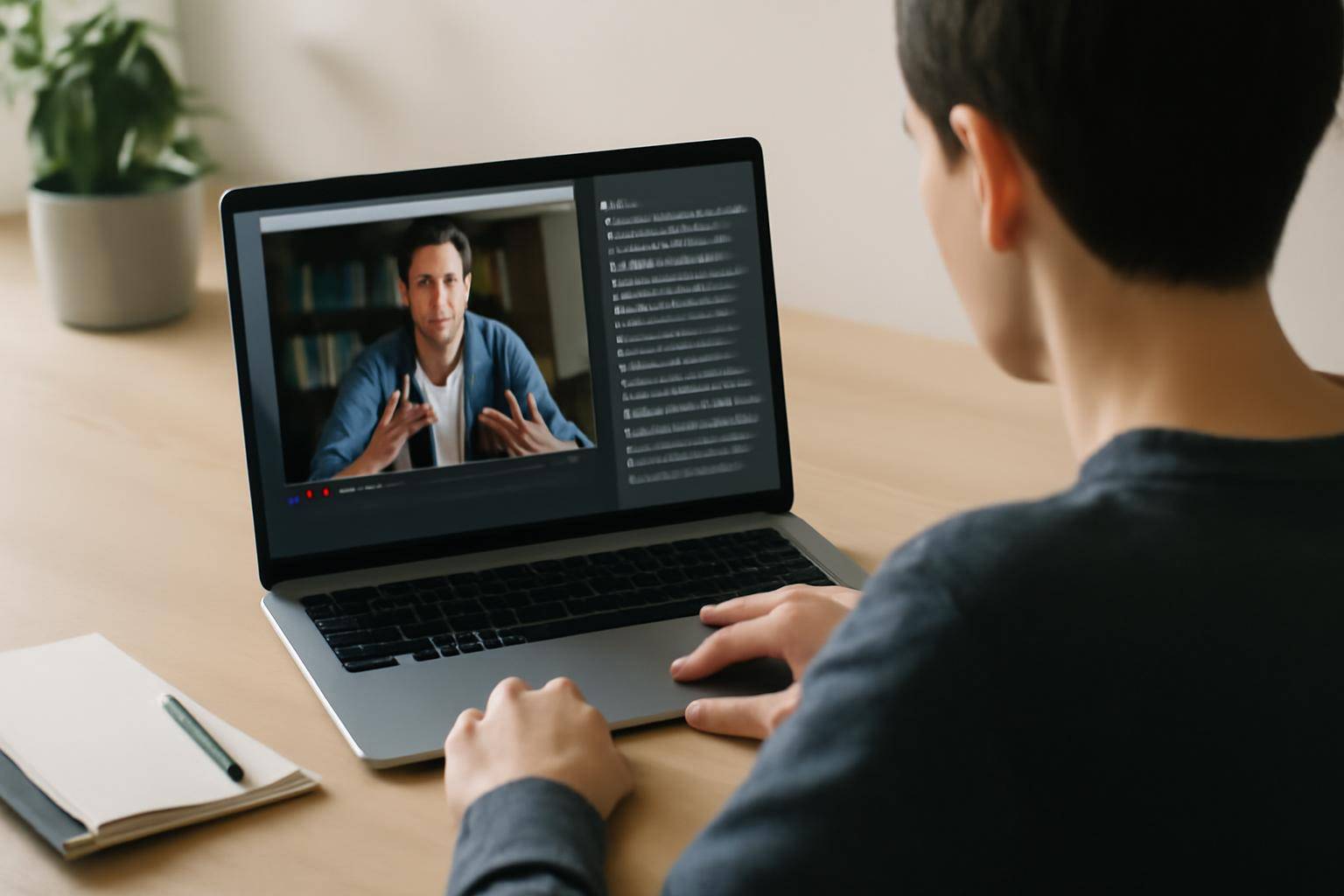
Converting YouTube videos into searchable, editable text unlocks a world of possibilities—whether you’re a content creator, researcher, student, or business professional. With AI-powered tools, you can efficiently extract transcripts, generate subtitles, and summarize videos in just a few clicks. This process makes content easily searchable, accessible, and reusable, saving hours of manual work.
If you want to convert YouTube video to text, modern AI solutions like AIVideoSummary make the process straightforward. Simply paste the YouTube URL or upload the video file, and within minutes, receive an accurate transcript, subtitles, and even a concise summary. No technical expertise required.
In this detailed guide, you’ll learn:
- Why and when to convert YouTube videos to text
- How AI video transcription works
- Step-by-step instructions for using AI tools
- Real-world examples and use cases
- A comparison of top AI video-to-text solutions
- Limitations and best practices
Why Convert YouTube Videos to Text?
Extracting the spoken content from videos into text has become an essential workflow for:
- Creating searchable archives: Text transcripts make it easy to find specific information within hours of video footage.
- Boosting accessibility: Subtitles and transcripts help viewers who are deaf, hard of hearing, or non-native speakers.
- Generating content: Repurpose video content as blog posts, articles, or social media snippets.
- Supporting research and study: Educators and students can quickly highlight, annotate, and cite information.
- Improving SEO: Search engines can better index and rank text-based video content.
For more on the benefits and practicalities, see AIVideoSummary’s features or explore our Ultimate Student Guide to AI Transcription & Notes.
How Does AI Convert YouTube Videos to Text?
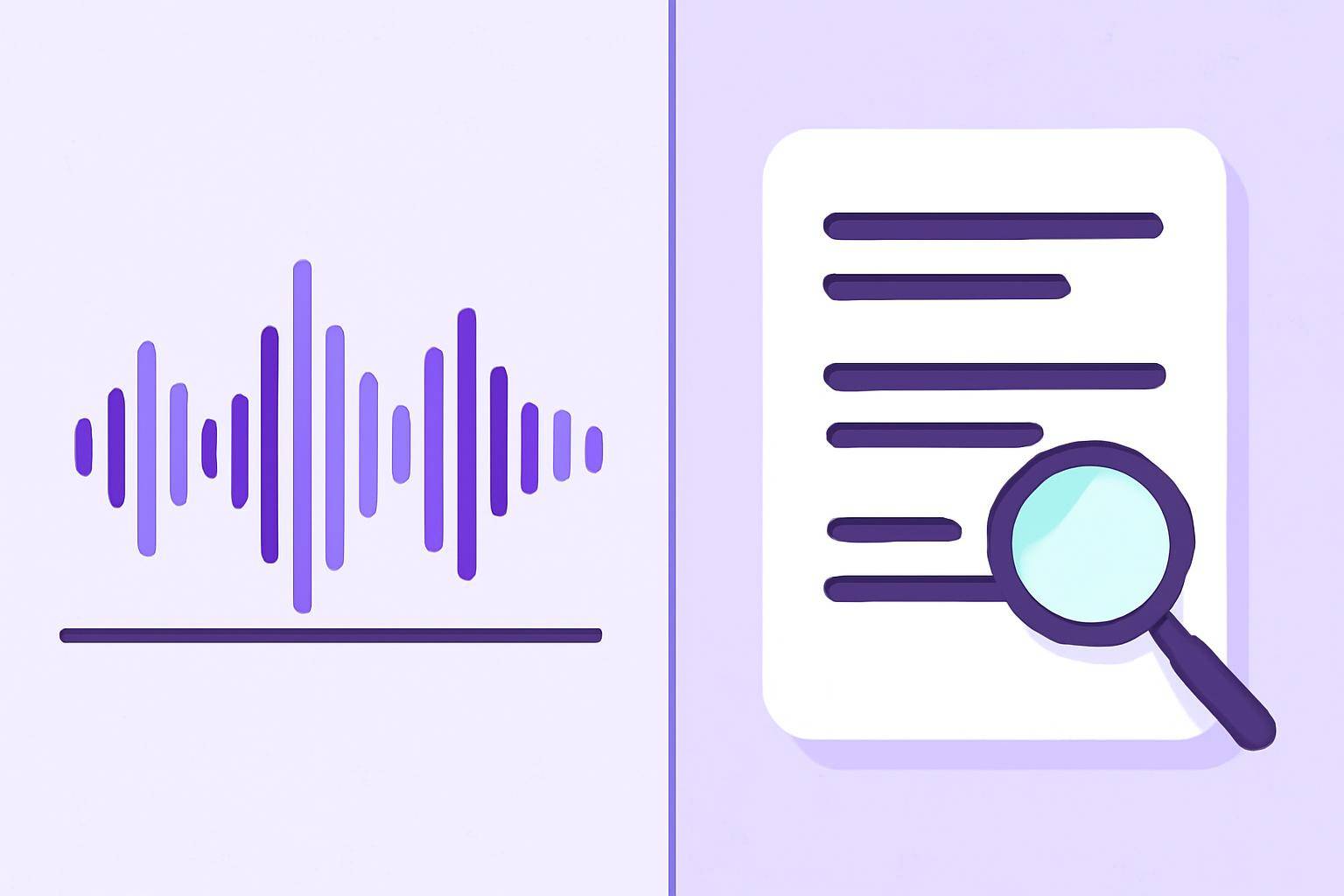
AI-powered transcription platforms use advanced speech recognition models to automatically detect and transcribe spoken words in video files. These systems are trained on diverse voices and accents, making them more robust than traditional manual methods.
The AI Transcription Workflow
The typical steps include:
- Input: Upload a video file or paste a YouTube URL.
- Audio Extraction: The tool separates the audio track from the video.
- Speech Recognition: AI models transcribe the audio to text.
- Formatting: The output is formatted as readable text, subtitles (SRT, VTT), or summaries.
- Editing & Review: Users can review and edit the generated text for accuracy.
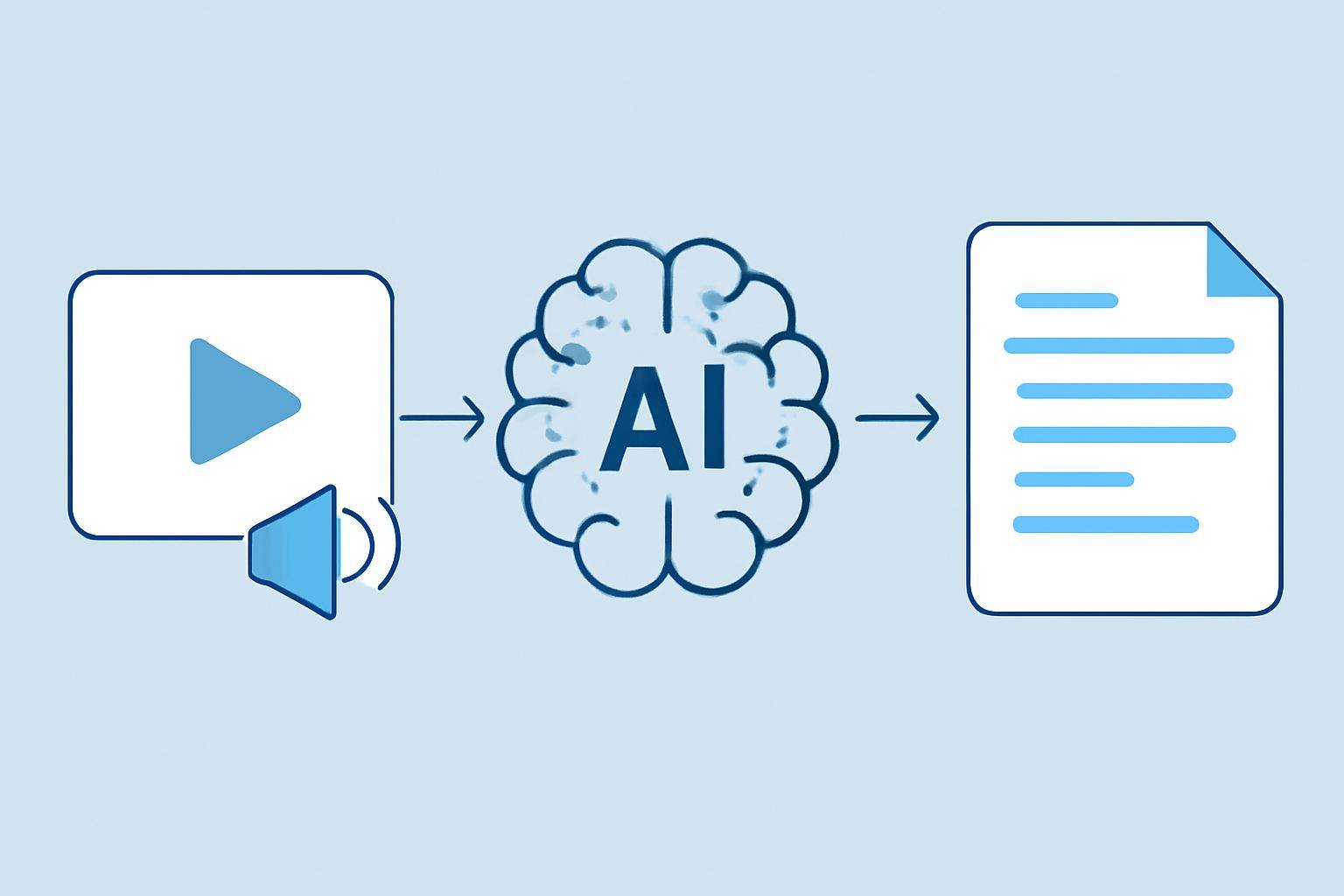
Unlike manual transcription, this process is fast and scalable. However, factors like audio quality, background noise, and strong accents can affect accuracy. For a deeper dive into AI transcription accuracy, check this guide.
Step-by-Step: Convert YouTube Video to Text with AI
Let’s walk through how to convert a YouTube video to text using AIVideoSummary:
1. Copy the YouTube Video URL
Find the video you want to transcribe. Copy its URL from your browser’s address bar.2. Paste the URL into the Tool
Go to AIVideoSummary’s video URL process page and paste your YouTube link. Alternatively, you can upload a video file if necessary.3. Select Transcription Options
Choose your output: full transcript, subtitles, summary, or all three. AI tools like AIVideoSummary support multiple formats (plain text, SRT, VTT, DOCX, etc.).4. Let the AI Process the Video
The AI engine extracts audio and transcribes it. Processing time varies with video length but typically takes a few minutes for standard videos.5. Review and Edit (If Needed)
Check the generated text for speaker names, timestamps, or technical terms. Most tools allow in-browser editing.6. Download or Export
Export the final transcript or subtitles to your device. You can now search, quote, summarize, or repurpose the content as needed.#### Quick Video-to-Text Conversion Checklist
- [ ] Copy YouTube URL
- [ ] Paste into AI tool
- [ ] Choose transcript/subtitle/summary
- [ ] Wait for processing
- [ ] Edit and export
Practical Example: Turning a YouTube Lecture into Searchable Notes
Suppose you’re a university student who wants to study from a recorded lecture. Here’s how you might use AI transcription:
- Find the lecture on YouTube.
- Paste the link into AIVideoSummary.
- Select “Transcript + Summary.”
- Receive a full text transcript, with timestamps and speaker labels.
- Read, search, and highlight key concepts.
- Use the summary for quick revision or as a study guide.
This approach is also invaluable for:
- Business meetings and webinars
- Podcast episodes
- Tutorials and training videos
- Legal and medical recordings (see specialized services and medical transcription)
For more inspiration, read our Ultimate Student Guide to AI Transcription & Notes.
Comparison: Top AI Video-to-Text Tools
Choosing the right tool depends on your needs—accuracy, speed, pricing, export formats, and extra features. Here’s a comparison table of popular solutions, including AIVideoSummary:
| Feature | AIVideoSummary | Tool B | Tool C | |---------------------------|----------------|---------------|---------------| | Supports YouTube URLs | Yes | Yes | No | | Subtitle Export (SRT/VTT) | Yes | Yes | Yes | | Summarization | Yes | No | Yes | | Editing in Browser | Yes | Yes | No | | Speaker Identification | Yes | Limited | No | | Languages Supported | 40+ | 20+ | 15+ | | Free Trial | Yes | Yes | No | | API / Integrations | Yes | No | Yes | | Price (per hour) | From $0.15 | $0.20 | $0.25 |
For full details, see AIVideoSummary’s pricing or features page.
Common Use Cases for YouTube-to-Text Conversion
Content Creators: Convert video interviews, vlogs, or tutorials into blog posts and social media updates. Rewrite blog posts using AI.
Researchers & Students: Transcribe lectures, webinars, or conference talks for easy referencing. See our student guide.
Businesses: Archive and search meetings, training sessions, or customer support calls.
Accessibility Advocates: Generate subtitles and transcripts for viewers with hearing impairments. Check out our guide on perfect subtitles and accurate timestamps.
Education Sector: Convert educational videos for e-learning platforms with searchable notes (education transcription service).
Limitations and Considerations of AI Video Transcription
AI-powered transcription has advanced rapidly, but it’s not flawless. Here are some practical realities:
- Accuracy depends on audio quality: Background noise, music, or strong accents can reduce transcription accuracy.
- Technical jargon: Highly specialized vocabulary may need manual correction.
- Speaker overlap: Multiple people talking at once can confuse the AI.
- Confidentiality: Always check privacy policies if your videos contain sensitive material.
- Formatting: Automatic punctuation and paragraphing may need minor adjustments.
AIVideoSummary allows users to review and edit transcripts before export. For more on accuracy, see AI Subtitle Accuracy and AI Transcription Accuracy.
Best Practices for Accurate YouTube Video Transcription
To maximize the accuracy and usefulness of your transcripts:
- Use high-quality audio: Clear recordings yield better results.
- Choose the right language/accent setting.
- Review and edit the output: Always proofread for names, acronyms, and timestamps.
- Break long videos into sections: If possible, process longer videos in segments.
- Keep source videos publicly accessible: For YouTube URL processing, unlisted videos work better than private ones.
Try AI YouTube Video Transcription Easily
Ready to convert YouTube video to text? AIVideoSummary makes it simple:
- Upload your video or paste a URL here
- Instantly receive a transcript, subtitles, and summary
- Edit and export in your preferred format
For more on getting started, see our introduction to AI video summaries.
Related Reading
- Transcribe Video to Text Using AI: Complete Guide
- Summarize YouTube Video with AI
- Perfect Subtitles and Accurate Timestamps
FAQ: Converting YouTube Videos to Searchable Text