How to Add Captions to a Video Automatically in Minutes

Why Add Captions to Video Automatically?
Captions make your videos more accessible for viewers who are deaf or hard of hearing, help with comprehension in noisy environments, and boost SEO by making your content searchable. Manually adding captions is time-consuming, but modern AI transcription services can help you add captions to video automatically—saving hours of tedious work.
If you want to quickly make your videos more engaging and accessible, automated captioning is the fastest route. In just a few clicks, you can upload a video (or paste a URL) and receive a captioned version in minutes. While no AI tool is flawless, today’s solutions deliver impressive speed and accuracy for most common video types.
Want to try it for yourself? Upload your video or paste a link to start automatic captioning in minutes.
---
How Does Automatic Video Captioning Work?
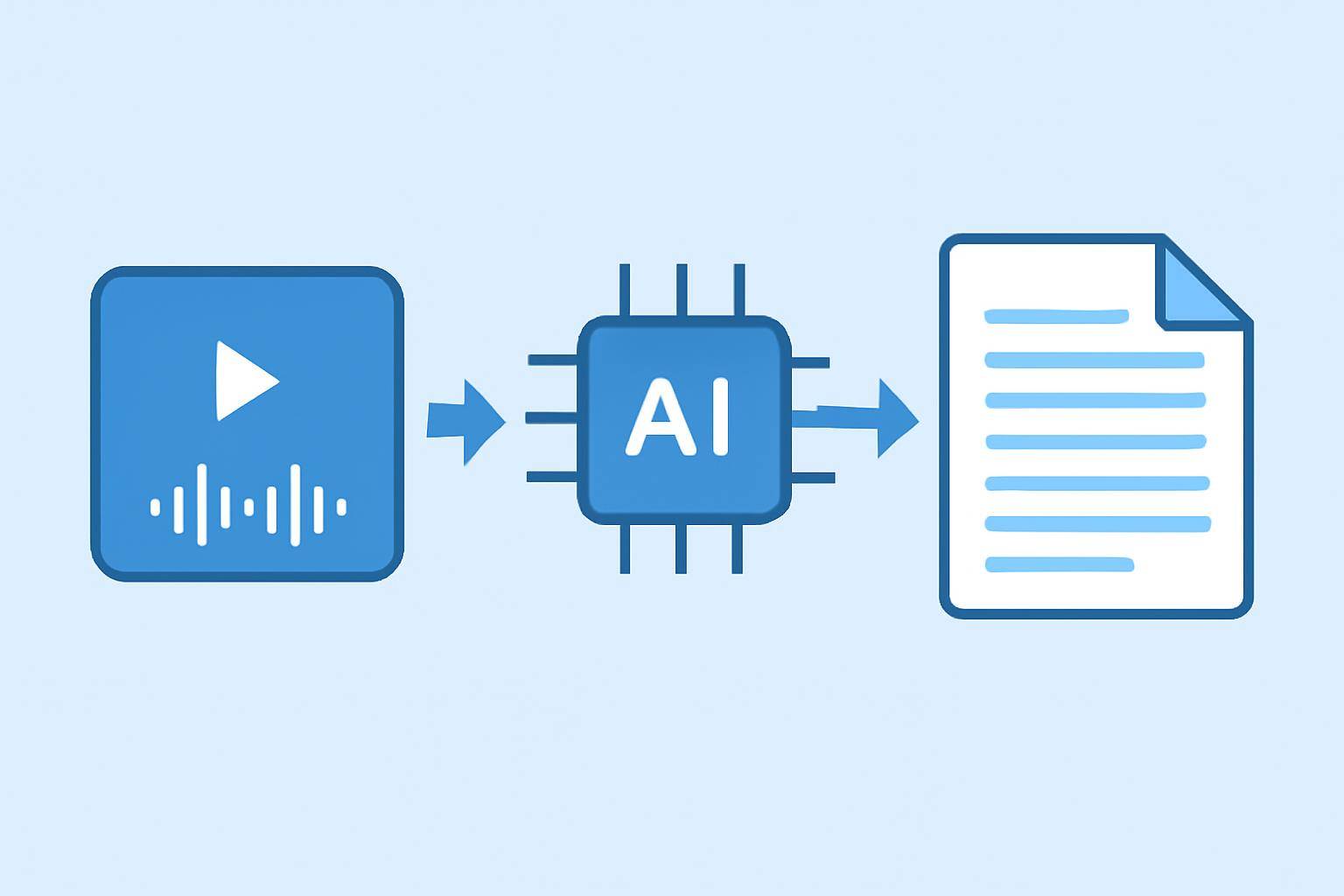
Automatic captioning uses AI-powered speech recognition to convert spoken words in your video into text. The process typically looks like this:
- Upload your video or provide a video URL.
- The AI tool analyzes the audio, breaking it into segments.
- Speech recognition algorithms convert audio speech to text.
- The tool synchronizes the text to the correct timestamps (so captions match the video).
- You can review, edit, and export captions in formats like SRT, VTT, or embed them directly in your video.
Benefits of Automatic Video Captioning
- Speed: Generate captions in minutes, not hours.
- Scalability: Caption large video libraries quickly.
- Accessibility: Meet legal and ethical accessibility standards.
- SEO: Make your videos more discoverable on search engines.
- Engagement: Viewers can watch without sound and still understand.
For more on the underlying tech, see AI Video Transcription Accuracy and Perfect Subtitles with Accurate Timestamps.
---
Step-by-Step Guide: How to Add Captions to a Video Automatically
1. Choose an AI Captioning Tool
There are various tools available, such as AIVideoSummary, that let you generate captions automatically. When selecting a solution, consider:
- Supported video formats
- Language and accent support
- Editing and export options
- Pricing and free trial availability
- Data privacy policies
| Feature | AIVideoSummary | Manual Captioning | Built-in Video Editors | |----------------------|----------------|-------------------|-----------------------| | Speed | Minutes | Hours | Varies | | Accuracy | High (not 100%)| Up to 100% | Low–Medium | | Editing Options | Yes | Yes | Limited | | Export Formats | SRT, VTT, TXT | Custom | Varies | | Cost | Affordable | Labor intensive | Often included | | Scalability | Excellent | Poor | Limited |
2. Upload Your Video or Paste a URL
Most AI tools support direct upload (MP4, MOV, etc.) or let you paste a link from platforms like YouTube. AIVideoSummary makes this step simple—just drop your file or URL.
3. Let AI Generate the Captions
Once uploaded, the AI processes your video. This usually takes anywhere from a few seconds to a few minutes depending on video length and file size.
- The tool detects spoken language.
- Speech recognition converts audio to text.
- Timestamps are automatically added so captions appear at the right moments.
4. Review and Edit Captions
AI-generated captions are impressively accurate, but not perfect. Always review the text for proper names, technical terms, or accents that AI may misinterpret.
- Edit directly in the tool’s caption editor.
- Adjust timing or merge/split captions if needed.
- Some tools offer spellcheck or search/replace features.
For specialized needs (legal, medical, educational), see:
5. Export Captions or Burn Them into the Video
You can typically export captions as SRT, VTT, TXT, or embed them ("burn-in") directly into the video.
- SRT/VTT: Upload to YouTube, Vimeo, or your LMS.
- Burned-in: Captions become part of the video image, always visible.
- Plain text: For summaries or scripts.
For a walkthrough, check How to Transcribe Video to Text Using AI.
---
Practical Examples: Adding Captions with AI
Let’s look at how different users can benefit from automatic captioning.
Example 1: YouTube Creators
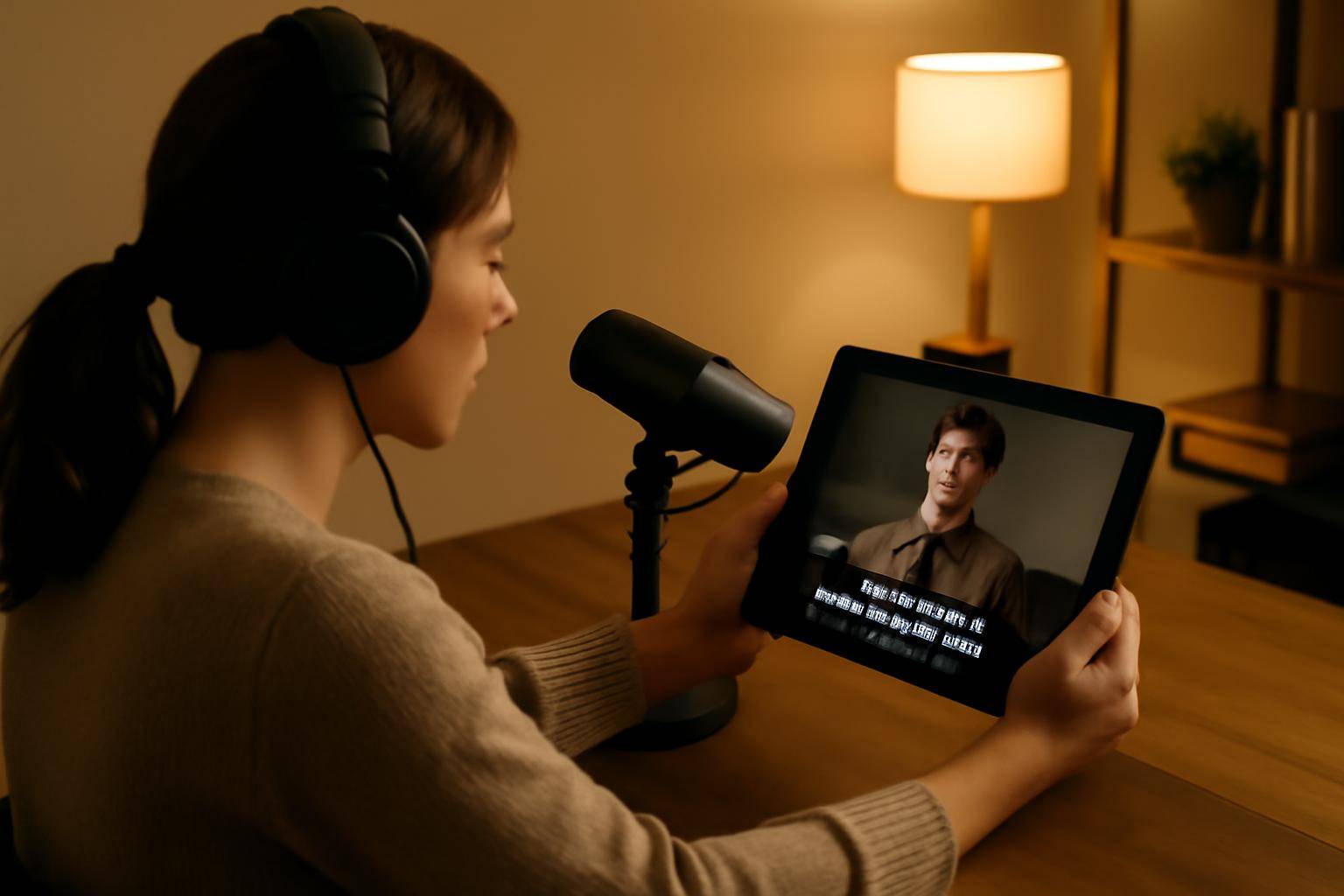
A creator uploads a 10-minute tutorial. With an AI tool:
- Uploads the video file or YouTube URL.
- Waits ~2 minutes for automatic captions.
- Makes quick edits for technical terms.
- Downloads SRT and uploads to YouTube.
Result: Video is now accessible and can be found in YouTube search via captions.
Example 2: Corporate Training Videos
A company needs to caption dozens of onboarding videos:
- Uploads a batch of files to an AI platform.
- Lets the tool process all videos in parallel.
- Exports all captions for compliance and accessibility.
Example 3: Academic Lectures
A lecturer wants to make recorded lectures accessible:
- Uploads the video to AIVideoSummary.
- Edits captions for subject-specific vocabulary.
- Exports VTT for LMS integration.
For more education use cases, see Ultimate Student Guide to AI Transcription and Notes.
---
Limitations and Best Practices
While automatic captioning is fast and accurate for most scenarios, be aware of these limitations:
- Accents and dialects: Rare or strong accents may lower accuracy.
- Background noise: Loud music or overlapping voices can confuse AI.
- Technical jargon: Specialized terms may require manual correction.
- Formatting: Speaker labels and punctuation may need review.
Best Practices:
- Always proofread AI-generated captions.
- Use high-quality audio for best results.
- Customize your vocabulary list if the tool supports it.
- Export and test captions in your target platform before publishing.
For more on accuracy, see AI Subtitle Accuracy.
---
Integrating Captioned Videos Across Platforms
- YouTube & Vimeo: Upload SRT/VTT files for searchable captions.
- Learning platforms: Add captions for compliance and better learner engagement.
- Corporate websites: Improve accessibility and SEO by using captioned videos.
Some platforms even auto-detect captions, boosting your video’s reach.
---
Comparing AI Tools for Automatic Captioning
| Feature | AIVideoSummary | Other Major AI Tools | |----------------------|----------------------------|-----------------------------| | Upload/URL support | Yes | Varies | | Speed | Minutes | Minutes–hours | | Editing interface | Intuitive, in-browser | Varies | | Export formats | SRT, VTT, TXT, burn-in | SRT, VTT | | Specialized services | Legal, medical, education | Limited | | Free trial | Yes | Some | | Privacy | Secure, GDPR-compliant | Varies |
To explore features in detail, visit AIVideoSummary Features or check Pricing for more info.
---
Tips for Higher Caption Accuracy
- Use clear, high-fidelity audio.
- Avoid overlapping speakers.
- Minimize background noise.
- Consider manually adding speaker names for multi-person videos.
- Edit captions for acronyms and specialized terms.
If your project demands even greater accuracy—such as for legal, medical, or scientific content—consider AI Transcription Services with human review options.
---
Advanced: Summarize and Repurpose Captioned Video Content
Once your captions are ready, you can:
- Generate searchable video summaries.
- Repurpose transcripts into blog posts or articles.
- Improve video discoverability for multilingual audiences.
See AI Video Summary and Summarize YouTube Video with AI for practical workflows.
---
FAQ: Automatic Captioning for Videos
Frequently Asked Questions
#### What video formats are supported for automatic captioning? Most tools handle MP4, MOV, AVI, and sometimes direct video URLs from platforms like YouTube or Vimeo. Always check your tool’s supported formats.
#### How accurate are AI-generated captions? AI captions are highly accurate for clear speech and common languages, but may struggle with accents, jargon, or noisy audio. Always review and edit before publishing.
#### Can I edit captions after they’re generated? Yes. Most AI captioning tools include an in-browser editor to correct, split, or merge captions as needed before exporting.
#### Is it possible to automatically translate captions into other languages? Many platforms offer automated translation, but accuracy varies. Manual review is recommended for important content.
#### Are captions good for SEO? Absolutely. Search engines can index video captions and transcripts, improving your video’s discoverability and keyword coverage.
#### Can I add captions to live streams automatically? Some advanced tools support live captioning, but results may depend on connection quality and the complexity of live speech. For best results, upload the recording after the event.
#### Do I need to pay for automatic captioning? Many AI tools offer free trials or a limited number of free minutes. For regular or large-scale use, consider a paid plan for more features and higher limits. See AIVideoSummary Pricing for details.
---
Get Started: Add Captions to Your Videos Automatically
Automatic captioning is a game changer for accessibility, SEO, and viewer engagement. With AI-powered tools, you can add captions to video automatically in minutes—no technical skills required. Ready to make your videos more inclusive and discoverable?
Try AIVideoSummary now: upload a video or paste any URL to get started.
For more tips and in-depth guides, explore our blog and feature overview.