How Journalists Can Transcribe Interviews with AI and Save Time
Why Journalists Need Faster Interview Transcription
Journalists often record interviews for accuracy, accountability, and quoting sources. But turning spoken words into clear, searchable text can be a time-consuming process. Manual transcription—whether typing from scratch or using basic audio playback tools—can take hours for even a short interview. This delays story deadlines, increases the risk of missing key details, and adds to the already heavy workload of reporters and editors.
AI-powered journalist interview transcription tools now allow journalists to transcribe interviews in minutes, not hours. These solutions use advanced speech recognition to automatically convert audio or video files to text, often with options for speaker identification, searchable timestamps, and direct subtitle generation. By adopting AI transcription, journalists can focus on analysis, storytelling, and meeting tight publishing schedules without getting bogged down in repetitive tasks.
What Is AI-Powered Interview Transcription?
AI-powered transcription uses machine learning models to recognize and convert speech from interviews, press conferences, or field recordings into text. Unlike traditional manual approaches, AI transcription:
- Processes audio or video files automatically
- Offers results in minutes instead of hours
- Supports multiple languages and accents
- Integrates with video-to-text workflows for digital publishing
- Can generate subtitles and summaries alongside full transcripts
If you’re unfamiliar with how this works, platforms like AIVideoSummary provide a straightforward way to upload or link to your recording and receive a draft transcript, often with speaker labels and timecodes.
How Does AI Interview Transcription Work?
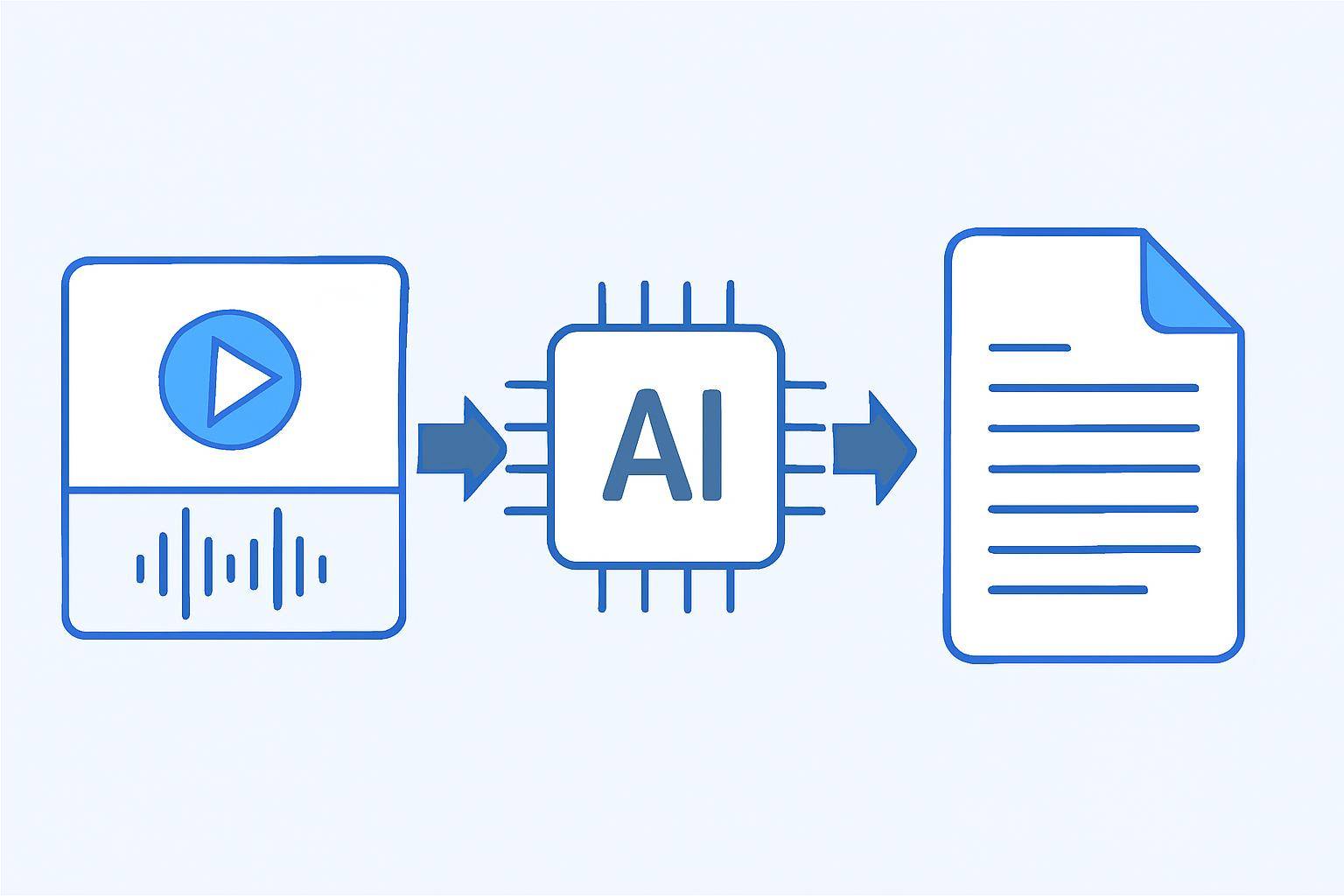
The process of transcribing interviews with AI can be broken down into a few clear steps. Here’s what typically happens:
Step-by-Step: Transcribing Interviews with AI
- Prepare Your Audio or Video File
- Upload or Paste a URL
- Select Transcription Preferences
- AI Processes the File
- Review and Edit the Draft Transcript
- Export or Integrate
For a deep dive on video-to-text AI workflows, see Transcribe Video to Text Using AI: Step-by-Step Guide.
AI Transcription vs. Manual Transcription: Key Differences
| Feature | AI Transcription | Manual Transcription | |------------------------------|----------------------------------|-----------------------------| | Speed | Minutes per hour of audio | 3-6 hours per hour of audio | | Accuracy | 80-95% (depends on clarity) | 95-99% (with experienced human)| | Cost | Low (subscription or per minute) | Higher (hourly or per minute rates)| | Speaker Identification | Automated (may need correction) | Manual, usually accurate | | Timestamps | Auto-generated | Manual insertion | | Searchability | Instant, with digital text | After manual digitization | | Subtitle Generation | Usually included | Additional manual work | | Scalability | High (multiple files at once) | Limited by human resources |
For more on accuracy and best practices, see AI Transcription Accuracy — What You Need to Know.
Practical Use Case: A Journalist’s Workflow
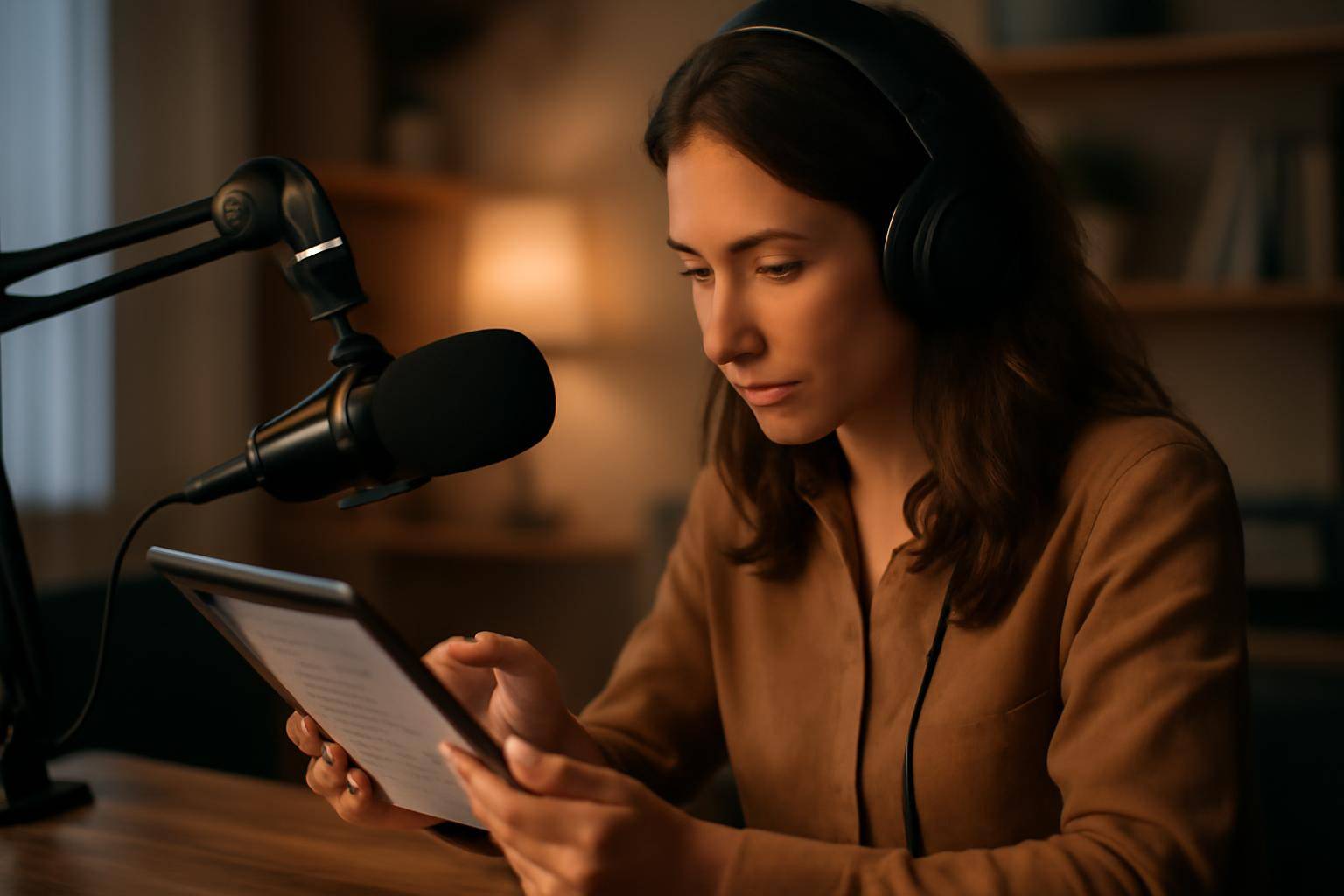
Consider a reporter covering a local election. She records a 40-minute interview with a candidate on her phone. Here’s how AI-powered journalist interview transcription helps her:
- She uploads the MP4 file to AIVideoSummary.
- Within minutes, the AI generates a transcript with timestamps and speaker labels.
- She quickly scans for key quotes and verifies facts, using the search function to jump to relevant parts.
- Minor edits are made for clarity and accuracy, especially with names or technical terms.
- The transcript is exported to her text editor.
- She uses the subtitle file for a video clip on the news website, ensuring accessibility.
Benefits in the Newsroom
- Faster turnaround: Stories can be written and published quickly.
- More accurate quotes: Reduces risk of misquoting sources.
- Searchable archives: Transcripts can be stored and referenced for future reporting.
- Streamlined video content: Subtitles and summaries make video interviews accessible and engaging.
Want to see how this fits into student workflows? Check out our guide for students using AI for transcription and notes.
Tips for Maximizing AI Transcription Accuracy
AI tools are powerful, but they’re not infallible. Here’s how journalists can get the best results:
- Record in quiet environments. Avoid background noise and echo.
- Use quality microphones. Clear audio leads to better transcripts.
- Identify speakers at the start. State names or roles clearly.
- Review the transcript. Always check for errors, especially with unusual names or technical terms.
- Use built-in subtitle and summary features for multimedia publishing.
For a closer look at subtitle accuracy, visit AI Subtitle Accuracy — Myths and Realities.
Limitations of AI Interview Transcription
While AI transcription is fast, it isn’t perfect:
- Accents and dialects may be misinterpreted.
- Overlapping speech can confuse speaker identification.
- Background noise and poor audio quality reduce accuracy.
- Sensitive content or industry jargon may require human review.
Many platforms, including AIVideoSummary, recommend a final editorial pass before publication.
Choosing the Right AI Transcription Tool
When selecting a transcription service for journalist interview transcription, consider:
- Supported languages and accents
- Accuracy and editing tools
- Subtitle and summary generation
- Speed and pricing
- Data privacy and security
See AIVideoSummary’s full feature list and transparent pricing before you commit.
Related Services
Integrating AI Transcription Into Your Reporting Workflow
Here’s how to make AI transcription a natural part of your journalism process:
- Record All Interviews
- Upload to AI Transcription Platform
- Edit and Review
- Archive Transcripts
- Leverage Subtitles and Summaries
Try it now: Upload a video or paste a URL to AIVideoSummary and see how quickly you can get started.
Frequently Asked Questions (FAQ)
Can AI transcription handle multiple speakers in a noisy environment?
AI can detect and label speakers, but accuracy drops with overlapping conversations or significant background noise. Clear recordings yield better results.Is AI-generated transcription secure for sensitive interviews?
Reputable platforms use encryption and do not retain files longer than necessary. Always check the provider’s privacy policy.How much editing do I need to do after AI transcription?
Most journalists spend a few minutes correcting names, technical terms, or speaker labels. High-quality audio requires less editing.Can AI transcription generate subtitles and summaries automatically?
Yes, many modern tools, including AIVideoSummary, offer subtitles (SRT, VTT) and concise video summaries alongside full transcripts.What formats can I export my transcript in?
Common export formats include TXT, DOCX, PDF, and SRT for subtitles.Does AI transcription work with non-English interviews?
Many platforms support multiple languages, but check for your specific language and accent support before uploading.Where can I learn more about optimizing my transcription workflow?
Browse AIVideoSummary’s blog for in-depth guides on video-to-text workflows and best practices.Conclusion
AI-powered journalist interview transcription can transform newsroom productivity. While not perfect, these tools dramatically reduce manual effort, speed up content production, and make reporting more accurate and accessible. By combining AI with a careful editorial review, journalists can meet tight deadlines and manage growing multimedia demands. Ready to save hours on your next interview? Try AIVideoSummary today — upload a video or paste a URL to get started.