AI Video Tools for YouTubers: A Practical Workflow for Content Creation and Management

Why AI Video Tools Matter for YouTubers
Efficient content creation is essential for YouTubers competing in a fast-paced environment. Manual video transcription, subtitle generation, and content repurposing can drain resources and slow down your publishing schedule. This is where AI video tools for YouTubers come into play: they automate repetitive tasks, enhance accessibility, and unlock new ways to engage audiences.
If your goal is to streamline your workflow—from uploading a video to producing transcripts, subtitles, and summaries—AI-powered solutions can save hours of manual work. This guide offers a practical, step-by-step approach to integrating AI video tools into your YouTube content pipeline, highlighting best practices, use cases, and honest insights about their strengths and limitations.
What You'll Learn
- How to build an efficient AI-powered video content workflow
- The benefits (and real-world limitations) of using AI for transcription, subtitles, and summaries
- Step-by-step guide for using AIVideoSummary and similar tools
- Comparison of top AI video tools
- Practical examples and tips for YouTubers
- How to repurpose content for SEO and accessibility
---
Building a Practical AI Video Workflow: Step-by-Step
1. Start with Your YouTube Video
Your workflow begins with a finished YouTube video. Whether it’s a tutorial, review, or podcast, the next step is making your content more accessible and discoverable.2. Use AI Video Transcription
AI transcription tools automatically convert spoken words in your video to written text. Instead of manually transcribing (a tedious process), you can use tools like AIVideoSummary to generate accurate transcripts in minutes.- Benefits:
- Fast turnaround (minutes vs. hours)
- Multi-language support
- Integration with YouTube video URLs
- Limitations:
- Occasional errors with background noise or accents
- Some manual editing may be required for perfect accuracy (learn more about AI transcription accuracy)
3. Generate Subtitles with AI
Accurate subtitles are essential for accessibility, internationalization, and viewer engagement. AI can auto-generate subtitles, saving creators from painstaking manual syncing.- How it works:
- Upload your video or paste a YouTube URL
- The AI tool detects speech, timestamps, and creates subtitle files (e.g. SRT, VTT)
- Download or edit subtitles as needed
- Best Practices:
- Review the output for timing and spelling
- Adjust line breaks for readability
- Use AIVideoSummary’s subtitle accuracy insights for guidance
4. Summarize and Repurpose Video Content
AI-powered summarization tools can distill long videos into concise, readable summaries. These are ideal for:- YouTube video descriptions
- Blog posts
- Social media snippets
- SEO-rich website content
Try the AI video summary tool to create summaries with minimal effort.
5. Edit and Optimize
Even the best AI tools aren’t perfect. Always review and refine your transcripts, subtitles, and summaries before publishing. Human oversight ensures clarity, accuracy, and tone consistency.6. Publish and Share
- Add transcripts to your YouTube video descriptions or website for SEO benefits
- Upload subtitles directly to YouTube for broader accessibility
- Use summaries to promote your video across channels
---
Visualizing the AI Workflow Process
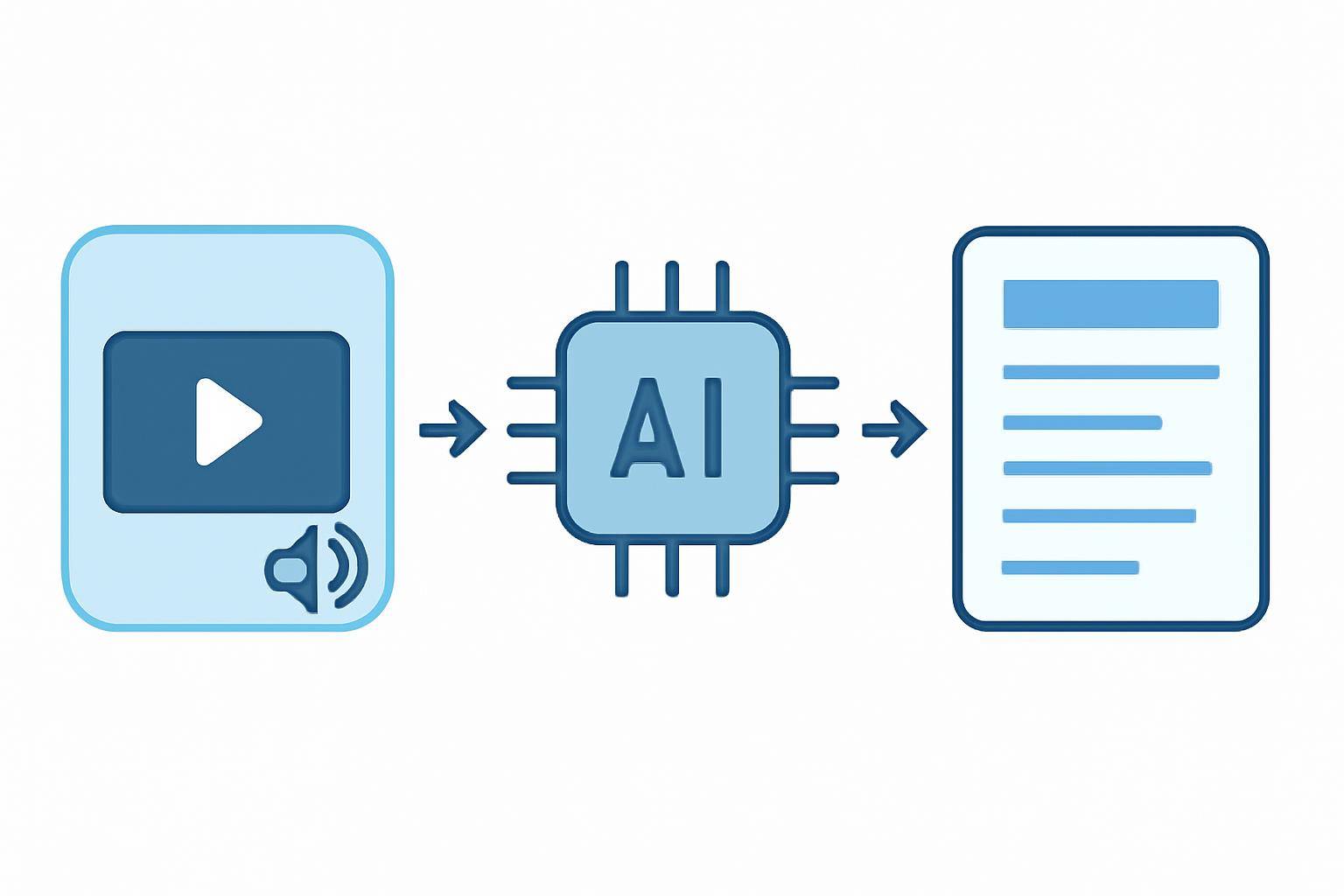
AI Video Workflow Steps
- Record/Upload Video: Capture or upload your video to YouTube.
- Input to AI Tool: Paste your video URL into AIVideoSummary’s process page or upload the video file.
- AI Transcription: The tool converts speech to text.
- AI Subtitle Generation: Subtitles are automatically generated and timestamped.
- AI Summarization: Create a concise summary for blogs, descriptions, or social posts.
- Review and Edit: Make necessary manual corrections for clarity and accuracy.
- Export/Publish: Download files and use them across your content platforms.
---
Comparing Top AI Video Tools for YouTubers
Below is a comparison of popular AI video tools for YouTubers, focusing on key features, pricing, and limitations. Always choose a solution that fits your workflow, language needs, and budget.
| Tool | Transcription | Subtitle Generation | Summarization | Free Trial | Supported Languages | Editing Interface | Pricing | |------------------|--------------|--------------------|---------------|------------|--------------------|------------------|---------------| | AIVideoSummary | Yes | Yes | Yes | Yes | 30+ | Yes | See pricing | | Descript | Yes | Yes | Yes | Limited | 20+ | Yes | Subscription | | Otter.ai | Yes | Limited | No | Yes | 10+ | Limited | Subscription | | Rev.com | Yes (human/AI) | Yes (human/AI) | No | No | 30+ | Yes | Per minute | | VEED.IO | Yes | Yes | Yes | Limited | 100+ | Yes | Subscription |
Note: Features and pricing are subject to change. Always verify on the provider’s website.
---
Practical Use Cases for YouTubers
1. Speed Up Video Production
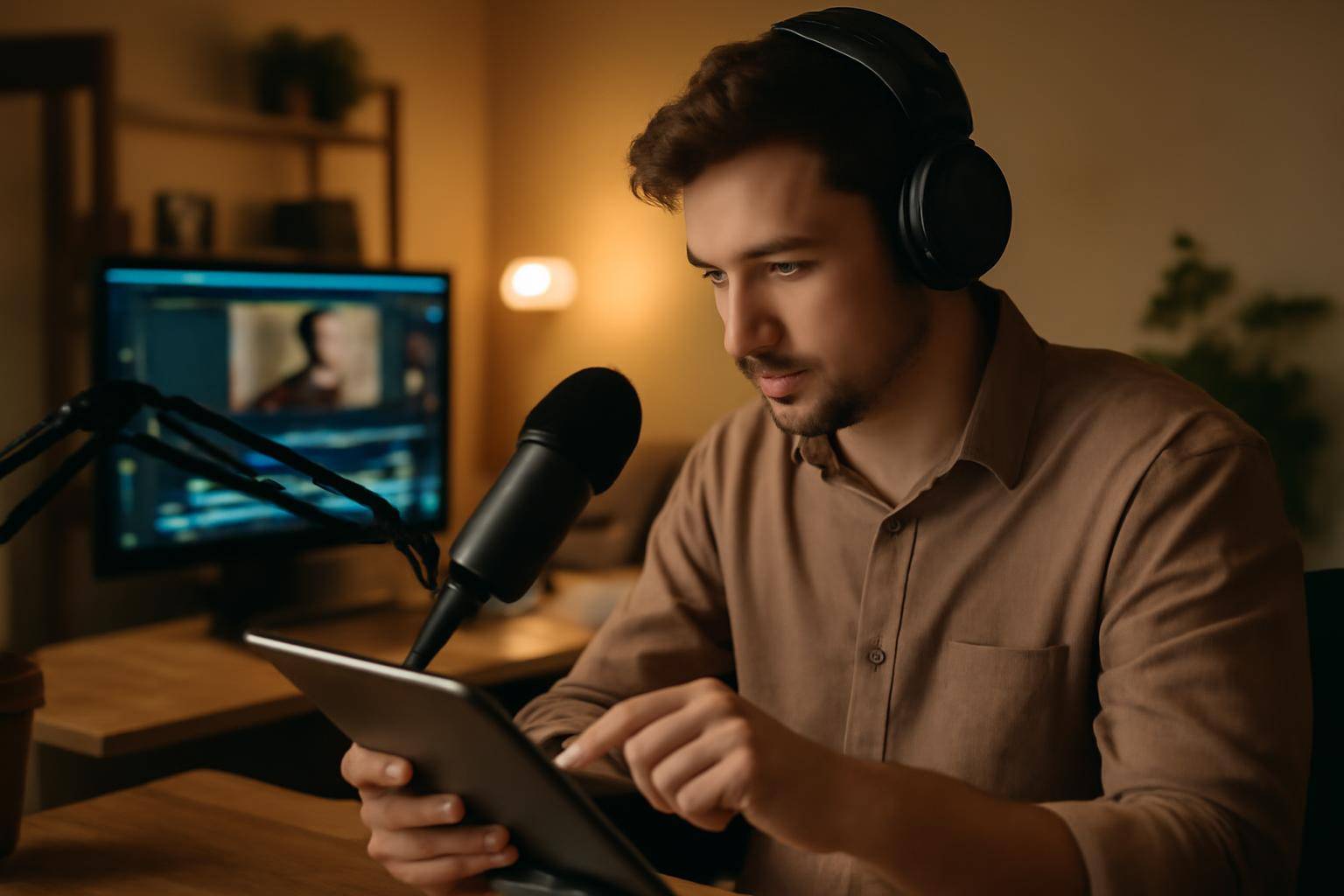
- Scenario: You produce weekly educational videos. Instead of manually transcribing, use AIVideoSummary to generate transcripts and subtitles in minutes.
- Result: Faster turnaround and more time for creative work.
2. Enhance Accessibility and SEO
- Scenario: Want to reach non-native speakers and the hearing-impaired, while boosting video discoverability?
- Solution: Automatically generate subtitles and transcripts. Learn more about subtitle accuracy and transcription best practices.
3. Repurpose Content Across Channels
- Scenario: You want to turn a video Q&A into a blog post.
- Workflow:
4. Collaborative Editing
- Share AI-generated transcripts with team members for editing, translation, or content brainstorming.
5. Educational, Legal, and Medical Channels
If your channel covers specialized topics, explore dedicated education, legal, or medical transcription AI services for industry-specific needs.---
Best Practices for Integrating AI Video Tools
- Always Review Outputs: AI makes errors, especially with technical jargon, heavy accents, or background noise.
- Keep Human Oversight: Use AI for speed, but rely on human review for accuracy and tone.
- Leverage Internal Tools: Use features like process video by URL or direct upload for maximum flexibility.
- Stay Updated: AI models improve rapidly; periodically check for new features or accuracy updates.
- Protect Sensitive Content: For private videos, ensure your AI provider maintains strong security and privacy policies.
---
Common AI Limitations and How to Address Them
While AI video tools for YouTubers are powerful, they are not infallible. Here are some challenges you may encounter:
- Accent & Dialect Handling: AI sometimes struggles with regional accents or slang. Manual correction may be needed.
- Background Noise: Noisy environments or music can confuse AI transcription engines.
- Technical Vocabulary: Specialist terms may be transcribed incorrectly. Add a glossary if possible.
- Speaker Identification: Most tools are improving at identifying multiple speakers, but accuracy varies.
- Formatting: Subtitle line breaks and punctuation may need human adjustment for readability.
For more on AI’s strengths and weaknesses, see AI transcription accuracy.
---
Content Repurposing: Get More From Every Video
AI-generated transcripts, subtitles, and summaries can supercharge your content strategy:
- SEO: Add searchable text to your website or YouTube description
- Accessibility: Reach broader audiences, including non-native speakers and those with hearing impairments
- Blog Posts: Quickly turn video content into articles using the rewrite blog post feature
- Social Media: Extract key moments for tweets, LinkedIn posts, or Instagram captions
- Educational Resources: Create study guides or lecture notes from video lectures (ultimate student guide)
---
Internal Links: Further Reading
- Summarize YouTube Video with AI
- Transcribe Video to Text Using AI
- Perfect Subtitles with Accurate Timestamps
---
Try It Yourself: Quick Start with AIVideoSummary
Ready to streamline your workflow? You can upload your video or paste a YouTube URL to see how AI transcription, subtitles, and summaries can save you time and boost your reach. No technical skills required—just give it a try!
---
FAQ: AI Video Tools for YouTubers
Frequently Asked Questions
#### 1. How accurate are AI video transcription tools? Most AI tools are highly accurate with clear audio and standard accents, but errors can occur with background noise, overlapping speech, or technical jargon. Always review and edit AI-generated transcripts for best results. See AI transcription accuracy for more details.
#### 2. Can I use AI-generated subtitles directly on YouTube? Yes. You can export subtitles (e.g., SRT or VTT files) from most AI tools and upload them to your YouTube videos. It’s best to review and adjust them for timing and readability before publishing.
#### 3. Are AI video tools suitable for non-English YouTube channels? Many AI tools support multiple languages, but accuracy may vary depending on the language and accent. Always test with a sample video and review the output.
#### 4. How do AI video summaries help with SEO? Summaries distill your video’s key points, making them ideal for YouTube descriptions, blog posts, and social media. Well-written summaries can improve search visibility and engagement. Learn how to summarize YouTube videos with AI.
#### 5. What’s the fastest way to get a transcript from a YouTube video? Paste your YouTube video URL into AIVideoSummary’s process page and let the AI transcribe the video automatically. You’ll get a downloadable transcript in minutes.
#### 6. Can I edit AI-generated transcripts and subtitles? Absolutely. Most tools (including AIVideoSummary) provide editing interfaces to refine transcripts and subtitles before exporting or publishing.
#### 7. Is there a risk of data privacy with uploading videos to AI tools? Always check the provider’s privacy policy. Reputable services keep your data secure and do not share your content without permission. For sensitive content, use platforms that offer strict confidentiality.