How to Turn a Video into Written Notes Using AI: Step-by-Step Guide
Why Turn Video into Written Notes?
Videos are packed with valuable information, but extracting and revisiting the key points can be time-consuming. Whether you’re a student, professional, or content creator, turning videos into written notes makes it easier to search, review, and share knowledge. With advances in AI video transcription, what once required hours of manual effort is now possible in minutes.
If you want to turn video into notes, AI-powered tools like AIVideoSummary let you upload or link to a video, automatically transcribe the spoken content, and generate concise summaries or detailed notes. This means you can:
- Quickly find information from lectures, meetings, or webinars
- Save time by skipping manual note-taking
- Make videos accessible to those who prefer reading or need captions
How AI Transcription Works: From Video to Notes
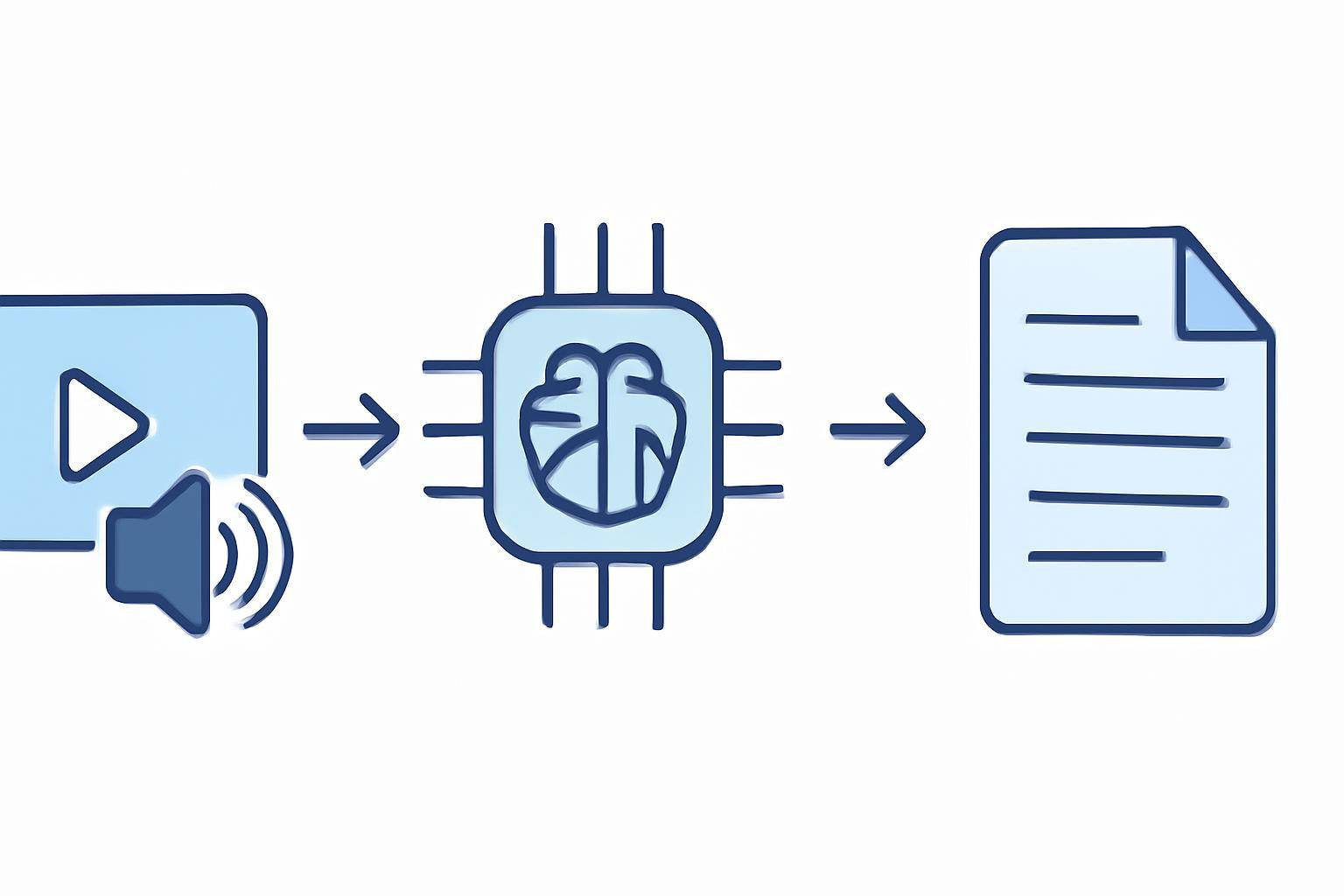
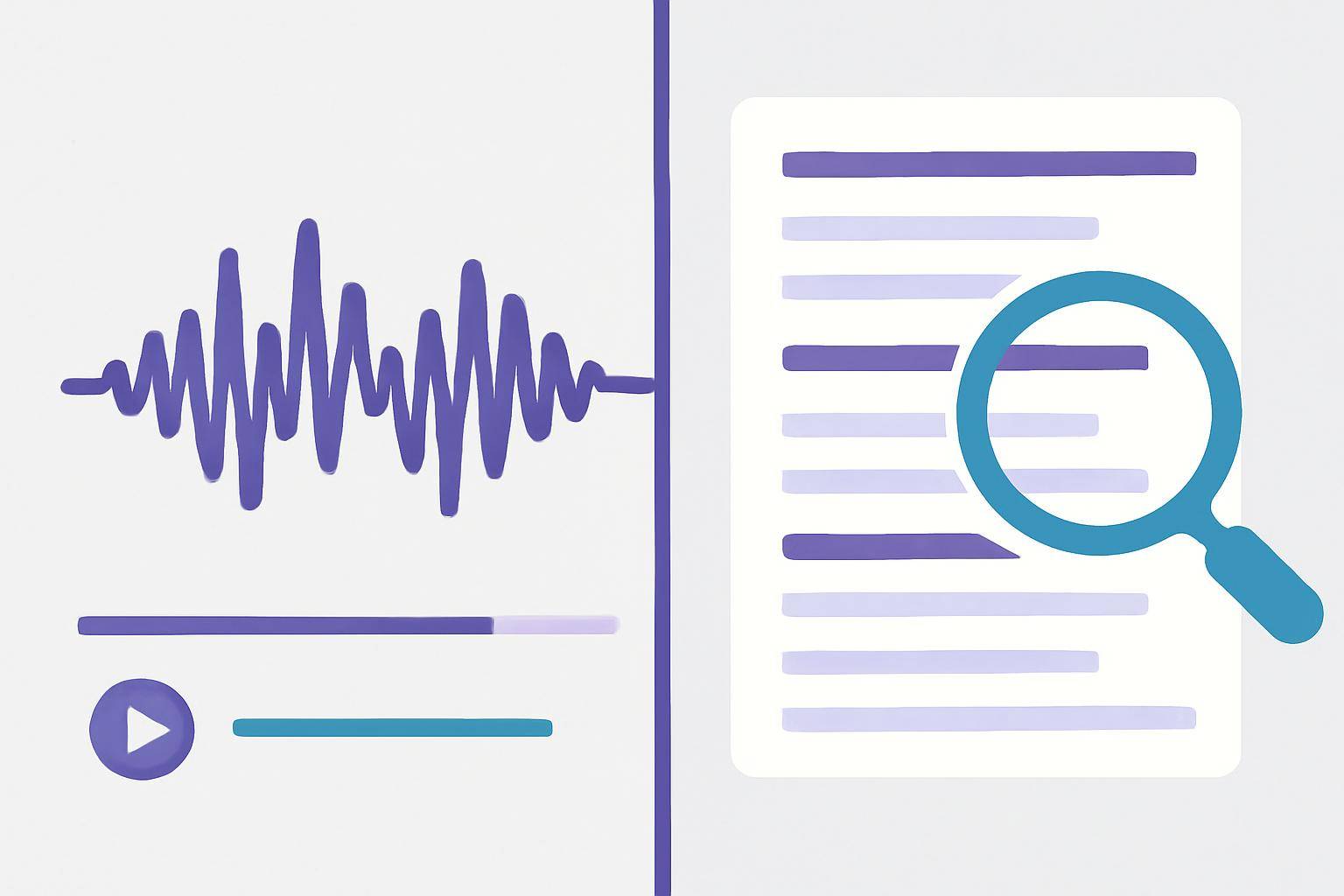
Turning a video into notes with AI involves several steps, most of which are fully automated. Here’s a breakdown of the typical process:
1. Upload or Link Your Video
- Upload: Drag and drop your video file to the platform.
- Paste a URL: For YouTube or other platforms, simply paste the video link (see how at AIVideoSummary’s Process Video URL page).
2. AI Transcribes the Audio
- Speech recognition technology converts spoken words into text.
- The transcript includes timestamps, speakers (if possible), and punctuation.
3. (Optional) Generate Subtitles or Summaries
- AI can create subtitles in multiple languages.
- Summarization tools condense the transcript into bullet points or structured notes.
4. Export & Edit Your Notes
- Download your transcript or notes as text, Word, or PDF files.
- Edit, highlight, or share as needed.
#### Key Benefits
- Speed: Hours of video transcribed in minutes
- Searchability: Easily find keywords or topics
- Accessibility: Supports learning differences and diverse audiences
For a detailed walkthrough, see AIVideoSummary’s features and their AI video summary workflow.
How to Turn Video into Notes with AIVideoSummary: Step-by-Step
Let’s walk through the process using AIVideoSummary:
- Go to the Homepage: Visit AIVideoSummary.
- Choose Your Input:
- Select Output Options:
- Start the AI Process: Click "Transcribe" or "Summarize". Processing time varies by video length.
- Review & Edit:
- Export Your Notes:
For more on transcription accuracy and subtitle quality, check these guides:
Practical Examples: Who Uses AI to Turn Video into Notes?
Education
- Students: Transcribe lectures and summarize into study notes. See the Ultimate Student Guide to AI Transcription & Notes.
- Teachers: Create handouts from recorded lessons.
Business & Meetings
- Professionals: Generate meeting minutes from recorded calls.
- HR & Training: Summarize onboarding or training videos.
Content Creation
- Podcasters/YouTubers: Convert episodes to readable content for blogs or SEO.
- Marketers: Pull key insights from webinars for newsletters.
Accessibility & Compliance
- Legal & Medical: Meet documentation or accessibility standards. Explore AI transcription for legal and medical transcription.
Comparison Table: Manual Notes vs. AI Video Transcription
| Feature | Manual Note-Taking | AI Video Transcription | |-----------------------------|------------------------|----------------------------------| | Time Required | Slow (real-time) | Fast (minutes per hour of video) | | Accuracy | Human error possible | High, but not perfect | | Searchability | Limited | Full-text search | | Accessibility | Not accessible | Easily shareable/captioned | | Cost | Free | Often low-cost or freemium | | Scalability | Not scalable | Process multiple videos easily | | Editing | Manual | Editable transcripts |
For a deeper dive, read: Transcribe Video to Text Using AI.
Tips for Getting the Best Results
- Clear Audio: AI works best with good audio quality and minimal background noise.
- Speaker Clarity: Multiple speakers or heavy accents may reduce accuracy.
- Proofread: Always review and edit the AI-generated notes for important details.
- Privacy: Ensure your video content does not contain sensitive or confidential info unless using a secure, compliant service.
Limitations of AI Video Transcription
While AI tools are powerful, they’re not infallible:
- May struggle with strong accents, overlapping speech, or technical jargon
- Punctuation, names, and formatting may require manual correction
- Context or tone may not always be captured in summaries
For more on what to expect, see: AI Subtitle Accuracy.
Advanced Features: Beyond Basic Transcription
- Summarization: Condense long transcripts into key takeaways
- Automatic Subtitles: Generate and export captions for videos (see Perfect Subtitles with Accurate Timestamps)
- Translation: Translate transcripts or captions into multiple languages
- Integration: Export notes to note-taking apps or share with teams
Try It Yourself: Turn a Video into Notes in Minutes
Ready to turn video into notes? Upload your video or paste a URL to get started with AIVideoSummary. No signup required for basic features! Check the pricing page for advanced options.
Related Resources
Frequently Asked Questions
What video formats can I use?
Most AI platforms, including AIVideoSummary, support popular formats like MP4, MOV, AVI, and also accept YouTube or Vimeo links.How accurate are AI-generated notes?
AI transcription is highly accurate with clear audio, but may require proofreading for best results, especially with multiple speakers or background noise.Can AI create summaries as well as full transcripts?
Yes! Many tools offer both full transcripts and concise summaries or bullet-point notes. You can choose the format that suits your needs.Is my video data secure?
Reputable services use encryption and do not store your data longer than necessary. For sensitive content, check the platform’s privacy and compliance settings.Can AI handle videos in languages other than English?
Many AI transcription tools support multiple languages and can even translate subtitles or notes. Check the supported languages before uploading.How do I edit or share the notes?
After transcription, you can edit the notes online or export them to Word, PDF, or text files to share with others.Is there a free trial or free tier?
AIVideoSummary offers a free tier for basic transcription and summarization. See the pricing page for details.Conclusion
AI makes it faster and easier than ever to turn video into notes for study, work, or content creation. While no tool is perfect, the time savings and accessibility benefits are substantial. Try AIVideoSummary to streamline your workflow and unlock the full value of your video content.