How to Turn Podcast Episodes into Written Transcripts with AI

Why Turn Podcasts into Transcripts with AI?
Podcasts are a treasure trove of valuable information, but their audio format limits accessibility, searchability, and content reuse. By transforming podcast episodes into written transcripts, creators can reach wider audiences—including those who prefer reading, are hearing-impaired, or want to reference information quickly. AI-driven transcription tools make this process fast, affordable, and scalable, compared to manual alternatives.
If you’re wondering how to efficiently convert your podcast audio or video into accurate, readable text, AI transcription services like AIVideoSummary can help. In just a few clicks, you can upload or link your episode and receive a transcript—ready for editing, sharing, or repurposing.
How Does Podcast to Transcript AI Work?
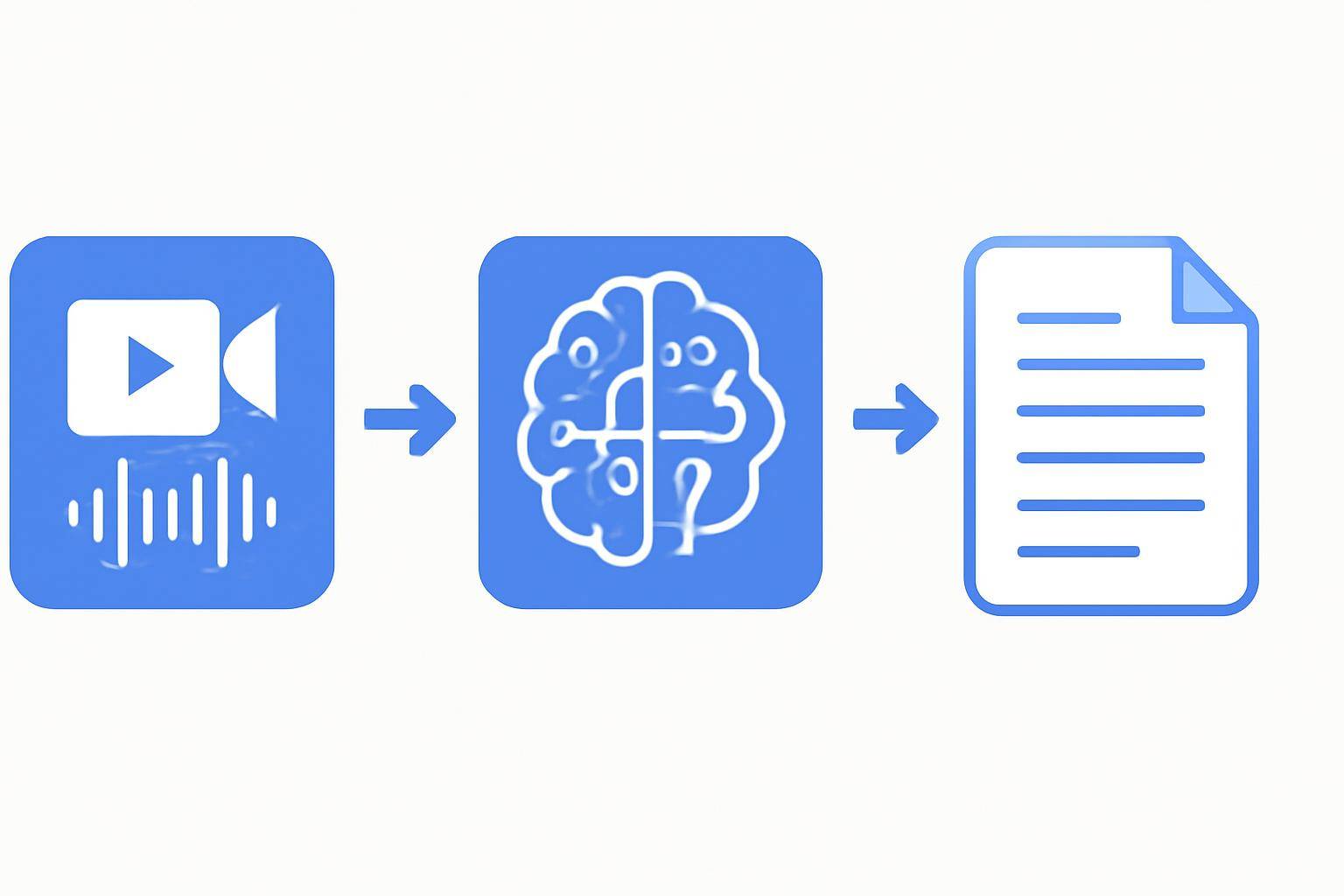
AI-powered transcription uses advanced speech recognition models to analyze audio or video files and convert spoken words into written text. Here’s a simplified workflow:
- Upload or Link Your Podcast Episode: Most tools accept audio (MP3, WAV) and video (MP4, YouTube URL) formats.
- AI Processes the Audio: Neural networks detect speech, segment speakers, and transcribe dialogue.
- Generate Transcript: The output is a text file, often with timestamps and speaker labels.
- Edit and Export: Review, correct any errors, and export in your preferred format (TXT, DOCX, SRT, etc.).
Key Benefits of AI Podcast Transcription
- Speed: Transcribe episodes in minutes instead of hours.
- Cost-Effective: AI is significantly cheaper than manual services.
- Scalable: Transcribe entire archives with bulk uploads or automated workflows.
- Accessibility: Make content available to deaf or hard-of-hearing audiences.
- SEO Boost: Search engines can index your content, increasing discoverability.
- Content Repurposing: Use transcripts for blog posts, newsletters, or social media quotes.
For more on the accuracy of AI-generated subtitles and transcripts, see this in-depth guide.
Step-by-Step: Turning Podcast Episodes Into Written Transcripts with AI
Here’s how to get started with podcast to transcript AI using a service like AIVideoSummary:
1. Prepare Your Podcast Episode
- Export your audio in a clear, high-quality format (MP3, WAV, or MP4 for video podcasts).
- If your podcast is hosted on YouTube or similar platforms, grab the public URL.
2. Choose an AI Transcription Tool
Consider these factors:- Supported file formats (audio/video/URL)
- Language and accent support
- Speaker identification
- Export options (TXT, DOCX, SRT, etc.)
- Pricing and free trial availability
3. Upload or Paste URL
- Use the tool’s uploader or paste the episode URL (see how).
- Some services support batch (bulk) uploads for series or back catalogs.
4. Let the AI Transcribe
- The tool will process the audio, generating a draft transcript.
- Duration depends on episode length and server load—typically a few minutes.
5. Review and Edit
- Scan for misheard words, speaker mix-ups, or unusual names.
- Add punctuation, correct grammar, and format for readability.
- Most platforms offer in-browser editing before download.
6. Export and Use
- Download as text, Word, or subtitle (SRT) files.
- Use transcripts for show notes, blog posts, accessibility pages, or SEO.
Tip: For best results, record podcasts with clear audio and minimal background noise. See more transcription accuracy tips.
Practical Example: Transcribing a Podcast Episode with AIVideoSummary
Let’s walk through a real-world workflow using AIVideoSummary:

- Go to AIVideoSummary’s AI Transcription page.
- Upload your podcast audio or paste a YouTube link (step-by-step guide).
- Wait for the AI to process your file. This usually takes 2-10 minutes for a typical episode.
- Edit the transcript directly in your browser. Correct any names, filler words, or formatting.
- Export as Word, plain text, or SRT for subtitles or video captions.
Use Case:
- A podcaster uploads a 45-minute interview.
- The tool detects two speakers and generates a draft with speaker labels.
- After a quick review and minor edits, the transcript is ready for publishing with the episode, improving accessibility and SEO.
For a deeper dive into use cases for education, legal, and medical podcasts, explore these specialized services:
Comparing AI Podcast Transcription Tools
Which solution should you choose? Here’s a side-by-side look at key features:
| Feature | AIVideoSummary | Manual Transcriber | Free Basic AI Tools | |------------------------|:--------------:|:-----------------:|:-------------------:| | Turnaround Time | Minutes | Hours–Days | Minutes | | Supports Audio & Video | Yes | Audio only (often)| Audio only (often) | | Speaker Identification | Yes | Yes | Limited | | Timestamps | Yes | On request | Rare | | Editable Transcript | Yes (web) | Yes (doc) | Sometimes | | Subtitle Export | Yes (SRT/VTT) | Rare | No | | Cost | $ | $$ | Free | | Accuracy | High* | Highest | Medium | | Bulk Upload | Yes | No | No |
*AI tools are highly accurate with clear audio but may require human review. For a full breakdown, check AI subtitle accuracy.
Tips for Accurate AI Podcast Transcription
- Record in a quiet environment to minimize background noise.
- Use quality microphones for each speaker.
- Ask guests to speak clearly and avoid talking over each other.
- Provide speaker names to your AI tool if possible.
- Review and edit transcripts for jargon, names, and technical terms.
Read more in our Ultimate Student Guide to AI Transcription & Notes.
Repurposing Podcast Transcripts
Transcripts unlock multiple new formats and channels for your podcast content:
- Blog posts: Rewrite or summarize episodes for your website (see how).
- Newsletters: Pull quotes or summaries for email updates.
- Social Media: Share key takeaways, timestamps, or pull quotes.
- SEO: Let search engines index your content for broader discovery.
- Subtitles: Create SRT files for your YouTube or video podcast (guide).
- Research & Notes: Make episodes searchable for research or education (learn more).
Limitations and Challenges of AI Podcast Transcription
AI transcription is powerful, but not perfect. Here are common caveats:
- Accents & Dialects: Heavy accents or non-standard dialects may reduce accuracy.
- Overlapping Speech: Simultaneous speakers can confuse speech models.
- Industry Jargon: Technical terms, names, or acronyms may be mis-transcribed.
- Audio Quality: Background noise, echo, or distortion affects results.
That’s why it’s best to review and edit AI-generated transcripts—especially for polished publishing or compliance.
Pricing and Choosing the Right AI Transcription Service
When picking an AI podcast transcription solution, consider:
- Pricing model: Pay per minute, subscription, or free tier (AIVideoSummary pricing).
- Language support: Check for multilingual capability if needed.
- Security & privacy: Ensure your files are handled securely.
- Export flexibility: Does the platform offer formats you need (text, SRT, VTT, etc.)?
Try AIVideoSummary for a seamless experience: upload files or paste your episode URL—no downloads or software required.
Conclusion: Bringing Your Podcast to the Written Word
Podcast to transcript AI has transformed how creators repurpose and share their content. With just a few clicks, you can make your episodes accessible, searchable, and ready for new audiences. While AI isn’t flawless, it provides a fast, affordable starting point—saving you hours of manual work.
Ready to get started? Try AIVideoSummary today—upload your podcast episode or paste a URL to see your transcript in minutes.
For further reading, see our guides on transcribing video to text with AI and summarizing YouTube videos with AI.
---