How Researchers Can Analyze Hours of Video with AI Transcription

Why Research Video Transcription Matters
Analyzing video recordings is a cornerstone of modern research—whether it's behavioral studies, interviews, focus groups, or ethnographic observations. Yet, reviewing hours of footage manually can be overwhelming and time-consuming. Researchers need methods that let them efficiently search, analyze, and interpret video data without spending days rewatching content.
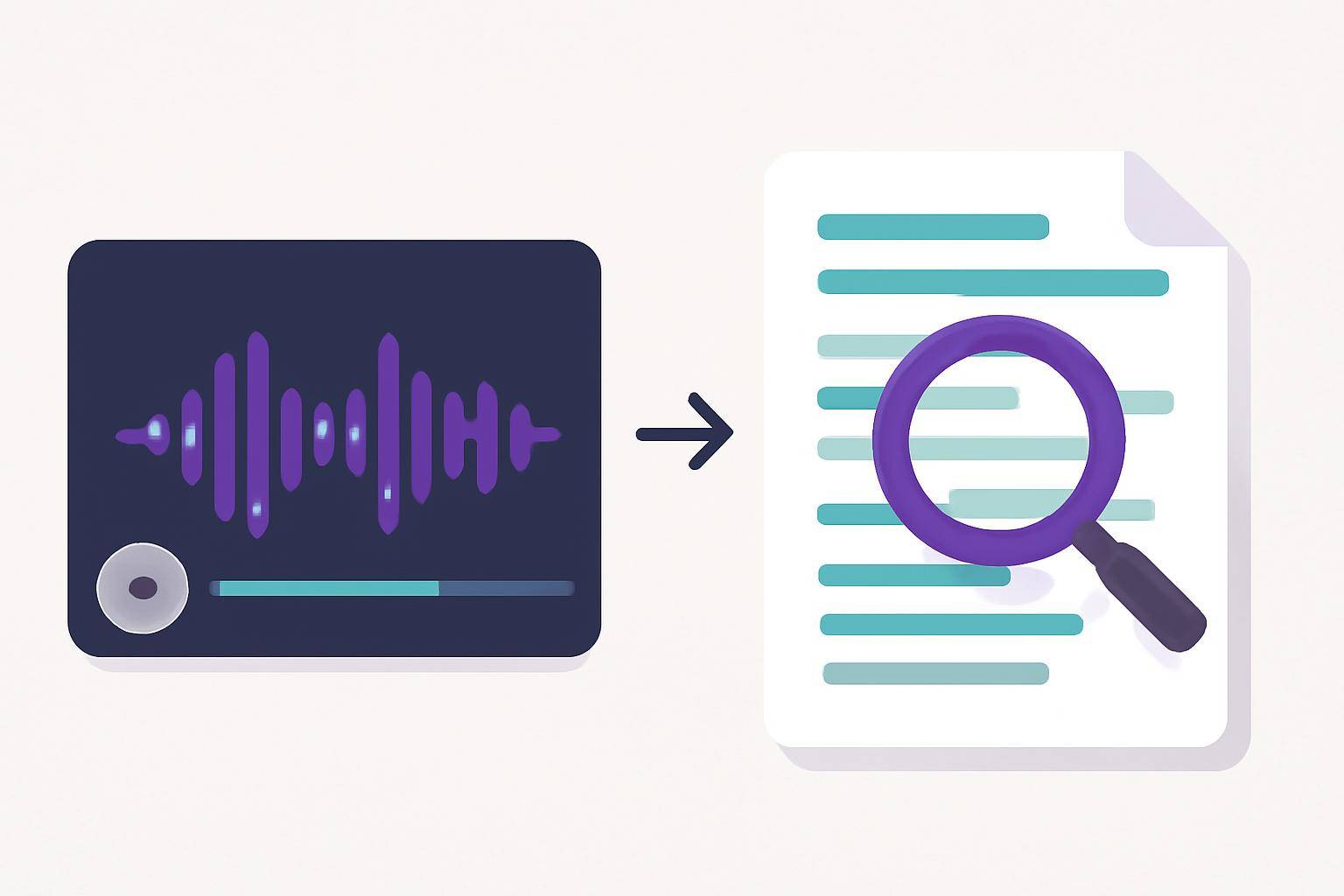
AI video transcription offers a solution: automated tools convert spoken words in videos into searchable, editable text. This enables researchers to scan transcripts, extract key insights, and even generate subtitles or summaries for deeper analysis and sharing.
How AI Video Transcription Streamlines Research Analysis
AI-driven research video transcription platforms like AIVideoSummary use advanced speech recognition to turn hours of video into accurate text and subtitles. Here’s how this technology transforms research workflows:
- Saves time: Automated transcription processes video much faster than manual typing.
- Improves searchability: Researchers can keyword-search transcripts to locate specific moments.
- Enables qualitative coding: Text transcripts integrate easily with qualitative analysis tools.
- Facilitates accessibility: Subtitles and captions make content usable for broader audiences.
- Boosts collaboration: Teams can share and annotate transcripts, not just raw video.
Common Research Scenarios for Video Transcription
AI video transcription is valuable in many academic and professional contexts:
- Interview-based studies: Quickly transcribe long-form interviews for thematic analysis.
- Focus groups: Capture every participant's insights, even in overlapping dialogue.
- Classroom observations: Analyze teaching methods and student responses.
- Clinical research: Transcribe patient interactions for case studies (see medical transcription services).
- Legal research: Ensure precise records for depositions or hearings (legal transcription).
- Educational research: Subtitle and analyze lectures (education transcription).
Step-By-Step: Transcribing Research Video with AI
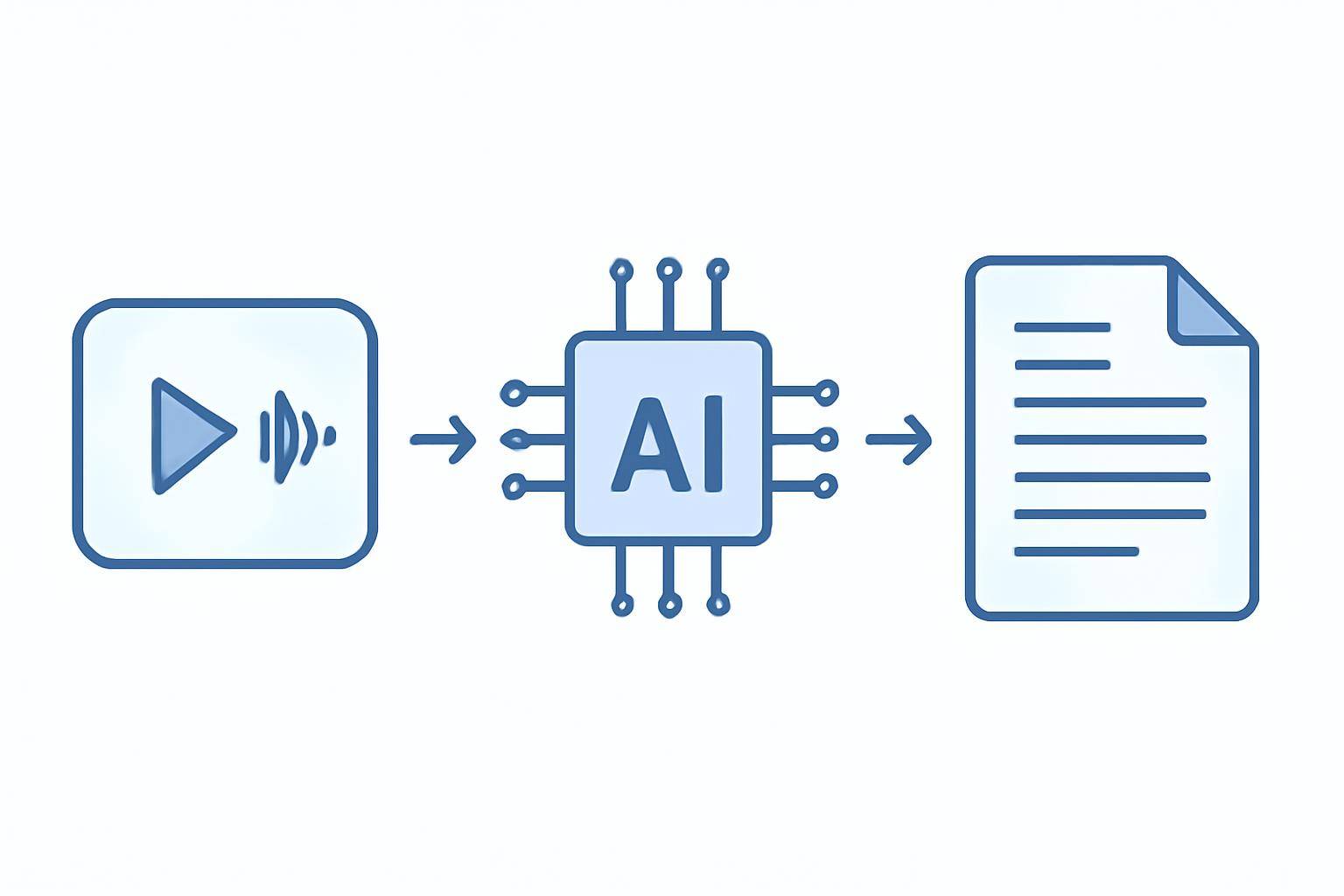
Let’s break down how a typical research video transcription workflow looks when powered by AI:
1. Upload or Link Your Video
Most platforms, including AIVideoSummary, let you upload files or paste a video URL (such as YouTube or cloud storage links). Supported formats typically include MP4, MOV, AVI, and more.
2. Automatic Speech Recognition (ASR)
The AI engine listens to the video, detecting speech patterns, multiple speakers, and timestamps. This process happens in the cloud, often taking minutes for content that would take hours to transcribe manually.
3. Transcript Generation
The platform generates a full text transcript—often with speaker labels, punctuation, and paragraph breaks. Some tools allow editing for accuracy or adding custom tags/notes.
4. Subtitle & Caption Creation
Many AI services can also create synchronized subtitles or captions, aiding accessibility and video search. For more on subtitle accuracy, see AI subtitle accuracy.
5. Summarization and Export
Advanced tools can summarize long transcripts into concise overviews. Export options include Word, PDF, SRT (for subtitles), or even direct import into qualitative data analysis (QDA) software.
Practical Example: Analyzing a 10-Hour Interview Archive
Imagine a research team with 10 hours of recorded interviews. Here’s how they might use AI video transcription:
- Upload all interviews to AIVideoSummary and start the transcription process.
- Review and edit the auto-generated transcripts for any misheard words, using the platform’s built-in editor.
- Export transcripts to their preferred format. Each transcript includes speaker labels and timestamps.
- Search across transcripts to find key themes, quotes, and participant responses.
- Generate summaries for each interview to quickly understand main findings.
- Create subtitles for sharing select video clips with collaborators.
This process reduces manual work from a week or more to just a few hours—freeing up time for in-depth analysis and writing.
Comparison: Manual vs. AI Research Video Transcription
| Feature | Manual Transcription | AI Video Transcription | |------------------------------|-----------------------|-----------------------------| | Speed | 4–6 hours per hour of video | 10–30 minutes per hour of video | | Cost | High (hourly labor) | Lower (per video/hour pricing) | | Accuracy (raw) | 95–99% (with effort) | 80–95% (subject to audio quality) | | Editable Outputs | Yes | Yes | | Subtitle Generation | Manual | Automated | | Searchability | Limited | Full-text, instant search | | Integration with QDA tools | Manual copy/paste | Seamless export options |
For a deeper dive, read Transcribe Video to Text Using AI and Ultimate Student Guide to AI Transcription Notes.
Key Benefits for Researchers
- Faster data turnaround: Instant access to text speeds up analysis and publication timelines.
- Improved accuracy: While not perfect, AI transcription is continually improving, especially with clear audio and good microphones. For best practices, see AI transcription accuracy.
- Support for multilingual research: Many platforms can transcribe and subtitle in multiple languages.
- Enhanced collaboration: Share transcripts with colleagues, supervisors, or co-authors.
- Data accessibility: Subtitles and searchable transcripts support accessibility requirements and open science mandates.
Limitations and Considerations
AI transcription isn’t flawless—researchers should be aware of:
- Audio quality impact: Poor recordings (background noise, crosstalk) reduce accuracy.
- Specialized vocabulary: Technical jargon or accents may require manual correction.
- Privacy and ethics: Always secure participant consent for AI processing and cloud uploads.
- Not a replacement for human review: Automated transcripts are a time-saving draft, not a final record. Always review for accuracy, especially in sensitive research contexts.
Best Practices for Research Video Transcription
- Use high-quality microphones to maximize transcript accuracy.
- Segment long recordings into smaller files for easier processing.
- Edit transcripts to correct names, jargon, or unclear sections.
- Store transcripts securely—respect privacy and confidentiality.
- Leverage subtitles to make research outputs more accessible and engaging.
Integrating AI Video Transcription Into Your Research Workflow
- Qualitative analysis: Import transcripts into NVivo, MAXQDA, or similar tools for coding.
- Literature reviews: Summarize and archive video content for future reference.
- Teaching and presentations: Subtitle research videos for classroom use or dissemination.
- Open science: Publish transcripts and summaries alongside video data for transparency.
How to Get Started with AIVideoSummary
Ready to speed up your research video transcription? AIVideoSummary offers a straightforward process:
- Upload your video or paste a URL: Try it now
- Explore features for researchers: See all features
- Check flexible pricing for projects of any size: View pricing
Frequently Asked Questions (FAQ)
1. How accurate is AI research video transcription?
Most AI tools achieve 80–95% accuracy with clear audio, but results may vary with background noise, accents, or domain-specific vocabulary. Human review is always recommended for critical research.
2. Can AI transcription handle multiple speakers or overlapping dialogue?
Modern platforms can identify multiple speakers and diarize the transcript, but heavy crosstalk or poor audio may reduce accuracy. Editing tools help correct speaker labels as needed.
3. Is it secure to upload sensitive research videos to an AI platform?
Reputable platforms use encryption and secure storage, but researchers should always check data privacy policies and obtain participant consent before uploading confidential materials.
4. Can I generate both transcripts and subtitles for research videos?
Yes. Many AI video transcription tools produce both text transcripts and subtitles/captions with timestamps, supporting accessibility and content sharing.
5. Are there limits to the length or size of videos I can transcribe?
Limits depend on the platform and plan. Some services handle several hours per file; for larger projects, videos may be processed in segments. Check your provider’s documentation.
6. How do I integrate AI-generated transcripts into qualitative analysis software?
Most platforms let you export transcripts in formats compatible with QDA tools (Word, TXT, CSV), enabling easy import for coding and analysis.
7. What languages are supported by AI video transcription?
Many platforms support major world languages, but accuracy may vary. Always test with your specific language and dialect before transcribing large datasets.
---
AI-powered research video transcription is transforming how scholars, teams, and institutions process and analyze video data. By adopting these tools, you can reclaim valuable research time and focus on generating meaningful insights.
For more tips, visit the AIVideoSummary blog or summarize YouTube videos with AI.