How to Convert MP4 to Text: A Complete AI-Powered Guide

Why Convert MP4 to Text? (And How to Do It Quickly)
Converting MP4 files—one of the most popular video formats—into text unlocks a wide range of benefits: searchable transcripts, accessible subtitles, summarized content, and more. Whether you need to transcribe interviews, create captions for YouTube videos, or extract notes from recorded lectures, AI-powered video transcription tools make the process vastly easier than manual typing.
So, how do you convert MP4 to text? The fastest and most accurate way is to use an AI video transcription service. By uploading your MP4 or providing a video URL, these tools analyze the audio, recognize speech patterns, and generate a text transcript or subtitles in minutes. No specialized hardware, no tedious manual work—just streamlined, accurate results that fit a variety of workflows.
If you want to try it for yourself, AIVideoSummary provides a simple interface for uploading an MP4 or pasting a video URL. It also offers features like subtitle generation, summary creation, and support for multiple languages—making it a top choice for creators, educators, and professionals alike.
What Does "Converting MP4 to Text" Actually Mean?
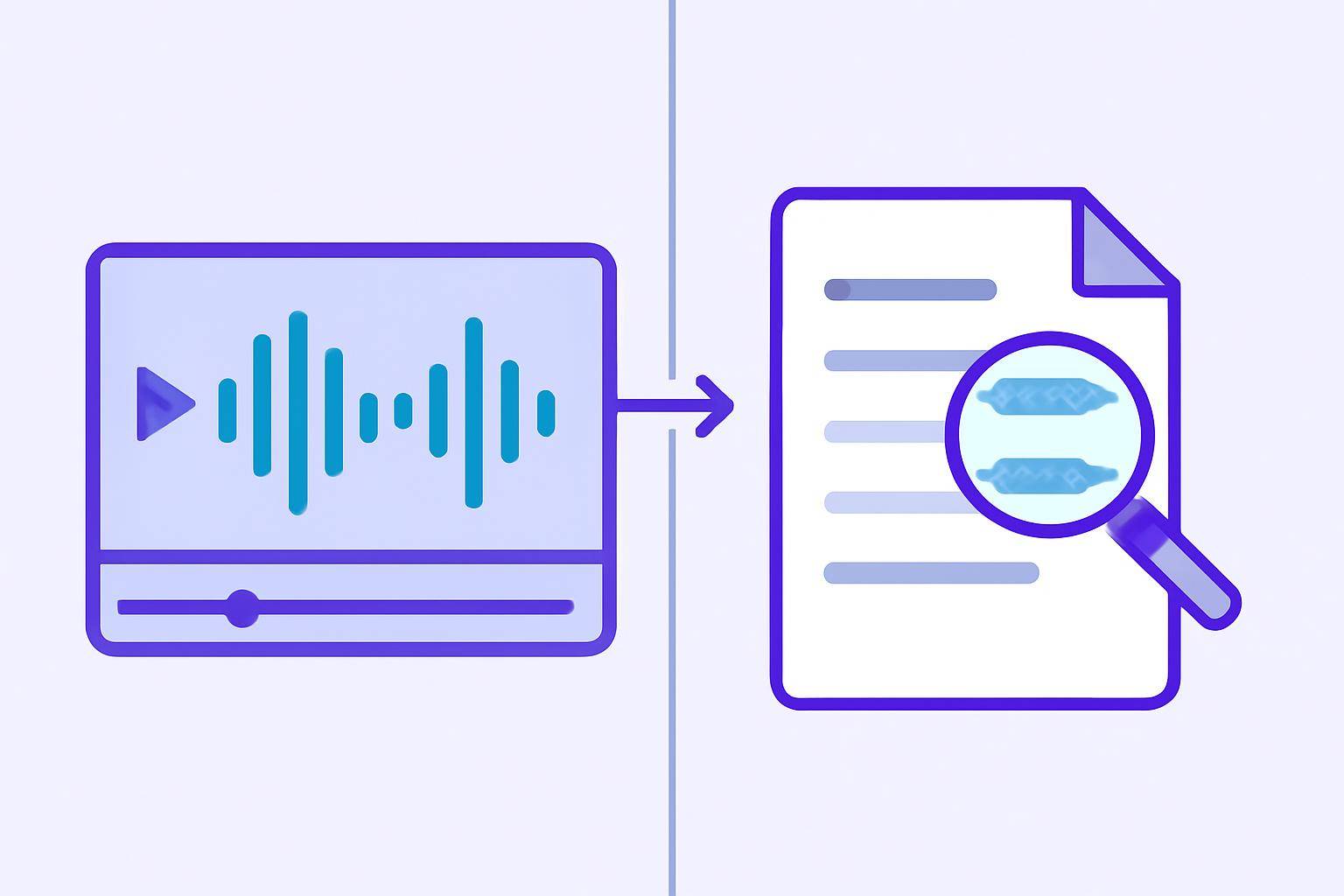
When you convert MP4 to text, you’re extracting the spoken words from a video file and turning them into readable, searchable text. This process is known as video transcription. AI transcription tools use advanced speech recognition models to automate this process, often with impressive speed and accuracy.
Common Use Cases
- Creating subtitles/captions for YouTube, social media, or training videos
- Generating meeting notes from recorded calls and webinars
- Summarizing educational lectures for student review
- Producing transcripts for podcasts or interviews
- Making video content accessible to people with hearing impairments
Learn more about the benefits and possibilities in our AI video summary features overview.
Step-by-Step: How to Convert MP4 to Text with AI
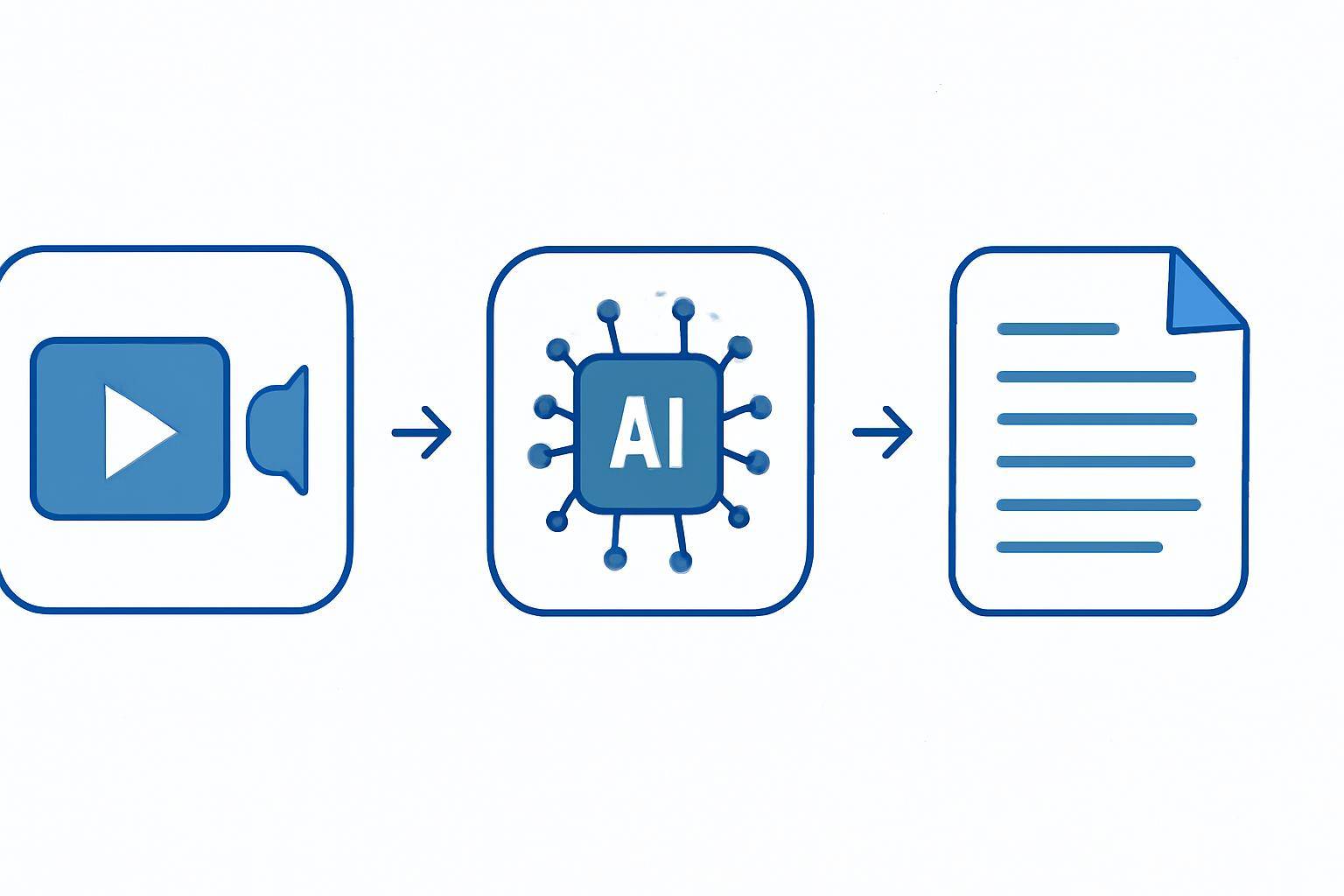
AI-powered video transcription tools have made the MP4-to-text process incredibly straightforward. Here’s a general workflow you can expect:
1. Choose an AI Video Transcription Platform
- Look for a tool that supports MP4 files and offers the features you need (e.g., subtitles, summaries, multi-language support).
- AIVideoSummary is a robust option that handles various video formats, including MP4.
2. Upload or Paste Your Video URL
- Upload: Drag and drop your MP4 file into the platform.
- Paste URL: For videos hosted online (YouTube, Vimeo, Dropbox, etc.), simply paste the public video URL. Try it here.
3. Configure Transcription Settings
- Select language(s) spoken in the video
- Choose output format: Full transcript, subtitles (SRT/VTT), or summary
- Adjust advanced options (e.g., speaker identification, timestamps) if available
4. Let the AI Transcribe Your Video
- The tool processes your MP4, typically completing in minutes (depending on video length and complexity)
- You’ll see a progress bar or receive an email notification when done
5. Review, Edit, and Export the Text
- Check the transcript for accuracy—AI is very good, but not perfect, especially with heavy accents or technical jargon
- Make any necessary edits within the platform’s editor
- Download your transcript as plain text, Word, PDF, or subtitle files
#### Example: Converting a 30-Minute Lecture MP4 to Text
- Upload the lecture MP4 to AIVideoSummary
- Select "English" as the language, and choose both "Full Transcript" and "Summary"
- Wait for processing (about 5-10 minutes for a 30-minute video)
- Edit a few speaker names and technical terms
- Export both the transcript (for student notes) and a summary (for course materials)
AI Video Transcription vs. Manual Transcription
| Feature | Manual Transcription | AI-Powered Transcription | |--------------------------|--------------------------|---------------------------| | Speed | 4-6x video duration | 0.5-1x video duration | | Accuracy | High, but variable | High (80-95%), varies | | Cost | Labor-intensive | Free/affordable tiers | | Speaker Identification | Manual | Often automatic | | Multi-language Support | Requires fluency | Built-in (many tools) | | Editing Tools | Word processor | Integrated editors | | Subtitle Generation | Manual extra step | 1-click output | | Summarization | Manual | Often built-in |
Manual transcription is time-consuming and error-prone, especially for longer videos. AI tools dramatically reduce turnaround time, but may occasionally misinterpret words—especially when audio quality is poor, or speakers talk over each other. Learn more about AI transcription accuracy.
Choosing the Right AI Tool for MP4 to Text Conversion
Not all AI transcription tools are created equal. Here’s what to look for:
Essential Features
- Support for MP4 and other common video formats
- Fast processing times
- Customizable output (transcripts, subtitles, summaries)
- Multi-language recognition
- Speaker identification and timestamps
- Secure data handling
Advanced Capabilities
- Summarization: Condense long videos into key takeaways (see our AI video summarization tool)
- Subtitle accuracy tools: Enhance accessibility (explore subtitle features)
- Integration with other platforms (e.g., YouTube, Zoom, Dropbox)
Pricing Considerations
While some AI transcription services offer free trials or limited free minutes, advanced features and longer videos may require a paid plan. Compare AIVideoSummary pricing here.Practical Examples: MP4 to Text in Different Industries
1. Education: Lecture Transcription
Teachers and students often record lectures for later review. By uploading an MP4 of a class session, educators can quickly generate:- Full transcripts for note-taking and accessibility
- Summaries for study guides (see our student guide to AI transcription)
- Subtitles for recorded lessons
2. Legal: Deposition and Meeting Recordings
Legal professionals rely on accurate transcripts for compliance and documentation. AI tools streamline the process:- Convert deposition videos to searchable text
- Add timestamps for legal reference
- AIVideoSummary’s legal transcription service
3. Healthcare: Medical Consult Videos
Medical teams use MP4-to-text conversion to:- Document patient consultations
- Extract key discussion points for EHRs
- Discover medical transcription features
4. Business: Meeting & Webinar Transcription
Remote meetings and webinars are often saved as MP4 files. AI transcription enables:- Instant meeting notes
- Action item extraction
- Captioned replays for global teams
5. Content Creation: YouTube & Podcasts
Creators use MP4-to-text for:- Automatic subtitle/caption generation
- Blog post rewriting from video (try our AI blog rewrite tool)
- Video summarization for social sharing (see how to summarize YouTube videos with AI)
Tips for Improving AI Transcription Accuracy
- Use high-quality audio: Clear recordings yield better results
- Limit background noise: Minimize distractions and overlapping speech
- Speak clearly and at a moderate pace
- Select the correct language and dialect
- Review and edit the transcript: No AI model is perfect—quick edits ensure accuracy
For more details, see our guide to perfect subtitles and accurate timestamps.
Limitations and Considerations When Using AI for MP4 Transcription
AI video transcription is powerful, but not flawless. Be aware of these potential issues:
- Accents and dialects: AI may struggle with unfamiliar accents or rapid speech
- Technical jargon: Specialized terms may be mis-transcribed
- Overlapping speakers: Multiple people talking at once can reduce accuracy
- Audio quality: Poor recordings make transcription harder for any system
- Privacy: Always use secure, reputable platforms for sensitive content
Despite these challenges, most users find that AI tools dramatically speed up the conversion process and require only minor manual edits.
Try It Yourself: Convert MP4 to Text Free
Ready to get started? Upload your MP4 file or paste a video URL to see how quickly AI can transcribe and summarize your content. You’ll get:
- Fast, automated transcripts
- Optional subtitles and summaries
- Easy export options
Explore more features at AIVideoSummary.
Related Resources and Further Reading
- Transcribe Video to Text Using AI: Complete Workflow
- Ultimate Student Guide: AI Transcription for Notes
- Summarize YouTube Video with AI
Frequently Asked Questions About MP4 to Text Conversion